

Got a .md file and not sure how to open it? You are in the right place. A .md file is just plain text, so almost any program can open it. The real question is how to read it cleanly, with the headings, lists, and links formatted instead of cluttered with symbols.
3 ways to open a .md file on Desktop (Mac & Windows)
Pick whichever route fits you.
1. Open it with a tool already on your computer
- Mac: right-click the file, choose Open With, and pick TextEdit. Or drag the file into any web browser.
- Windows: right-click the file, choose Open With, and pick Notepad. Or drag the file into any web browser.
This works instantly, but it shows the raw text with symbols like # and *, not a clean formatted document.
2. Download a dedicated app (for clean, formatted reading)
- Obsidian — free knowledge-base app that opens and renders Markdown; great if you keep a lot of notes, though it works with folders rather than single loose files.
- Markdific — a lightweight reader built for opening a single
.mdfile and reading it cleanly, with no setup. - MarkText — free, open-source editor that renders Markdown as you type; one download, no account.
These render the file properly, so it reads like a finished document rather than code.
3. Open it in your browser (no install)
- Dillinger — popular online editor with live preview.
- Markdown Live Preview — simple paste-or-upload viewer.
- AnythingMD — browser viewer that renders locally, so your file is not uploaded.
Upload or paste your file and it renders in seconds. Good for a one-time read.
What is a .md file?
A .md file is a Markdown file. Markdown is a simple way to format plain text using symbols: # for a heading, * for a bullet or emphasis, and so on. It was created in 2004 by John Gruber and Aaron Swartz as an easy-to-read way to format text that still reads cleanly as plain text and converts easily into formatted output.
You are seeing more .md files now for a few reasons. README files in software projects use Markdown. Many note-taking and writing apps export to it. And AI assistants often hand back their answers as Markdown files. So you can end up with one even if you never chose the format yourself.
How to open a .md file on Mac
You have three practical options.
TextEdit (built in)
Right-click the file, choose Open With, then TextEdit. It opens immediately but shows the raw Markdown, symbols and all. Fine for a quick look, not for comfortable reading.
Your web browser
Drag the .md file onto an open browser window, or use File then Open. The browser displays the text. Note that a plain browser still shows raw Markdown unless you add a viewer extension.
A code editor such as VS Code
If you already use VS Code, it opens .md files and has a built-in preview (the side-by-side rendered view). This is great for developers but heavier than most people need just to read a file.
The catch with all three: opening the file and reading it nicely are not the same thing. See the section below on why it looks messy.
How to open a .md file on Windows
The same three routes apply.
Notepad (built in)
Right-click the file, choose Open With, then Notepad. It opens at once but shows the raw text with all the formatting symbols visible.
Your web browser
Drag the file into Chrome, Edge, or Firefox. The text displays, though a plain browser shows raw Markdown unless you add a viewer extension.
A code editor such as VS Code
VS Code opens .md files and includes a preview mode that renders the formatting. Powerful, but more tool than you need if you only want to read.
Why it looks messy in most editors
Open a .md file in Notepad or TextEdit and you will see things like:
# My Heading
- First point
- Second point
**important**
Those symbols are the formatting instructions, not a glitch. A plain text editor shows the instructions instead of acting on them. A Markdown reader does the opposite: it hides the symbols and shows a real heading, a real bullet list, and bold text.

That is the whole difference between opening a Markdown file and actually reading it. If you only open .md files occasionally, a browser tool is enough. If you receive them regularly, for example as AI-generated output, a dedicated reader such as Markdific renders them cleanly without the clutter.
How to set your default app for .md files
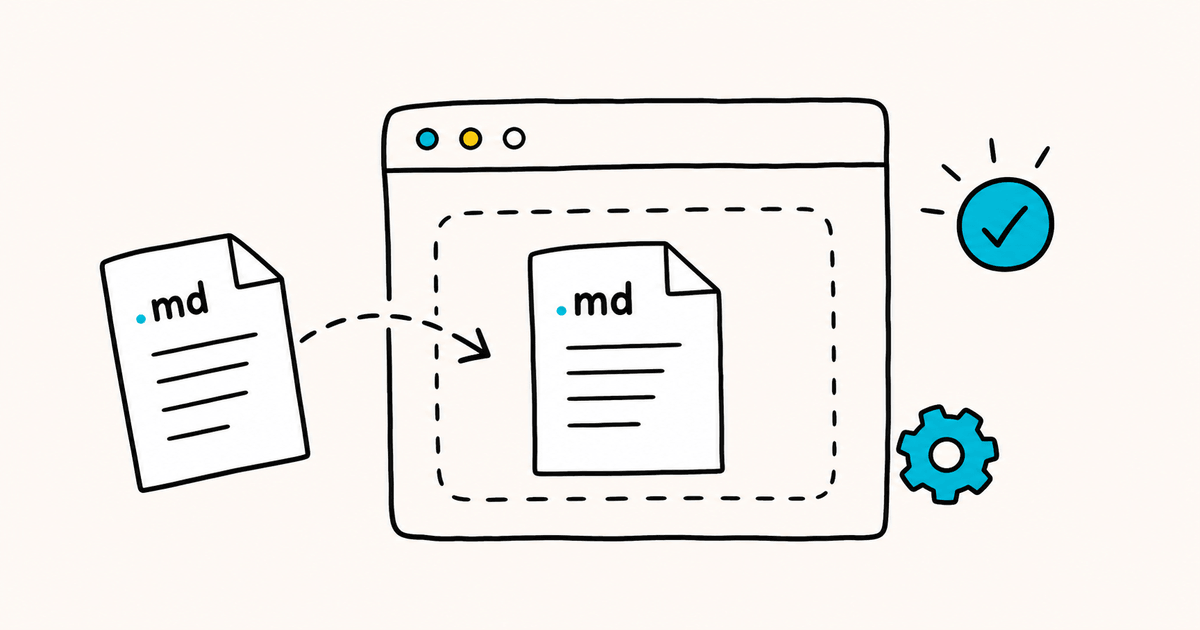
By default, both Mac and Windows open .md files in a plain text editor, because neither treats Markdown as a format it knows how to display. Once you have picked an app you like, you can set it as the default so every .md file opens that way automatically, with no more right-clicking.
On Windows
- Go to Settings, then Apps, then Default apps.
- Search for
.mdin the file-type box. - Click the current default and choose your preferred app.
On Mac
- Right-click any
.mdfile and choose Get Info. - Under Open With, choose your preferred app.
- Click Change All to apply it to every
.mdfile.
What can you do with a .md file once it is open?
Once a .md file is open in the right tool, you are not limited to reading it. The common things people do:
- Read it cleanly. A Markdown reader or app shows formatted headings, lists, and links instead of raw symbols.
- Edit it. Most Markdown apps and code editors let you change the text and save it back as
.md. A plain editor like Notepad or TextEdit works too — you just edit the raw text. - Export or convert it. Save it as PDF, HTML, or Word to share with people who do not use Markdown (covered below).
- Copy the formatted version. Many apps let you copy the rendered output, so you can paste clean, formatted text into an email or document.
How to convert a .md file to Word or PDF
Sometimes you do not just want to read the file — you want to send it as a Word document or PDF.
Most Markdown apps and online tools include an export option for this. The short version: open the file in a Markdown app or browser viewer, then use its Export or Download feature to save as PDF, or as Word where supported.
We cover the full process in a separate guide on converting Markdown to Word and PDF (coming soon).
FAQ
Can I open a .md file in Microsoft Word?
Not directly by double-clicking, but you can. Open Word, choose File then Open, and select the .md file (set the file type filter to All Files if you do not see it). Word will import the text, though formatting may not carry over perfectly.
Is a .md file the same as a .txt file?
They are both plain text, so they are closely related. The difference is that a .md file uses Markdown symbols to mark up formatting, while a .txt file is unformatted. You can rename a .md file to .txt and still read it — you will just see the symbols.
Is there an app that just shows it formatted?
Yes. Dedicated Markdown readers and apps such as Obsidian, Markdific, and MarkText display the file as a clean formatted document rather than raw text. Browser tools like Dillinger do the same without an install.
What opens a .md file?
Any text editor opens one, including Notepad on Windows and TextEdit on Mac, since a .md file is plain text. To see it formatted rather than as raw symbols, use a Markdown app, a code editor like VS Code, or a browser-based viewer.
Why does my .md file look different in different apps?
Two reasons. Each app applies its own styling (fonts, spacing, colors), so the same file can look polished in one and plain in another. Apps also support different Markdown "flavors," so an advanced feature like a table or checklist may render in one app and show as raw text in a simpler one.
Are .md files safe to open?
Yes. A .md file is plain text and cannot run code or carry the kind of risk an executable file can. As always, only open files from sources you trust.
On a phone instead?
A companion guide on how to open a .md file on mobile (iOS and Android) is coming soon.
.md file to open cleanly by default? Markdific is a lightweight reader built to open and read Markdown without the clutter. Or brush up on the syntax with our markdown cheat sheet.