MDProduct Launch Plan.md
MDAPI Guide.md
MDResearch Notes.md
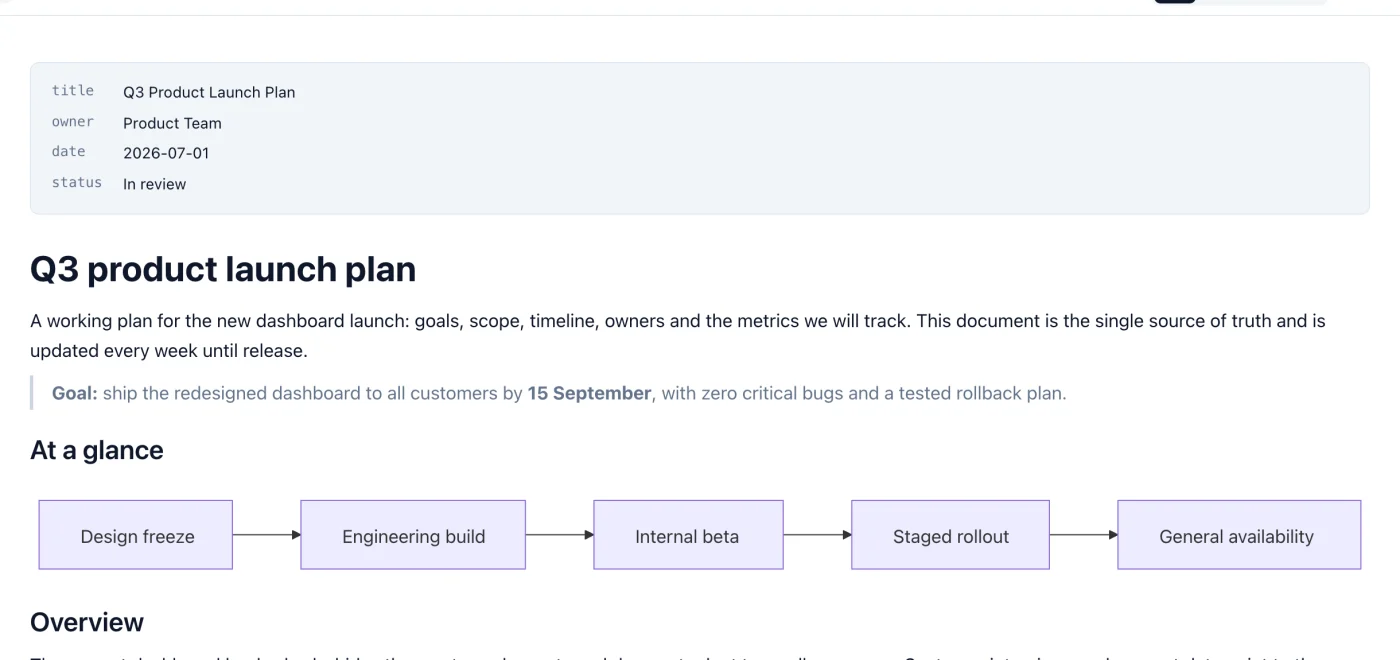
Quick Look on Mac
Select a .md file in Finder and press the Space bar to see it formatted, without opening the app.

A Markdown viewer and editor for opening, editing and exporting .md files. Edit visually in WYSIWYG mode, or work with Markdown source and see a live preview beside it.
14-day free trial. 30-day money-back guarantee.
Edit the formatted document directly. No Markdown syntax in the way.

14-day free trial. 30-day money-back guarantee.
Built for reading and editing Markdown every day, on Mac, Windows and Linux.
Select a .md file in Finder and press the Space bar to see it formatted, without opening the app.
Edit the formatted document directly. With autosave on, your file is saved a moment after you stop typing and when you switch tabs.
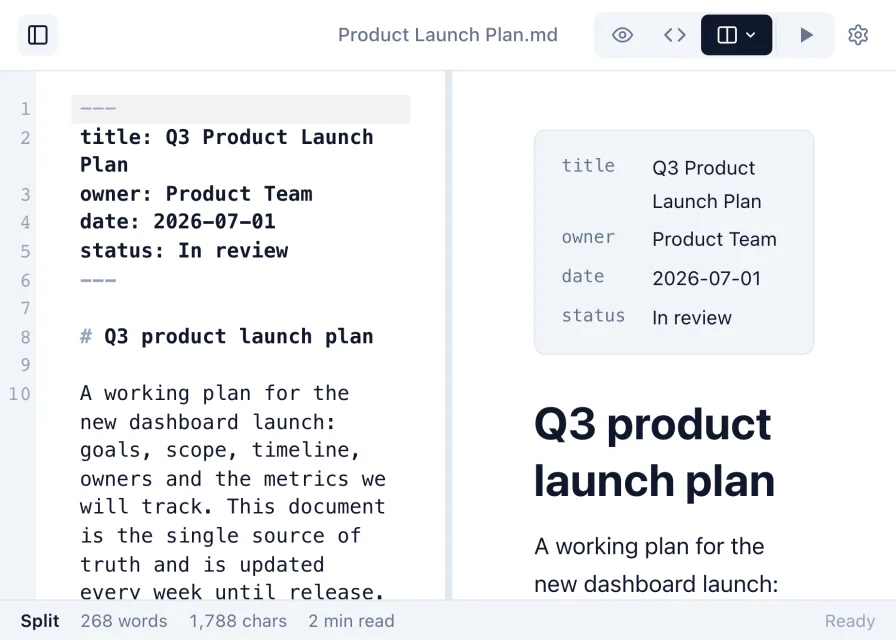
Work in raw Markdown, or use split view to see the rendered document update beside the source as you type.
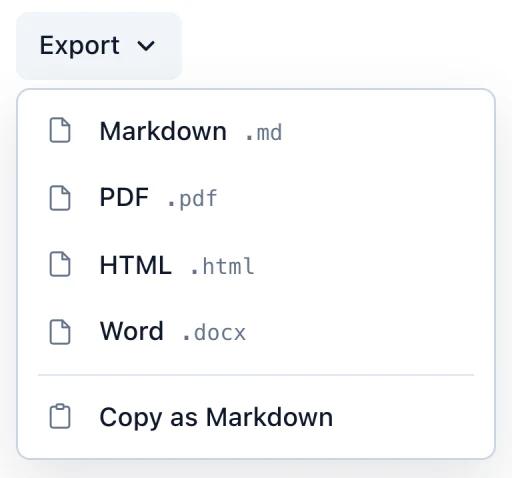
Turn a Markdown file into a PDF, a Word document or an HTML page to share.
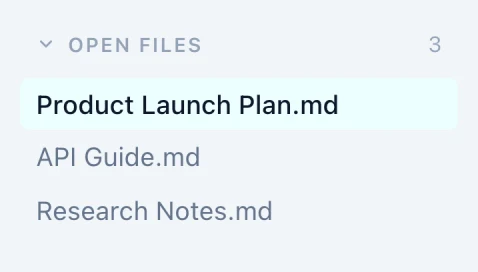
Keep several Markdown files open at once and switch between them with a click.
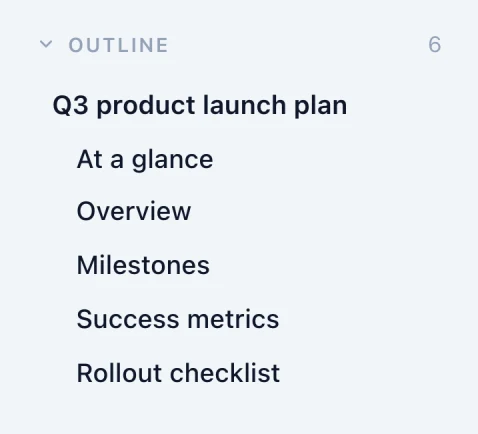
Every heading is listed in the sidebar, so you can jump through long documents.
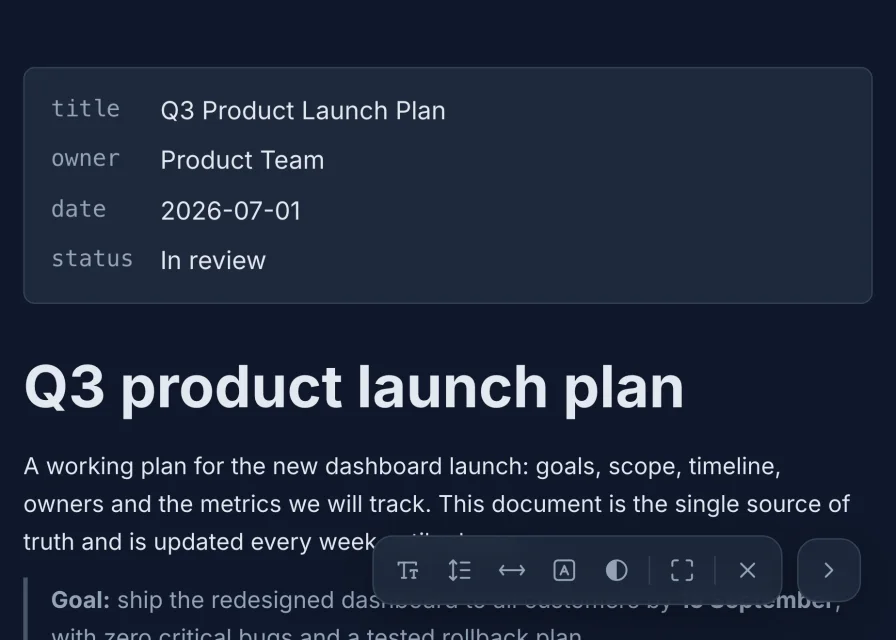
Pick a theme and typeface, or read full screen and adjust text size, line spacing, width and contrast.
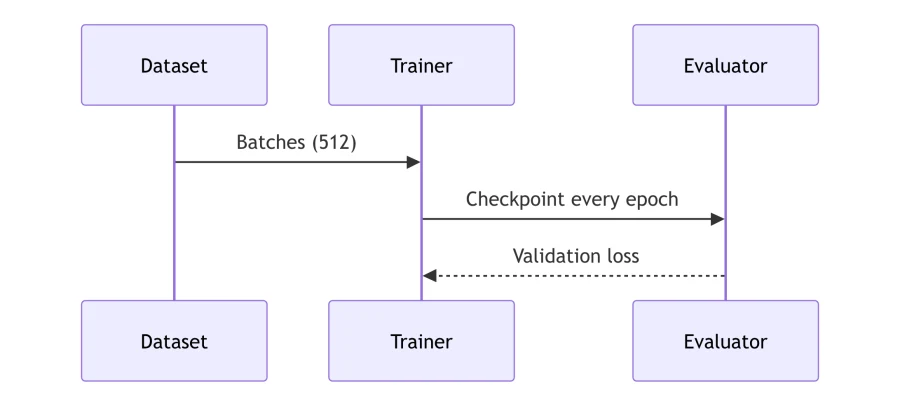
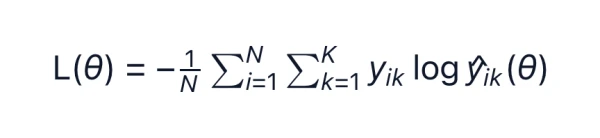
Syntax-highlighted code, math, diagrams and images render in place. Pasted images are kept when you save.

Search with match case, whole word or regular expressions, with every match highlighted. Replace in Source view.
14-day free trial. 30-day money-back guarantee.
Pick a theme and a typeface that suit your eyes. Your choice applies to every document you open.
fonts System · Inter · Open Sans · Lora · Roboto Slab

14-day free trial. 30-day money-back guarantee.
On the left, what is in the file. On the right, what you see in Markdific. Pick an element to compare.
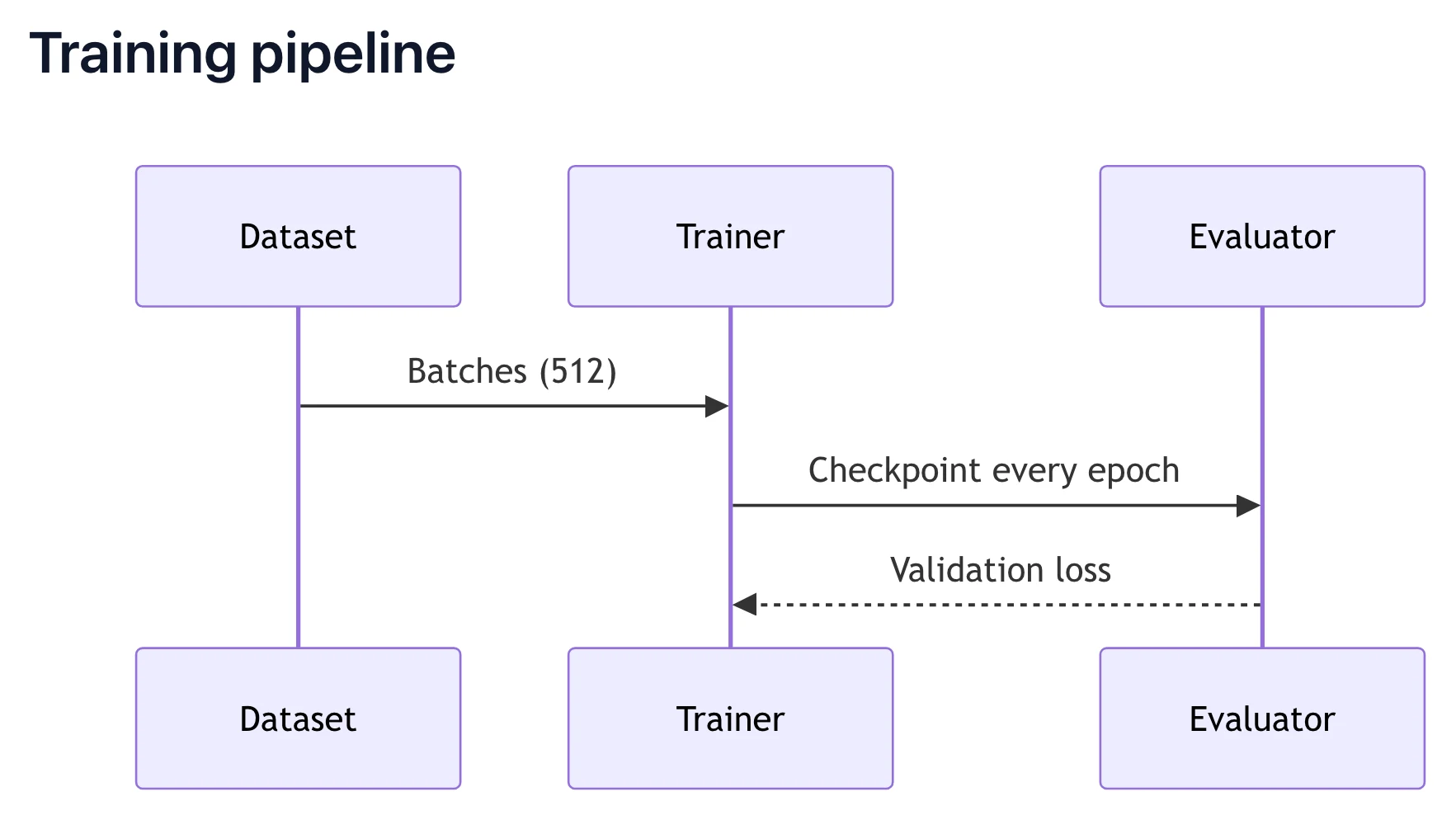
## Training pipeline

```mermaid
sequenceDiagram
  participant D as Dataset
  participant T as Trainer
  participant E as Evaluator
  D->>T: Batches (512)
  T->>E: Checkpoint every epoch
  E-->>T: Validation loss
```
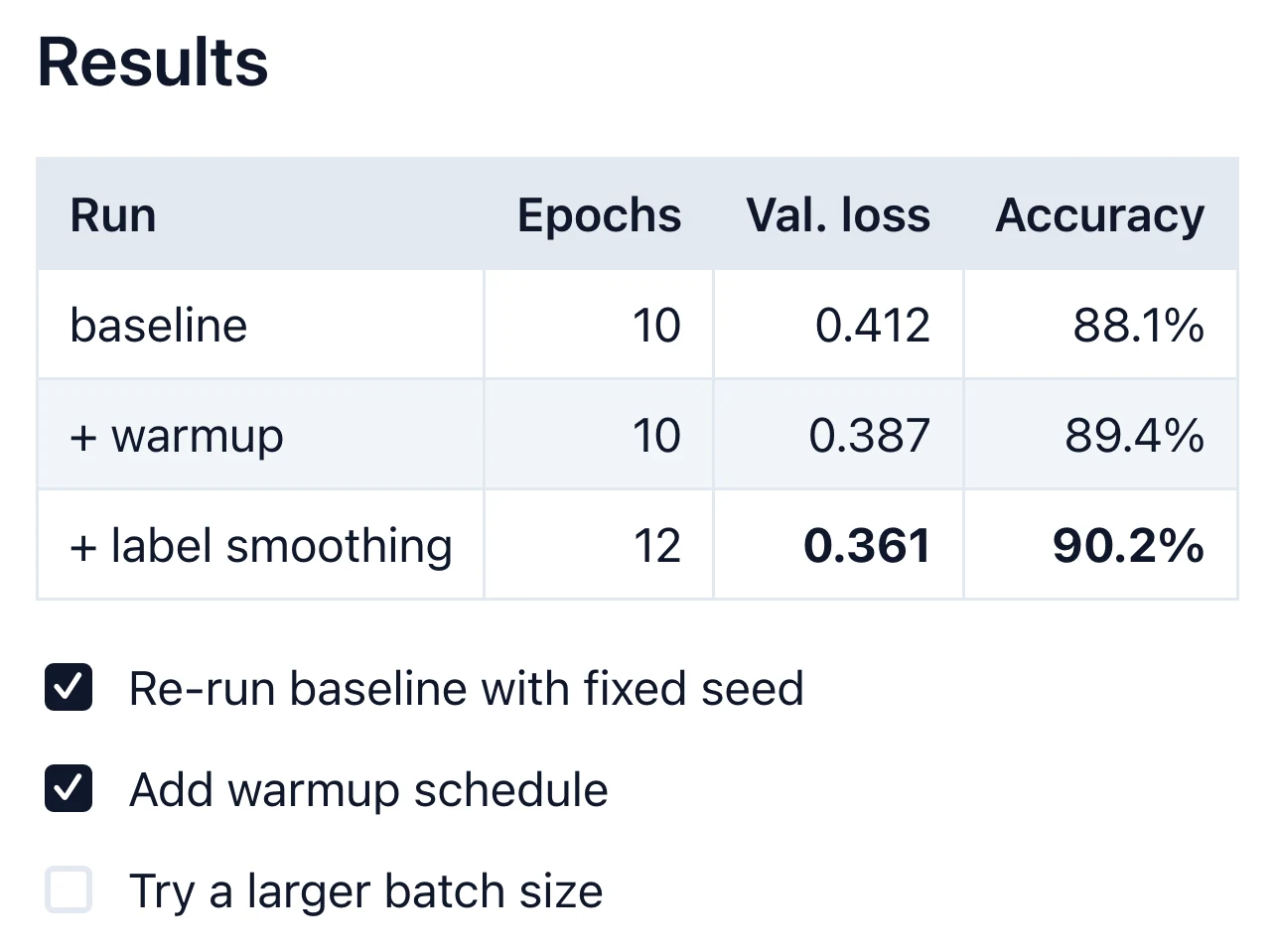
## Results

| Run               | Epochs | Val. loss | Accuracy |
| :--               | --:    | --:       | --:      |
| baseline          | 10     | 0.412     | 88.1%    |
| + warmup          | 10     | 0.387     | 89.4%    |
| + label smoothing | 12     | **0.361** | **90.2%** |

- [x] Re-run baseline with fixed seed
- [x] Add warmup schedule
- [ ] Try a larger batch size
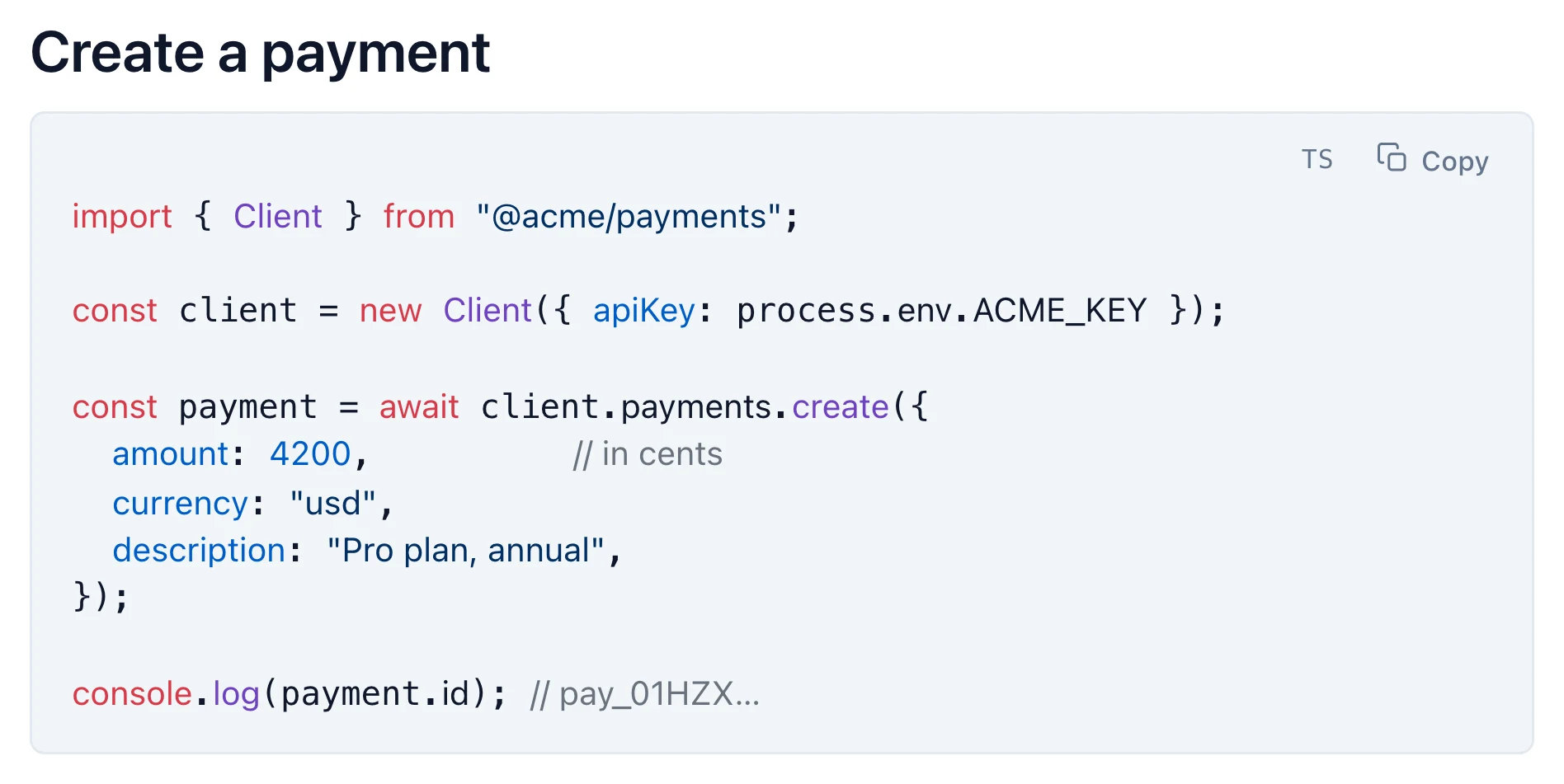
## Create a payment

```ts
import { Client } from "@acme/payments";

const client = new Client({ apiKey: process.env.ACME_KEY });

const payment = await client.payments.create({
  amount: 4200,          // in cents
  currency: "usd",
  description: "Pro plan, annual",
});

console.log(payment.id); // pay_01HZX…
```
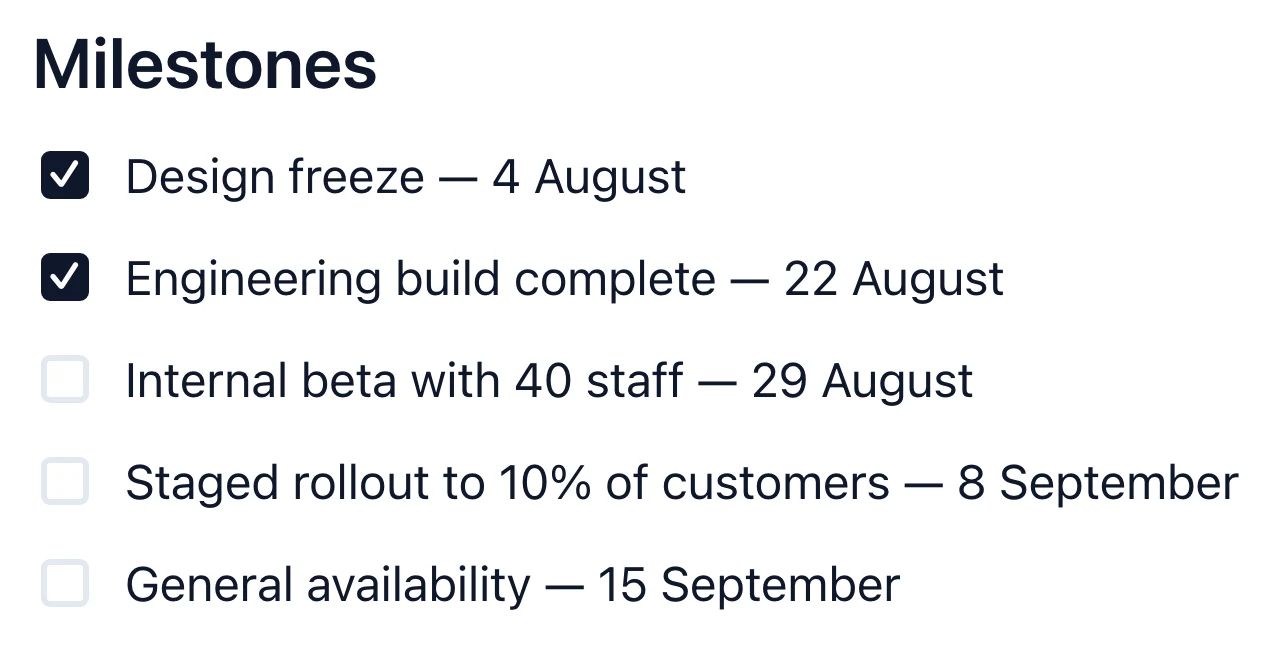
## Milestones

- [x] Design freeze — 4 August
- [x] Engineering build complete — 22 August
- [ ] Internal beta with 40 staff — 29 August
- [ ] Staged rollout to 10% of customers — 8 September
- [ ] General availability — 15 September
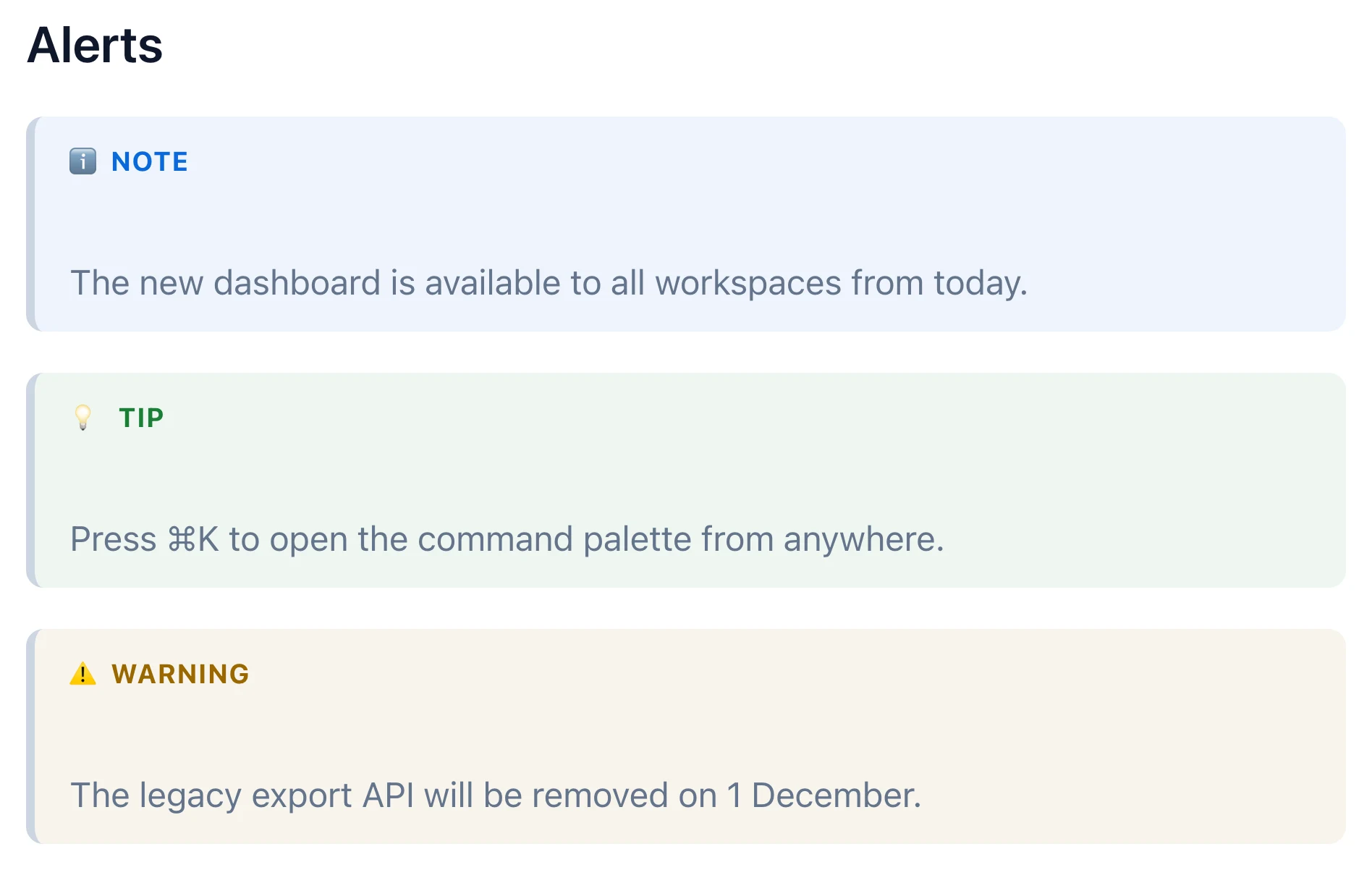
## Alerts

> [!NOTE]
> The new dashboard is available to all workspaces from today.

> [!TIP]
> Press ⌘K to open the command palette from anywhere.

> [!WARNING]
> The legacy export API will be removed on 1 December.
## Pie chart

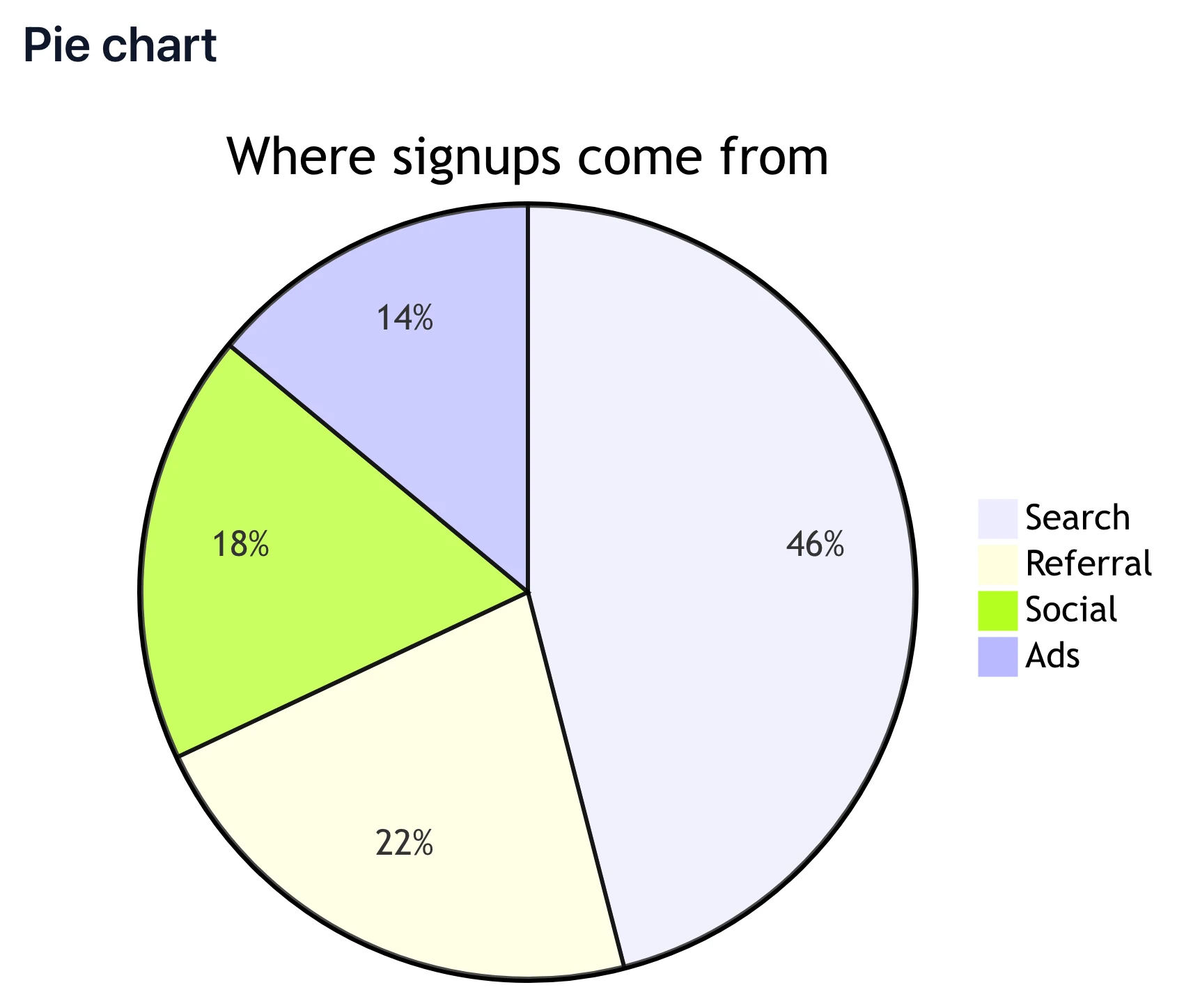
```mermaid
pie title Where signups come from
  "Search" : 46
  "Referral" : 22
  "Social" : 18
  "Ads" : 14
```
---
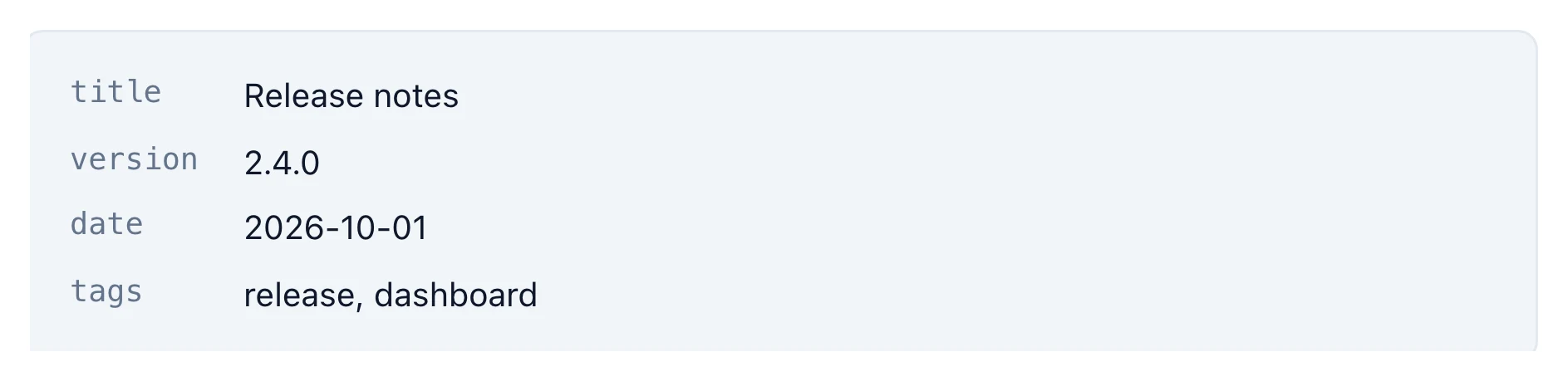
title: Release notes
version: 2.4.0
date: 2026-10-01
tags: [release, dashboard]
---
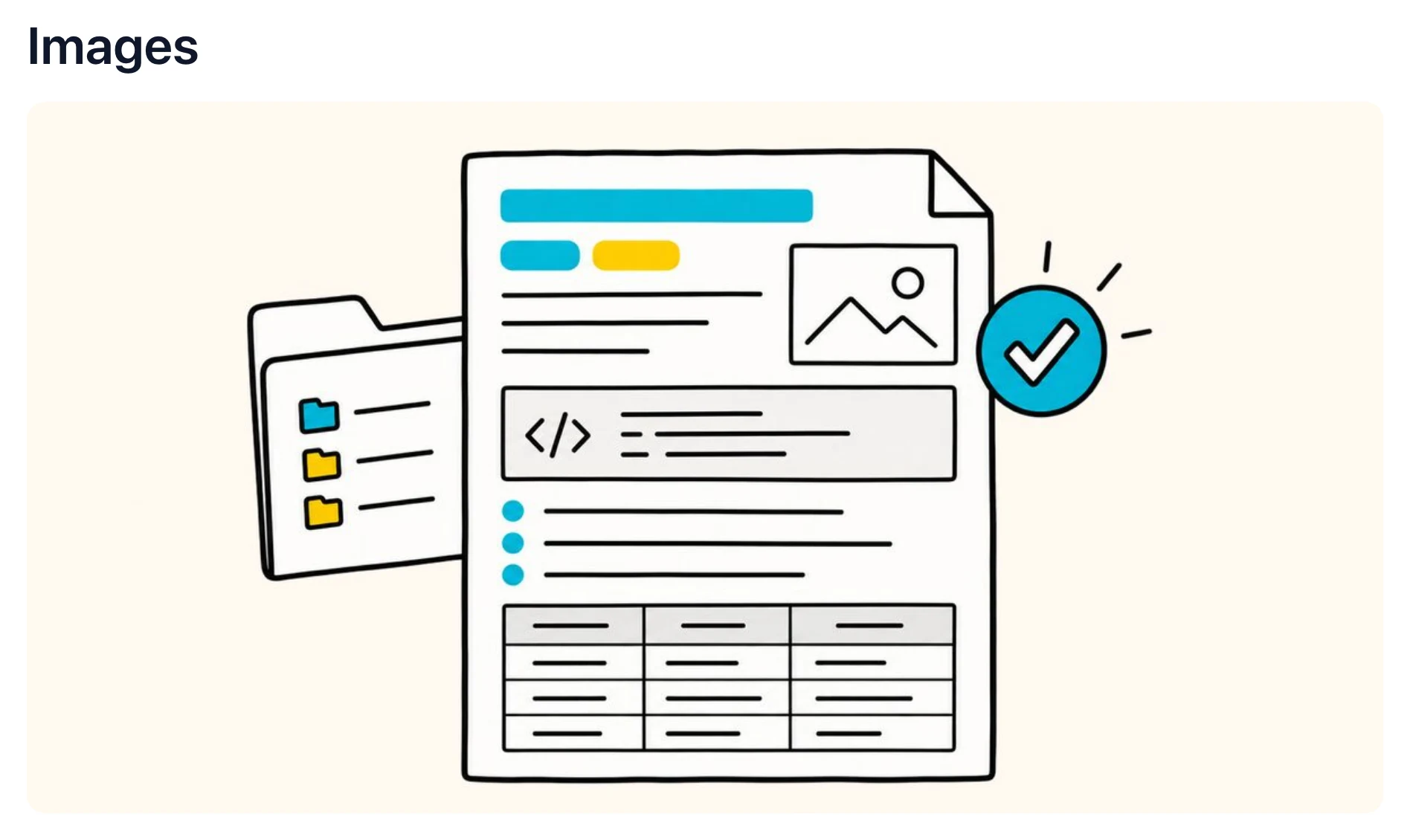
## Images  <!-- Web, local and pasted images all display in place. Pasted images are kept with the file when you save. -->
Also renders LaTeX math · footnotes · highlights · emoji · nested lists · inline HTML. See full syntax support →
14-day free trial. 30-day money-back guarantee.
Turn any Markdown file into a document you can send, with its diagrams, tables and code included.
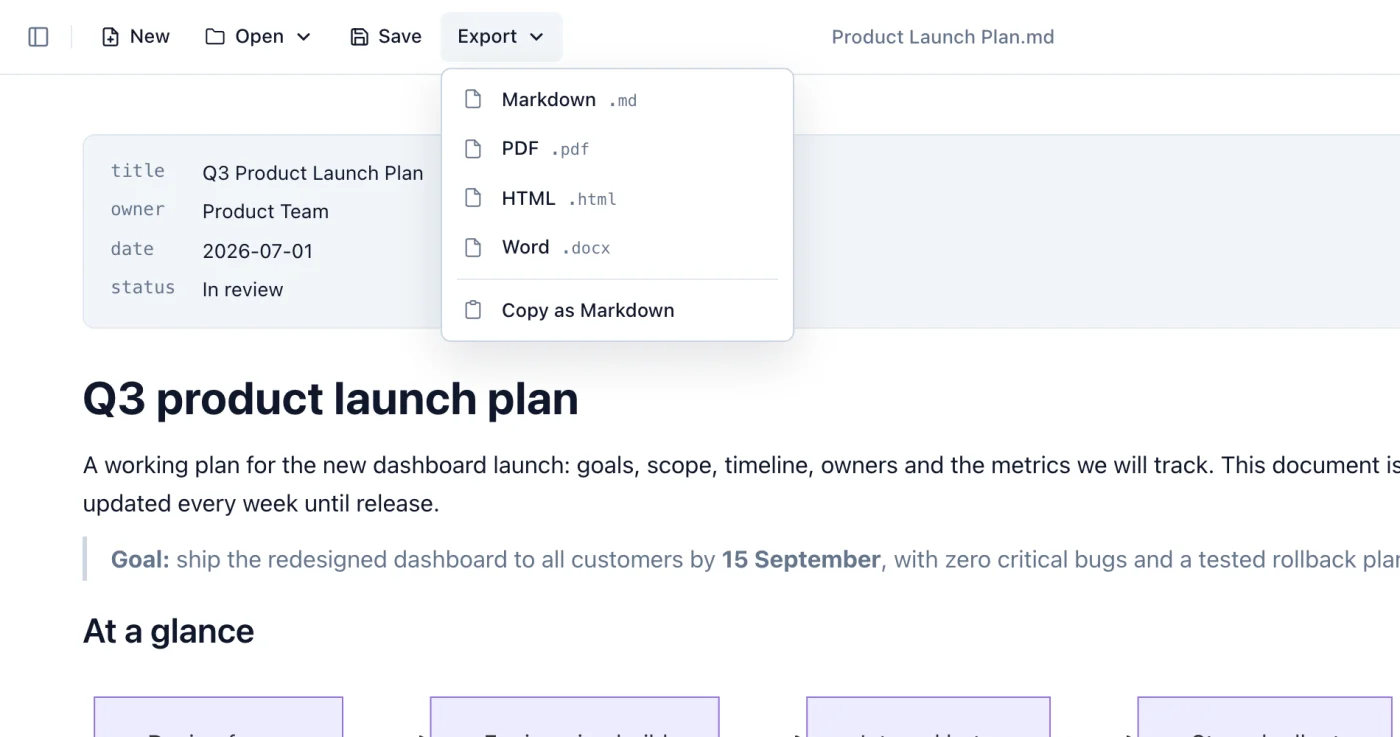

14-day free trial. 30-day money-back guarantee.
Opening and reading Markdown stays free. Editing, export, themes and presentation mode are part of Premium, with a 14-day trial first.
$12.99 one-time, per license
Buying for a team? 3 licenses save 10%, 5 save 15%, 10 save 20%.
$0 forever
14-day free trial. 30-day money-back guarantee. Compare plans →
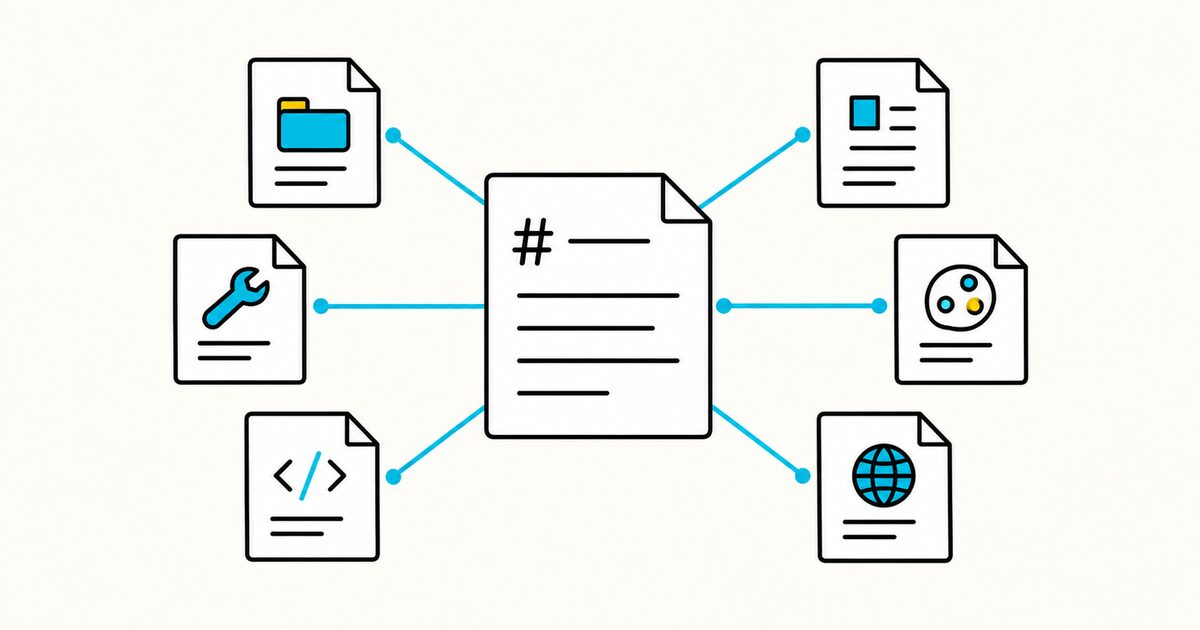
Compare AGENTS.md, CLAUDE.md, GEMINI.md, Cursor and Windsurf rules, Copilot instructions and prompt files, SKILL.md, DESIGN.md, and llms.txt.
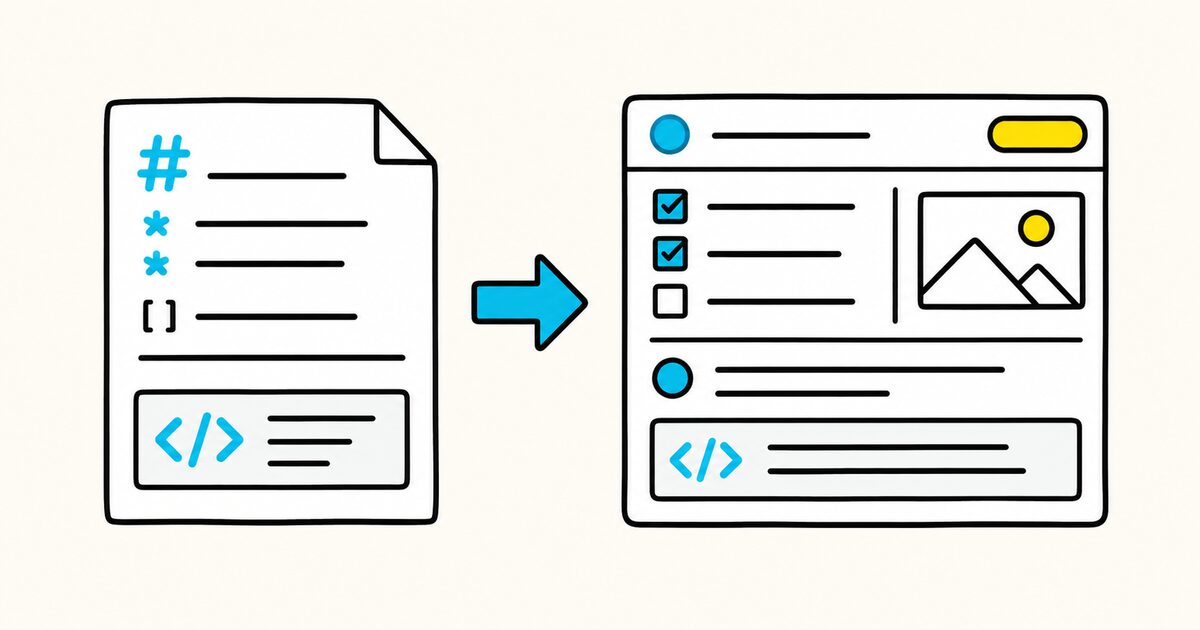
Use Markdown in Jira Cloud work-item descriptions and comments. Includes supported syntax, examples, code blocks, wiki markup differences, and fixes.
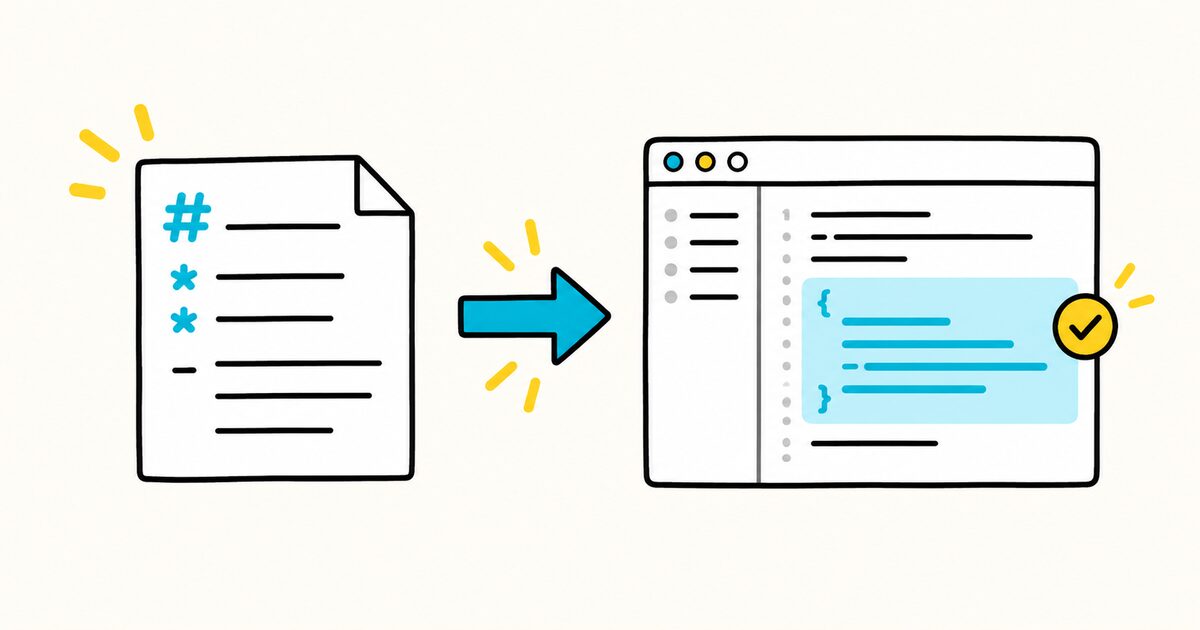
Create reusable GitHub Copilot prompt files with .github/prompts/*.prompt.md, front matter, inputs, file references, examples, testing, and limits.
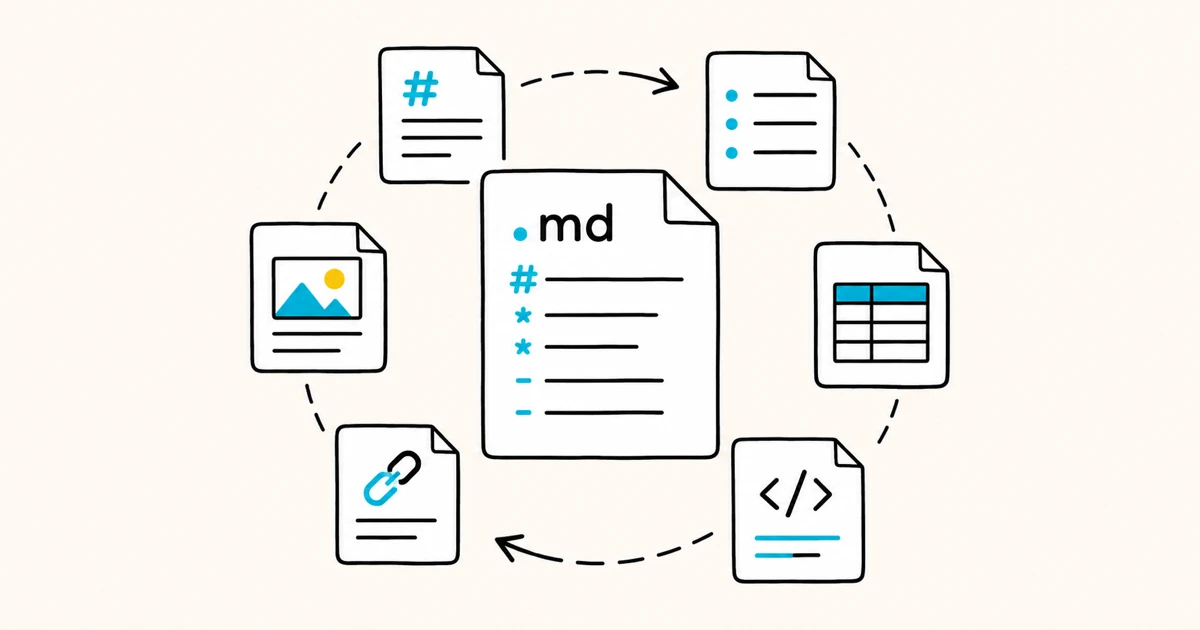
A .md file is a plain-text Markdown file. Here is what .md means, what is inside one, and how to open, edit, and convert it on Mac, Windows and Linux.
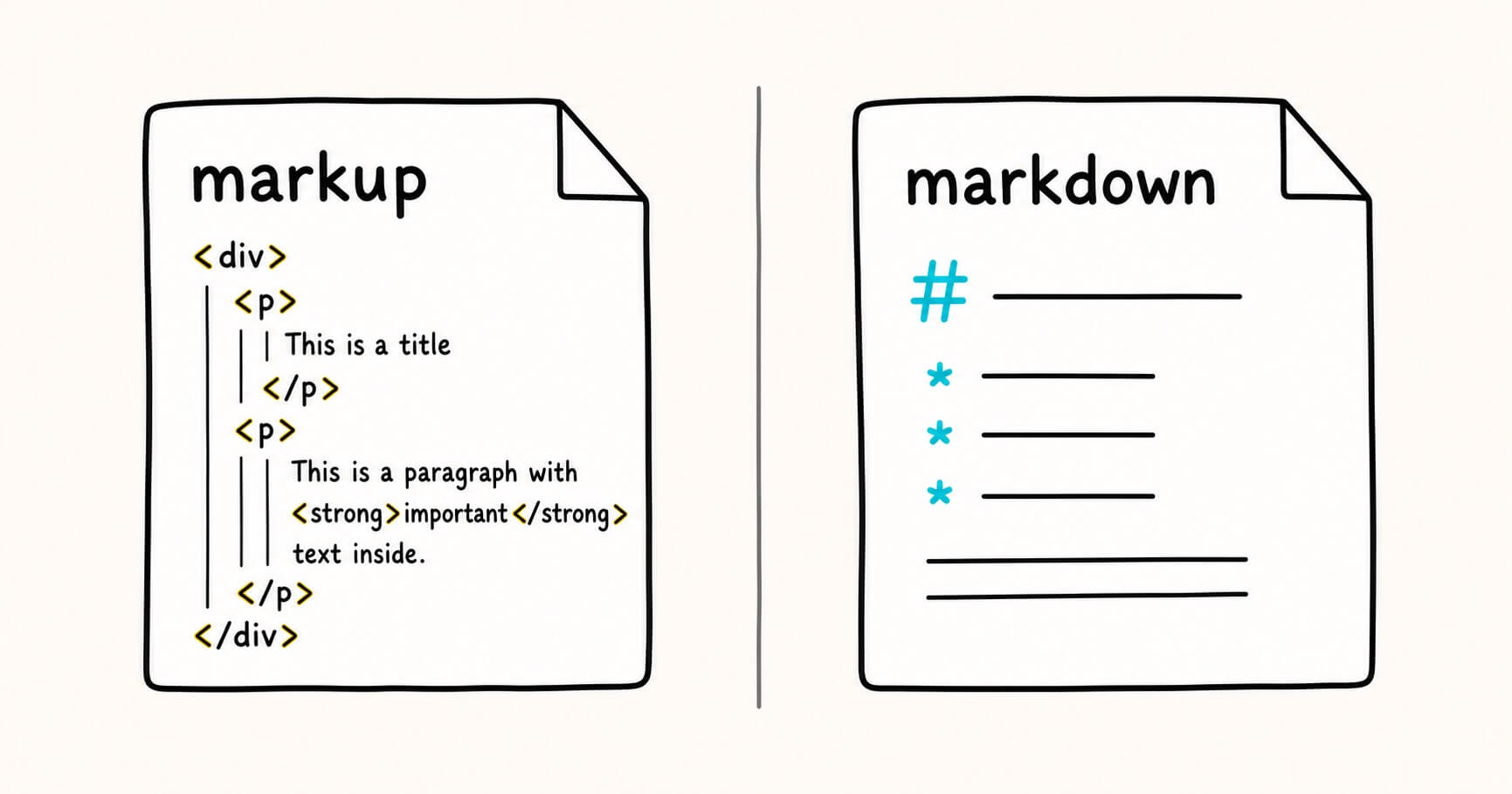
Markdown is a type of markup — the friendly, stripped-down member of the family. Here's the real relationship, with examples and a rule for choosing.
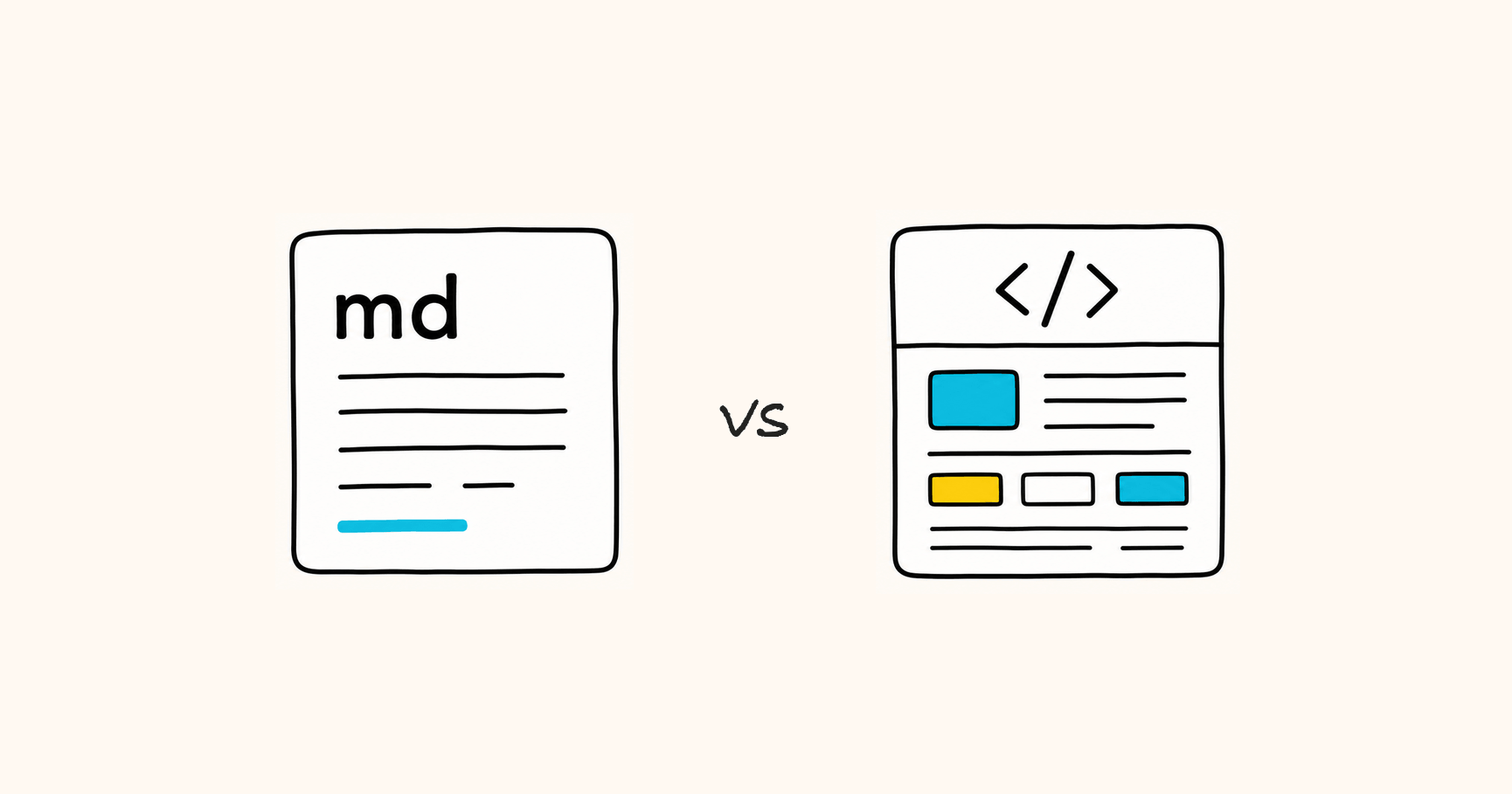
Markdown vs HTML is the wrong fight. One is built for writing and editing, the other for display and sharing — here is how to choose in seconds.
Download Markdific, then double-click any .md file or drag it into the window. Markdific opens markdown files instantly and displays headings, tables, code, and images the way they were meant to look.
A .md file is a markdown file: a plain text document that uses simple symbols for formatting. AI tools like ChatGPT, Claude, and Gemini export their answers as markdown, which is why you see more .md files than ever.
Yes. You can open and read any markdown file for free. Every premium feature is free for 14 days, then editing, saving, and export to PDF, Word, and HTML move behind a one-time $12.99 purchase. No subscription.
Yes. Markdific runs on macOS 11 or later (Apple silicon and Intel), Windows 11 and Windows 10 version 1809 or later, and Linux (.deb, .rpm and AppImage, x64 and ARM). iOS and Android versions are coming soon.
Both. Markdific is a full markdown reader and editor. View a file, make quick edits, and save without breaking your formatting.