Home · Resources
Markdown resources
Reference, guides, templates and free tools for reading, writing and converting Markdown.
Learn Markdown
Syntax reference and how-to guides.
Markdown documentation
Every Markdown element in 34 pages, with examples, rendered output, HTML and the differences between flavors.
Read the docsMarkdown cheat sheet
Every CommonMark and GitHub Flavored Markdown syntax on one page, with copyable examples. In 7 languages.
Open the cheat sheetMarkdown guides
22 guides for Markdown in GitHub, VS Code, Obsidian, Notion, Slack, Discord and more, plus AI agent files.
Browse the guidesBlog
What a .md file is, how to open one, and how Markdown compares with HTML and other markup.
Read the blogWrite Markdown
Starting points and helpers for new documents.
Markdown templates
27 free .md templates: meeting notes, project plans, PRDs, README, CHANGELOG and more.
Markdown table generator
Build a table in a grid or paste from a spreadsheet, then copy clean GitHub Flavored Markdown.
Build a tableMarkdown compatibility test
One reusable .md test file with image fixtures for comparing editors, renderers and exporters.
Convert and view Markdown
Free tools that run in your browser, with no upload.
Markdown editor and viewer
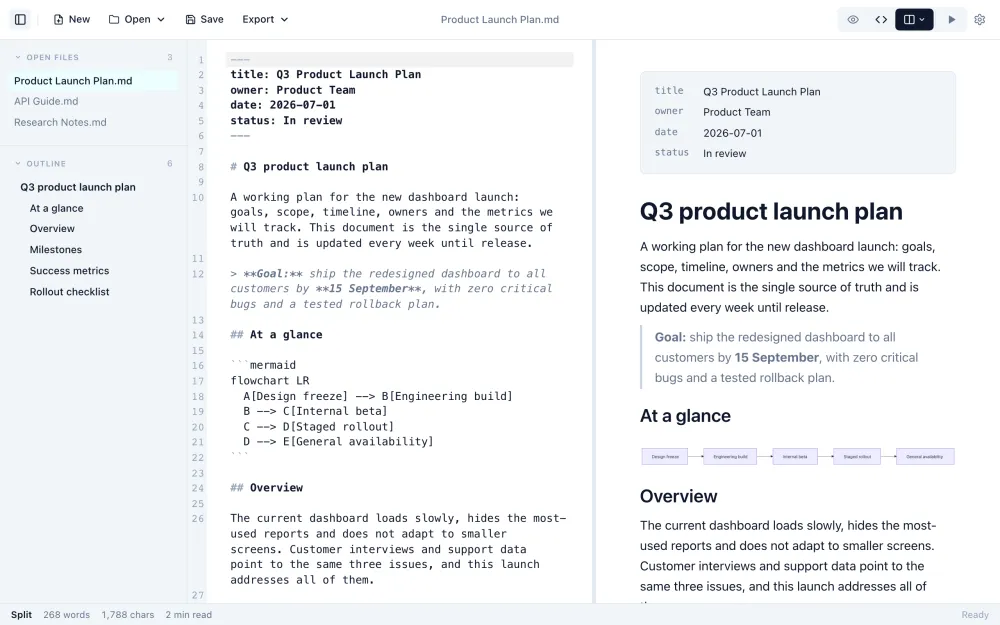
Open a .md file to read it formatted, or write Markdown with a live preview. Save, or export HTML.
Markdown to PDF
Paginated preview with page size, margins, themes, page numbers, a title page and contents. Saves a PDF with selectable text.
Convert to PDFMarkdown to Word
Download a .docx with real Word heading styles, tables with column widths, math and diagrams.
Markdown to HTML
Clean, semantic HTML to copy or download, or Copy for Word to paste formatted text into a document or email.
Convert to HTMLMarkdown to Image
A PNG or JPG of the rendered Markdown at 1×, 2× or 3×, with highlighted code and math. For posts, chat and slides.
Convert to an imageMarkdown to Text
Remove Markdown formatting and keep readable text. Tables become tab-separated rows; live word and character count.
Convert to textMarkdific for desktop
Read and edit Markdown in a proper app
Markdific is a Markdown viewer and editor for Mac, Windows and Linux. Open .md files with a double-click, edit with a live preview, and export. See all features.
- Export to PDF, Word, HTML and 11 more formats
- Themes and fonts for comfortable reading
- Opens .md files from Finder and File Explorer
Free Markdown viewer · 14-day free trial of Premium features
30-day money-back guarantee. For Mac, Windows and Linux.