
How to use the generator
- Type it in. Click any cell in the grid and start typing. Use Tab and the arrow keys to move around. Add or remove rows and columns with the buttons.
- Or paste it in. Copy a range of cells from Excel, Google Sheets, Numbers, or a web page, then paste straight into the grid. The columns line up automatically.
- Set alignment. Choose left, center, or right for any column.
- Copy the result. The markdown updates live as you type. Click copy and paste it wherever you need it.
No syntax to memorize. No misaligned columns. No broken tables.
Markdown table syntax explained
If you want to understand what the tool is producing, here is the full picture. Markdown table syntax is simple once you have seen it once.
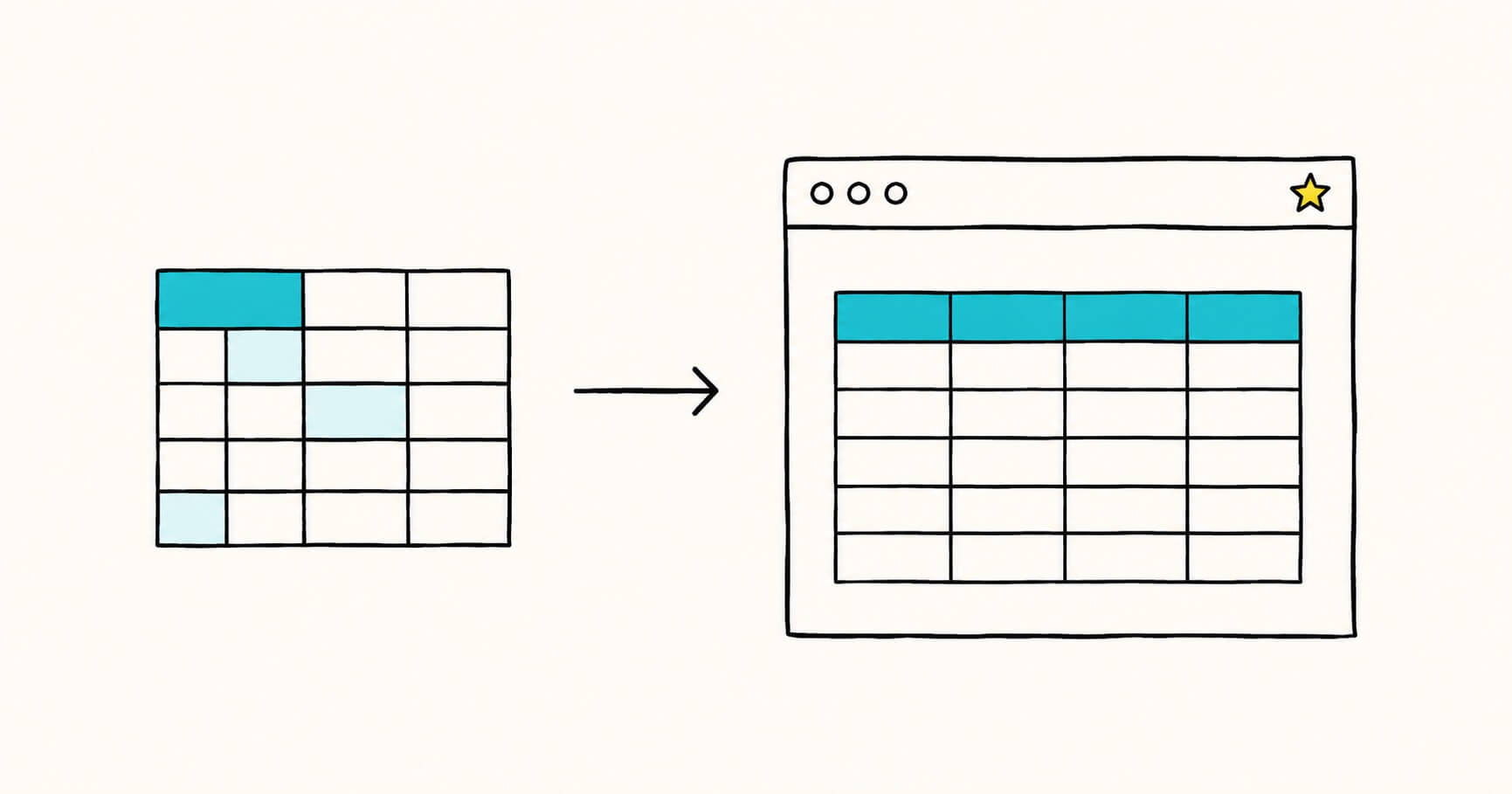
A basic table has three parts: a header row, a separator row of dashes, and one or more body rows. Columns are divided by the pipe character |.
| Header 1 | Header 2 | Header 3 |
|----------|----------|----------|
| Cell 1   | Cell 2   | Cell 3   |
| Cell 4   | Cell 5   | Cell 6   |
That renders as a clean three-column table. A few things to know:
- The separator row (the line of dashes) is required. It tells the renderer where the header ends and the body begins.
- The outer pipes are optional.
Header 1 | Header 2works just as well as| Header 1 | Header 2 |. Most people keep the outer pipes because the source is easier to read. - Spacing in the source does not matter. Renderers ignore extra spaces, so you can pad cells to make the raw text line up into a grid (easier to read) or strip the spaces for the shortest possible output. Both render identically.
Column alignment
Add colons to the separator row to control how each column lines up:
| Left | Center | Right |
|:-----|:------:|------:|
| a | b | c |:---aligns left (this is also the default with no colon):---:aligns center---:aligns right
What markdown tables cannot do
Standard markdown tables have real limits. They are designed to be simple, not to replace spreadsheets.
| Limitation | Workaround |
|---|---|
| No merged or spanning cells | Use raw HTML <table> for complex layouts |
| No multi-line text in a cell | Use <br> inside the cell for a line break |
| No nested tables | Use HTML, or rethink the layout |
| Header row is required | Every table needs a header, even a blank one |
The generator handles the common cases for you. It escapes stray pipe characters, converts line breaks to <br>, and pads ragged rows so nothing breaks.
Convert Excel to a markdown table
Turning a spreadsheet into a markdown table by hand is tedious and error prone. The generator does it in one paste.
From Excel or Google Sheets:
- Select the cells you want in your spreadsheet.
- Copy them (Ctrl+C or Cmd+C).
- Click into the grid above and paste (Ctrl+V or Cmd+V).
The first row becomes your header by default. Turn off the first row is header toggle if your data has no header row.
This is the fastest way to get tabular data out of a spreadsheet and into a README, a documentation page, a GitHub issue, or an AI chat prompt. Pasting works with anything tab-separated, including ranges copied from a web page table. Direct .xlsx and .csv file import is coming soon.
Where markdown tables work
The generator outputs GitHub Flavored Markdown (GFM), which is the most widely supported table format. It works on:
- GitHub and GitLab (READMEs, issues, pull requests, wikis)
- Reddit and Stack Overflow
- Notion, Obsidian, and most note-taking apps
- Most static site generators and documentation tools
- Discord (in supported contexts)
Tables are technically a GFM extension rather than part of the original markdown spec, but support is so widespread now that they work almost everywhere you would reasonably expect.
Tips for cleaner tables
- Keep tables narrow. Markdown tables do not scroll sideways. A very wide table will overflow its container on small screens. Split wide tables into two, or drop columns you do not need.
- One idea per cell. Tables are for scannable data, not paragraphs. If a cell needs several sentences, your content probably wants a list or prose instead.
- Escape pipes in your data. If a cell value contains a
|, it has to be written as\|or it breaks the table. The generator does this for you automatically. - Use alignment with purpose. Right-align numbers so they line up by place value. Left-align text. Center sparingly.
Frequently asked questions
Is this markdown table generator free?
Yes. It is completely free, with no account and no limits. Everything runs in your browser.
Does my data get uploaded anywhere?
No. The tool processes everything on your device. Nothing you type or paste is sent to a server.
What markdown flavor does it produce?
GitHub Flavored Markdown (GFM), which is supported by GitHub, GitLab, Reddit, Notion, and most modern editors and documentation tools.
Can I paste a table from Excel or Google Sheets?
Yes. Copy the cells in your spreadsheet and paste them directly into the grid. The columns are detected automatically. Direct .xlsx, .xls, and .csv file import is coming soon.
Can markdown tables have merged cells or multiple lines in a cell?
Not in standard markdown. For merged cells or complex layouts you need raw HTML tables. For a simple line break inside a cell, use <br> — press Enter inside a cell and the generator adds it for you.
Why is my markdown table not rendering?
The most common causes are a missing separator row (the line of dashes under the header), an unescaped pipe character inside a cell, or a missing blank line before the table in your document. The generator avoids all three.
What is the difference between pretty print and compact mode?
Pretty print pads each cell with spaces so the raw markdown lines up into a readable grid. Compact mode strips those spaces for the shortest possible output. Both render to exactly the same table.
.md files you create? Markdific is a fast, dedicated markdown viewer for desktop.