
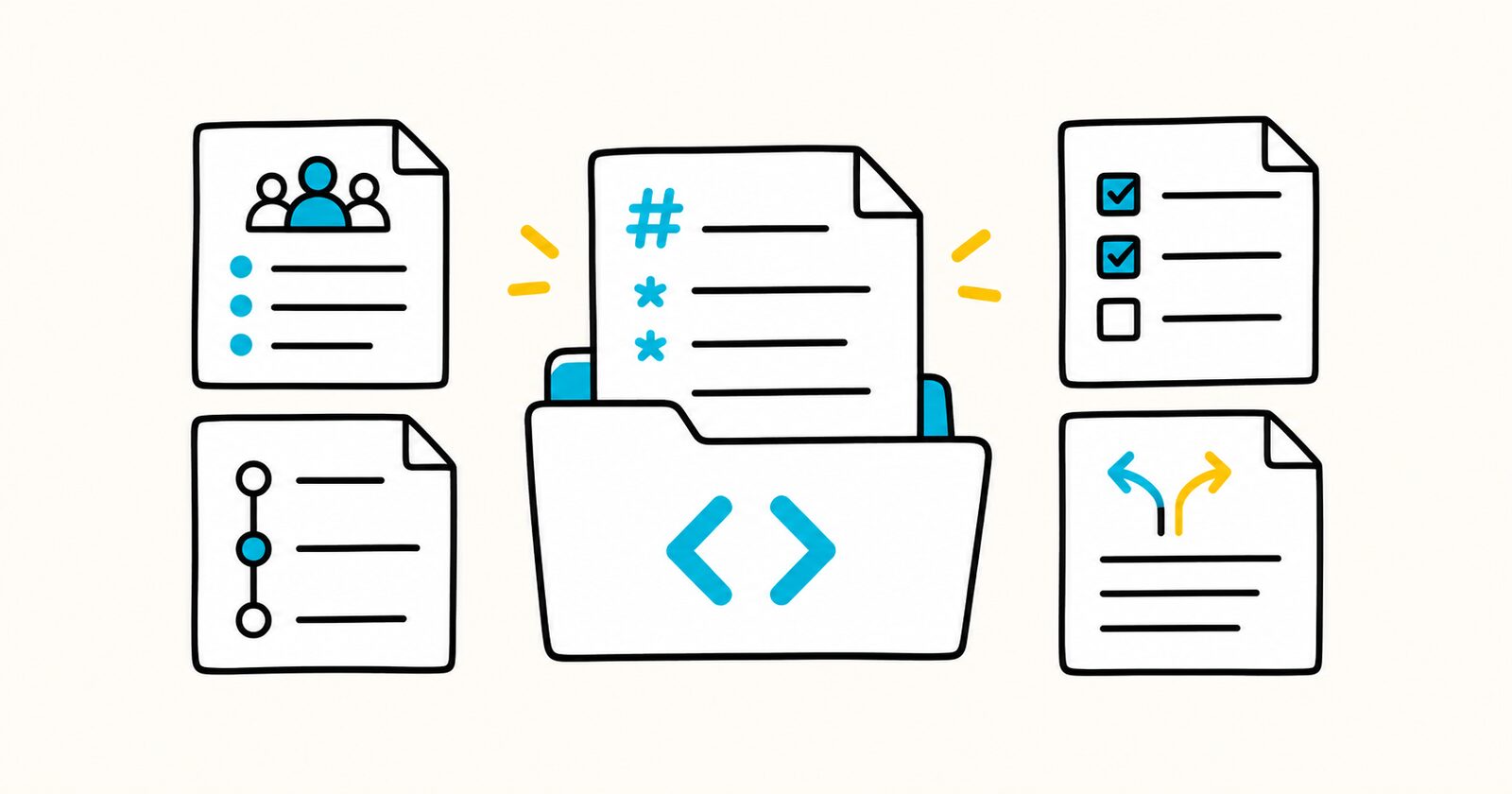
The files work in any text editor. They use readable Markdown so they can move between GitHub, GitLab, Obsidian, Notion imports, documentation sites, and other Markdown tools without depending on one app.
Markdown templates at a glance
- 20 free templates: meetings, planning, product research, briefs, decisions, risks, operations, reporting, and technical documentation.
- Copy or download: use the fenced Markdown on each page or download the standalone
.mdfile. - Direct answers: each page explains when to use the document, how to complete it, and what to avoid.
- Portable source: tables and task lists use GitHub Flavored Markdown, while the raw file remains readable elsewhere.
- No sign-up required: every file is available directly from its template page.
Choose a template by task
Meetings and team coordination
Planning, approval, and control
Product, customer, and creative work
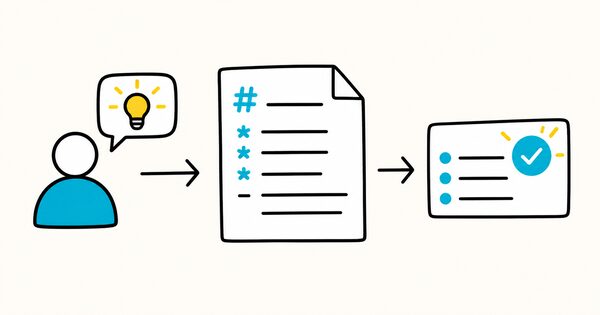
Product requirements document
Define a user problem, requirements, measures, rollout, and acceptance
Operations, reporting, and technical records
Standard operating procedure
Document controlled, repeatable work with checks and escalation
Weekly status report
Brief stakeholders on progress, confidence, risks, decisions, and next week
Release notes and changelog
Explain user-visible changes, upgrades, known issues, and breaking changes
Which Markdown template should I use?
| If you need to… | Use… | Do not confuse it with… |
|---|---|---|
| Approve a project direction in one page | Project brief | The detailed project plan |
| Decide whether an investment should happen | Business case | A proposal describing only one solution |
| Control an approved project | Project plan | A task board containing daily detail |
| Start delivery with shared ownership | Project kickoff meeting | The maintained project plan |
| Capture one meeting | Meeting notes | The cross-meeting decision log |
| Preserve important choices over time | Decision log | An architecture-specific ADR |
| Track uncertain events | Risk register | An issue log for events that already happened |
| Review how the team worked | Retrospective | A status report for stakeholders |
| Define a creative assignment | Creative brief | A general project brief |
| Preserve research evidence | Customer interview or research notes | General meeting minutes |
How to use the templates
- Open the relevant template page.
- Copy the fenced Markdown or download the standalone
.mdfile. - Rename the file for the actual document, not the blank template.
- Replace every bracketed placeholder.
- Remove sections that genuinely do not apply.
- Give actions, risks, decisions, and approvals named owners and dates.
- Link to source evidence instead of copying large attachments into the page.
- Preview the file in its final renderer before sharing it.
For example:
2026-10-02-customer-onboarding-project-brief.md
2026-10-02-q4-campaign-creative-brief.md
2026-10-02-operations-risk-register.md
What makes a useful Markdown template?
A useful template prompts for information that changes a decision or action. More fields do not automatically improve the document.
Good templates:
- separate facts, assumptions, and interpretations;
- make scope and exclusions visible;
- identify one accountable owner;
- use observable completion or acceptance criteria;
- record dates and review triggers;
- preserve source evidence;
- remain short enough to maintain.
Controlled documents such as SOPs, business cases, and technical designs may require versioning, approval, and revision history. Lightweight coordination notes often do not.
Markdown compatibility
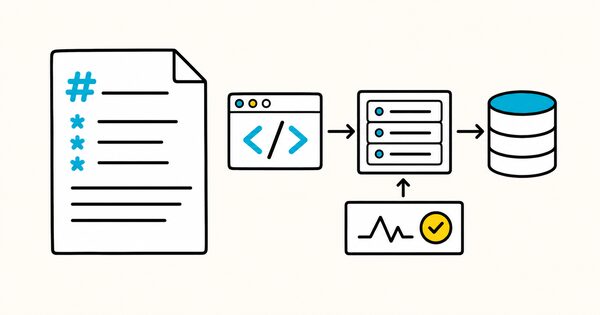
The templates use headings, paragraphs, lists, task lists, tables, blockquotes, links, and fenced code blocks.
Tables and task lists are GitHub Flavored Markdown extensions. They may render differently in strict CommonMark tools, but the source remains readable as plain text.
Avoid adding app-specific syntax unless everyone using the document has the same renderer. A portable template is easier to share, archive, convert, and use with AI tools.
Markdown template FAQ
Are these Markdown templates free?
Yes. You can copy, download, and adapt them for your own work. Remove instructions and placeholders before publishing a finished document.
Do I need a Markdown app?
No. Any text editor can edit an .md file. A Markdown viewer or editor is more convenient when you want a formatted preview.
Do the templates work in GitHub, GitLab, and Obsidian?
Yes, with normal renderer differences. These tools support the tables and task lists used in the templates.
Can I import a Markdown template into Notion?
Notion can import Markdown files. Check tables, task lists, links, and attachments after import because conversion and layout may differ.
Should I keep every section?
No. Keep the fields that help someone decide, act, or verify. Remove irrelevant sections instead of leaving empty headings.
Can an AI assistant fill the template?
An AI assistant can draft from supplied source material, but it may invent missing facts or flatten uncertainty. Require it to mark gaps, cite sources, preserve exact figures, and separate facts from assumptions. A responsible person should review the result.
How should I name downloaded templates?
Use the document’s purpose and an ISO date when chronology matters, for example 2026-10-02-client-kickoff-notes.md.