


MDProduct Launch Plan.md
MDAPI Guide.md
MDResearch Notes.md
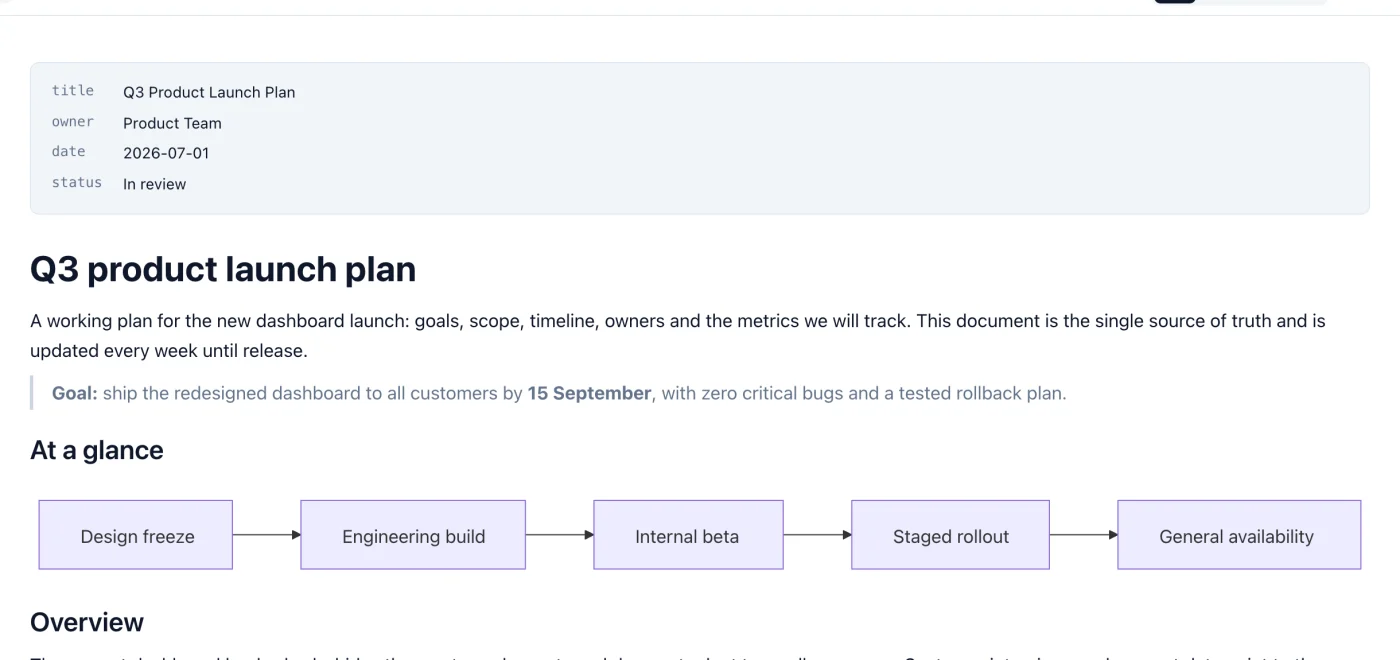
Quick Look on Mac
Select a .md file in Finder and press the Space bar to see it formatted, without opening the app.

Markdific is a Markdown viewer and editor for Mac. It opens .md files as formatted documents. Read them for free, edit in a live editor or in the Markdown source, preview files in Finder with Quick Look, and export to PDF, Word or HTML. It runs on macOS 11 Big Sur or later, on Apple silicon and Intel Macs.
Universal app for Apple silicon and Intel. Signed and notarized by Apple.
14-day free trial. 30-day money-back guarantee.

Edit the formatted document directly, with the formatting bar for headings, lists, links and tables.
The Markdown editor for Mac checks for a new version each time it starts. You can also choose Help > Check for Updates. Updates are signed and install in place, so your settings and recent files stay as they are.
macOS has no Markdown viewer of its own, so a .md file usually opens in TextEdit or Xcode as plain text. With Markdific as your Markdown viewer for Mac you can:
Markdific adds a Quick Look preview for Markdown files to Finder, so you can read a file without opening any app. Select a .md file and press the Space bar to see it formatted. Press Space again to close the preview.
Everything below works in Markdific on Mac. See the supported Markdown syntax for every element it renders.
Select a .md file in Finder and press the Space bar to see it formatted, without opening the app.
Edit the formatted document directly. With autosave on, your file is saved a moment after you stop typing and when you switch tabs.
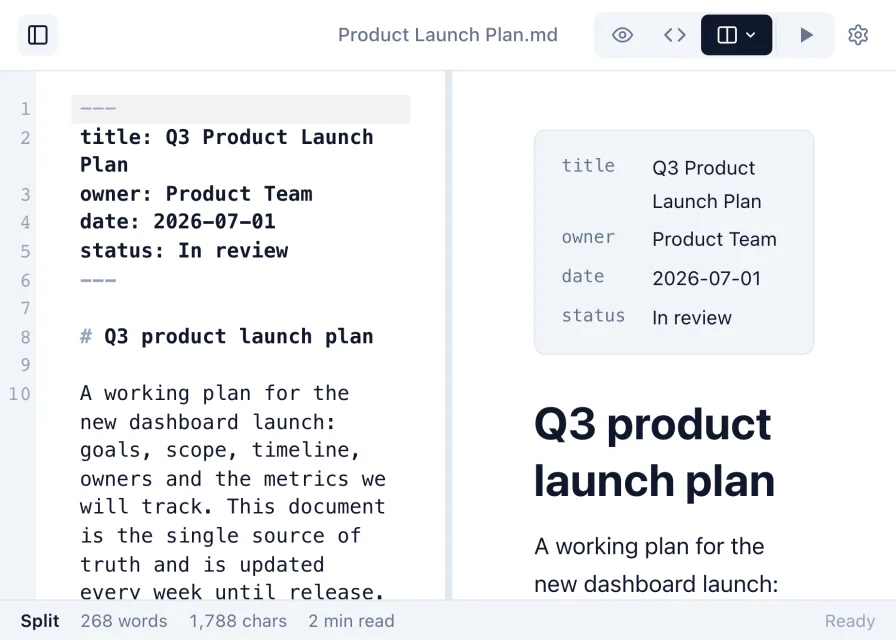
Work in raw Markdown, or use split view to see the rendered document update beside the source as you type.
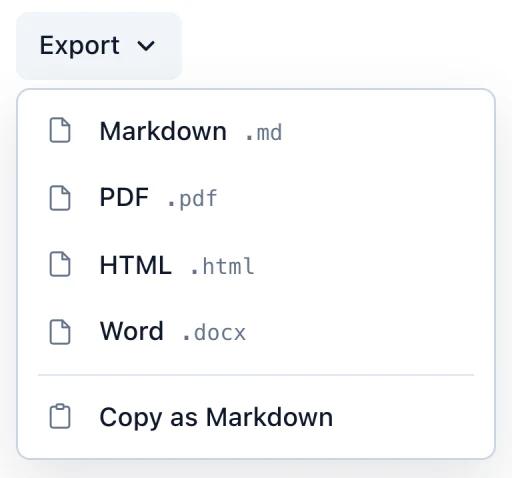
Turn a Markdown file into a PDF, a Word document or an HTML page to share.

Keep several Markdown files open at once and switch between them with a click.
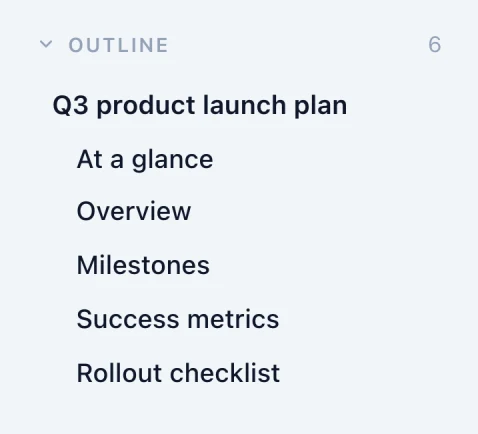
Every heading is listed in the sidebar, so you can jump through long documents.
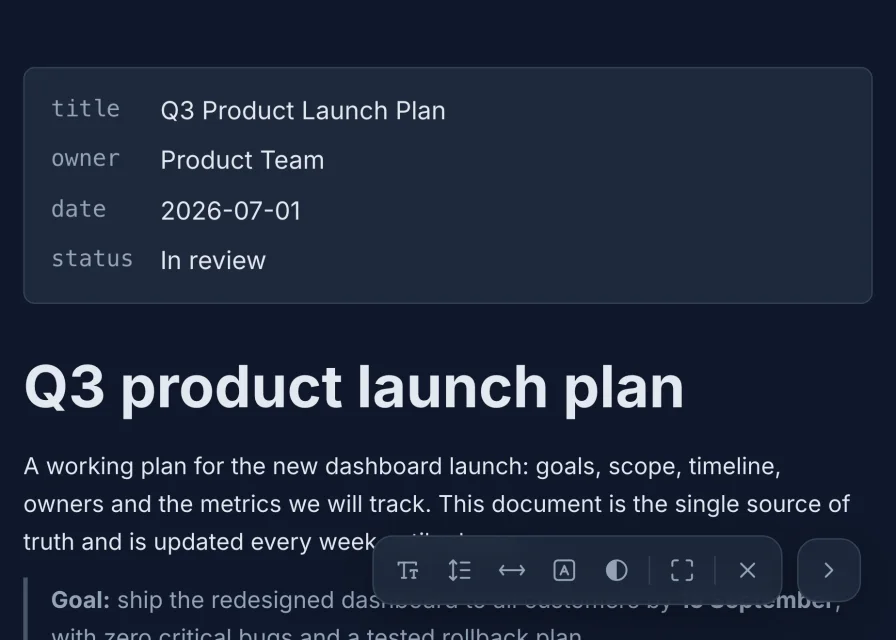
Pick a theme and typeface, or read full screen and adjust text size, line spacing, width and contrast.
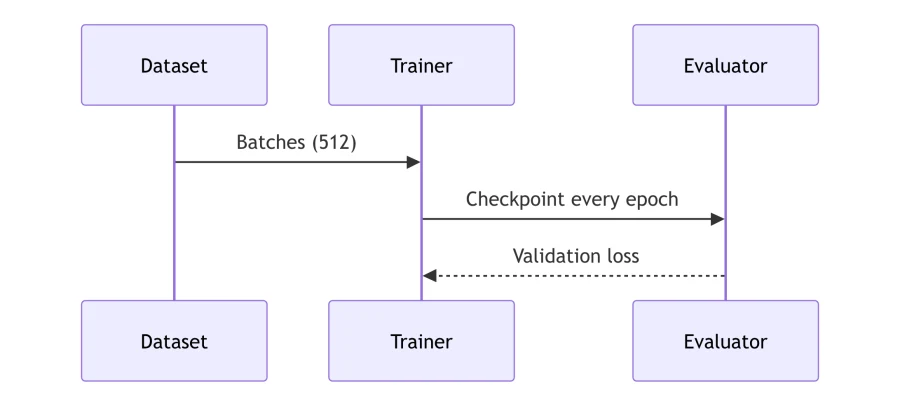

Syntax-highlighted code, math, diagrams and images render in place. Pasted images are kept when you save.

Search with match case, whole word or regular expressions, with every match highlighted. Replace in Source view.
14-day free trial. 30-day money-back guarantee.
Markdific uses the ⌘ key on Mac.
| Open a file | ⌘O |
| Save | ⌘S |
| Find | ⌘F |
| Export to PDF | ⌘⇧P |
| Live editor, Source, Split view | ⌘1, ⌘2, ⌘3 |
| Show or hide the sidebar | ⌘\ |
| Close the current tab | ⌘W |
Install Markdific, then double-click the .md file in Finder, or right-click it and choose Open With > Markdific. The file opens as a formatted document instead of plain text. To preview it without opening an app, select it and press the Space bar for Quick Look.
Yes. Markdific is a free Markdown viewer for Mac: it opens and displays .md files on macOS, with headings, tables, code, math and diagrams rendered. Editing, saving and export are included in a 14-day trial, then need a one-time USD $12.99 purchase. Reading stays free.
Markdific runs on macOS 11 Big Sur or later. It is a universal app, so the same download works on Apple silicon (M1 and later) and Intel Macs. The Quick Look preview in Finder needs macOS 12 Monterey or later.
Install Markdific and open it once. Then select a .md file in Finder and press the Space bar. Quick Look shows the file formatted instead of as plain text.
Select a .md file in Finder, press ⌘I to open Get Info, choose Markdific under Open with, then click Change All. From then on every .md file opens in Markdific.
Yes. Choose File > Export > PDF or press ⌘⇧P. You can set the paper size, orientation and margins. Export to Word (.docx) and HTML is in the same menu.
No. Markdific is downloaded from markdific.com. The app and installer are signed with an Apple Developer ID and notarized by Apple, and the app updates itself.
Yes. One purchase activates on up to three of your own devices, and they can be any mix of Mac, Windows and Linux computers.
Updated 7 October 2026. See the release notes for the latest changes.
Free to read .md files. 14-day free trial. 30-day money-back guarantee.