
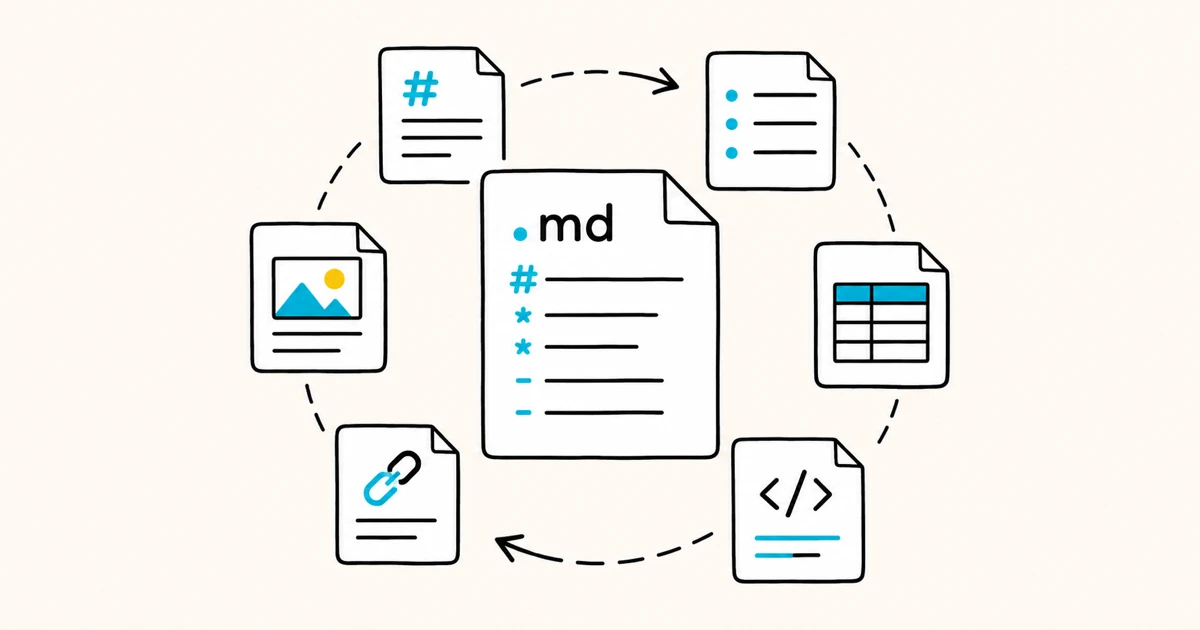
A .md file is a plain-text file written in Markdown, a lightweight formatting language that uses simple symbols like #, *, and - to mark up text. The .md extension stands for Markdown. Because it is plain text, a .md file opens in any text editor, but a Markdown viewer or editor renders it as a formatted document with headings, lists, links, tables, and code.
MD file at a glance
| Question | Answer |
|---|---|
What does .md mean? | Markdown |
| What type of file is it? | Plain text containing Markdown syntax |
| Standard media type | text/markdown |
| Can a text editor open it? | Yes, as raw Markdown source |
| How do I see the formatting? | Open it in a Markdown viewer or an editor with preview |
| Common uses | README files, documentation, notes, static-site content and AI instruction files |
| Is it executable? | No, but links, remote content, HTML and copied commands still require care |
Key facts
- A
.mdfile is a Markdown file: readable plain text that a compatible processor can render or convert. .mdis short for Markdown. The longer.markdownextension is the same format.- Any text editor can open a
.mdfile, but it shows the raw symbols, not the formatted result. - To see it formatted, use a Markdown viewer or editor such as Markdific.
.mdfiles are common in GitHub README files, documentation sites, Obsidian vaults, static-site projects and coding-agent instruction files.- Many AI assistants and coding tools produce or consume Markdown-formatted content.
- You can convert a
.mdfile to HTML, PDF or Word, although extended syntax, local images and diagrams may need extra handling.
What does .md stand for?
.md is the common file extension for Markdown, the plain-text formatting syntax developed by John Gruber in collaboration with Aaron Swartz in 2004.
You may also see .markdown, which identifies the same kind of content. Both hold ordinary text with punctuation-based markers that a Markdown processor interprets as structure and formatting.
Markdown was designed to be readable as raw text and only prettier once rendered, which is why a .md file still makes sense when you open it in a basic editor.
What is inside a .md file?
A .md file contains text plus Markdown markers. Here is a small example of the raw content:
Markdown source
# Project title

A short description with **bold** and *italic* text.

- First point
- Second point

[Read the docs](https://example.com)
Rendered result
The symbols do the formatting: # makes a heading, ** makes bold, - makes a list, and [text](url) makes a link. For every element and its syntax, see the Markdown documentation or the Markdown cheat sheet.
How to open a .md file
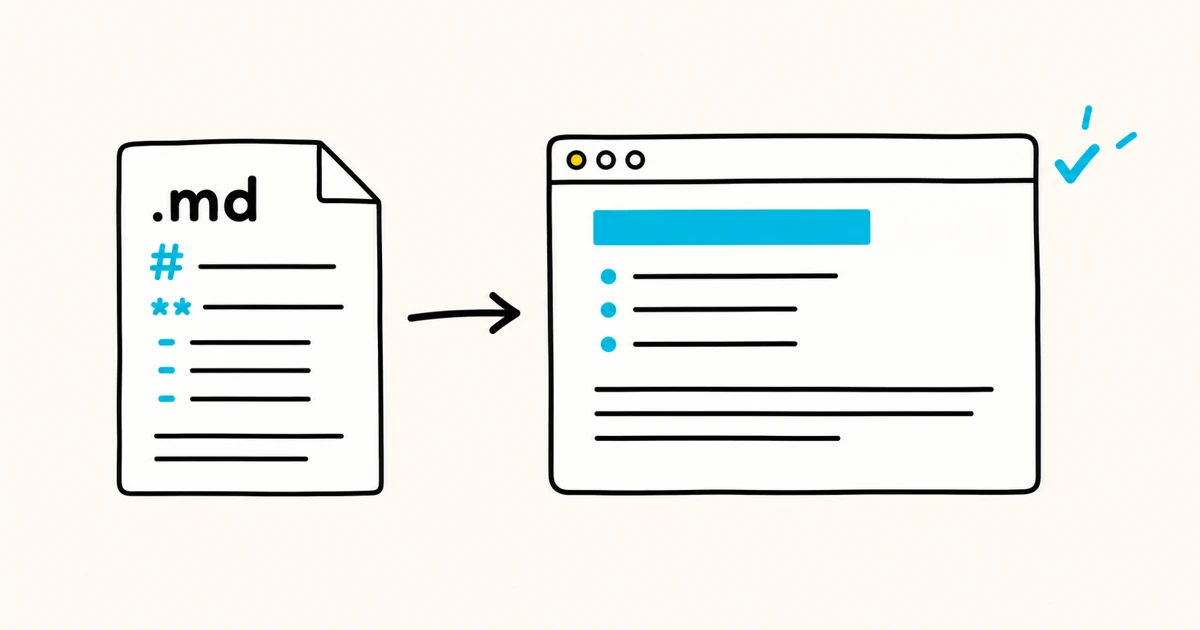
You can open a .md file in two ways, depending on whether you want the raw text or the formatted document.
Open it as plain text
Any text editor opens a .md file and shows the raw Markdown, symbols and all:
- Windows: Notepad, Notepad++, or VS Code.
- Mac: TextEdit, or a code editor like VS Code.
- Any device: any editor that reads plain text.
This is fine for quick edits, but you see # Heading rather than a real heading.
Open it as a formatted document
To read a .md file as a formatted document, open it in a Markdown viewer or an editor with preview. Core elements include headings, paragraphs, lists, links, images and code.
Tables, task lists, footnotes, math and diagrams depend on the Markdown dialect and application. Markdific is a Markdown viewer and editor for Mac, Windows and Linux with editing, autosave, themes and export.
For step-by-step instructions on setting a default app and reading .md files on your desktop, see how to open a .md file on desktop.
How to edit a .md file
Because a .md file is plain text, you edit it the same way you write it: type Markdown symbols for the formatting you want. A dedicated Markdown editor makes this easier by previewing the rendered result as you type, so you can see the formatting without guessing. Save the file and it keeps the .md extension.
How to convert a .md file
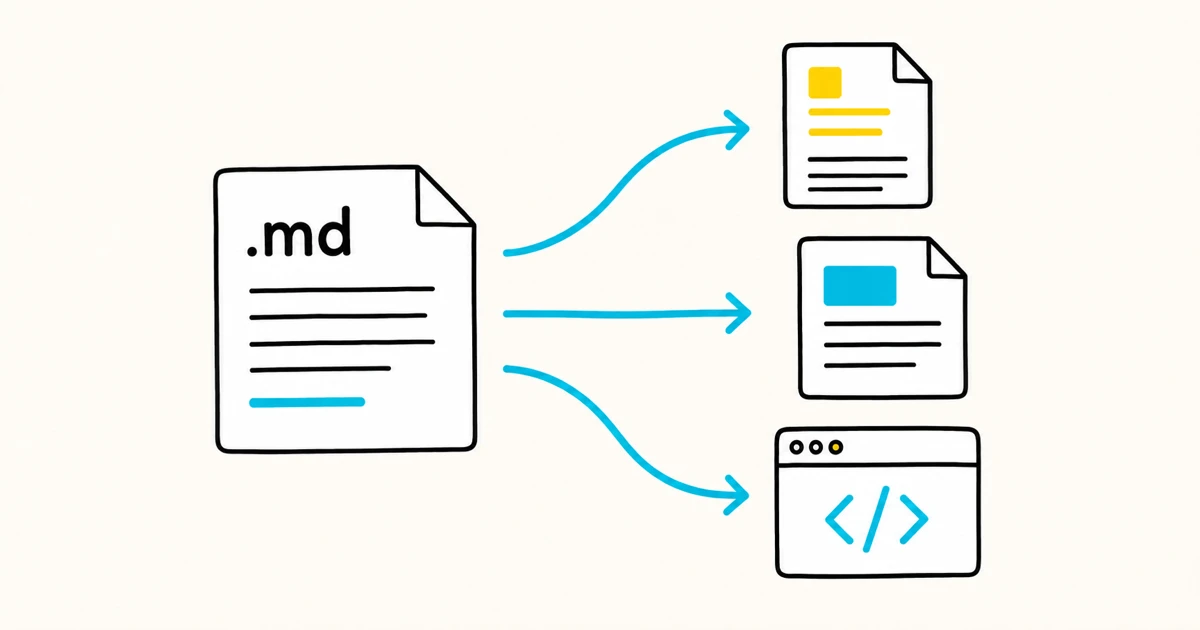
A .md file can be converted to other formats because it contains structured text:
- To HTML: many Markdown processors generate HTML, the original output target for Markdown.
- To PDF: useful for sharing a finished, printable document.
- To Word (.docx): useful for handing off to people who work in Word.
The result depends on the converter and the syntax in the source. Check tables, footnotes, mathematical notation, diagrams, raw HTML and local image paths after conversion. Markdific exports a .md file to PDF, Word and HTML. For the relationship between the two formats, see Markdown vs HTML.
.md versus .markdown versus .txt
- .md and .markdown are the same Markdown format with two spellings of the extension.
.mdis more common. - .txt is plain text with no formatting convention. A
.mdfile is also plain text, but its content follows Markdown syntax, so a Markdown renderer can format it. Rename a.txtfile that contains Markdown to.mdand a viewer will render it.
What are .md files used for?
Markdown is everywhere, so you will run into .md files often:
- README files on GitHub, GitLab, and other code hosts.
- Documentation sites built with tools like Docusaurus, MkDocs, and Hugo.
- Notes stored as Markdown files in apps such as Obsidian, or imported into and exported from other note systems.
- AI and coding workflows, including Markdown-formatted responses, project instructions, prompts and reusable agent skills.
- Static site content, where each page is a
.mdfile with metadata at the top.
Are .md files safe to open?
An .md file is plain text and does not execute as a program by itself. Opening an untrusted file in a plain-text editor is generally low risk.
Rendering or acting on its contents requires the same judgment as other documents. A Markdown file can contain misleading links, remote images that contact an external server, or raw HTML that some renderers allow.
It can also contain commands that should not be copied into a terminal without review. Keep the application updated, use a renderer that handles unsafe HTML appropriately, and verify links and commands from unfamiliar sources.
FAQ
What is a .md file?
A .md file is a plain-text file written in Markdown. It uses simple symbols to describe headings, lists, links and other structure. You can open it in any text editor or use a Markdown viewer to see it formatted.
What does .md stand for?
The .md extension stands for Markdown, a lightweight plain-text formatting language. The longer .markdown extension means the same thing.
How do I open a .md file?
Open it in any text editor to see the raw text, or in a Markdown viewer or editor such as Markdific to see it formatted with headings, tables, and code. On desktop, you can also set a default app so .md files always open the way you want.
What app opens a .md file?
Text editors like Notepad, TextEdit, and VS Code open the raw text. Dedicated Markdown apps like Markdific render the formatted document and let you edit, switch themes, and export.
Is a .md file the same as a Markdown file?
Yes. "MD file" and "Markdown file" are the same thing. .md is simply the file extension for Markdown.
How do I convert a .md file to PDF or Word?
Use a Markdown tool that exports. Markdific can convert a .md file to PDF, Word and HTML. Review the result when the source uses extensions, diagrams, raw HTML or local images because support varies by converter.
What is the difference between a .md file and a .txt file?
Both are plain text. A .txt file has no formatting convention, while a .md file follows Markdown syntax, so a Markdown renderer can turn it into a formatted document.
Can I edit a .md file?
Yes. Type Markdown symbols for the formatting you want and save the file. A Markdown editor previews the rendered result as you type.
Related pages
- How to open a .md file on desktop
- Markdown documentation
- Markdown cheat sheet
- Markdown vs HTML
- Markdown flavors compared
Sources
.md file to open cleanly, formatted and ready to edit? Markdific is a full-featured Markdown viewer and editor for Mac, Windows and Linux that opens any .md file and exports it to PDF, Word, or HTML. Or brush up on the syntax with our markdown cheat sheet.