
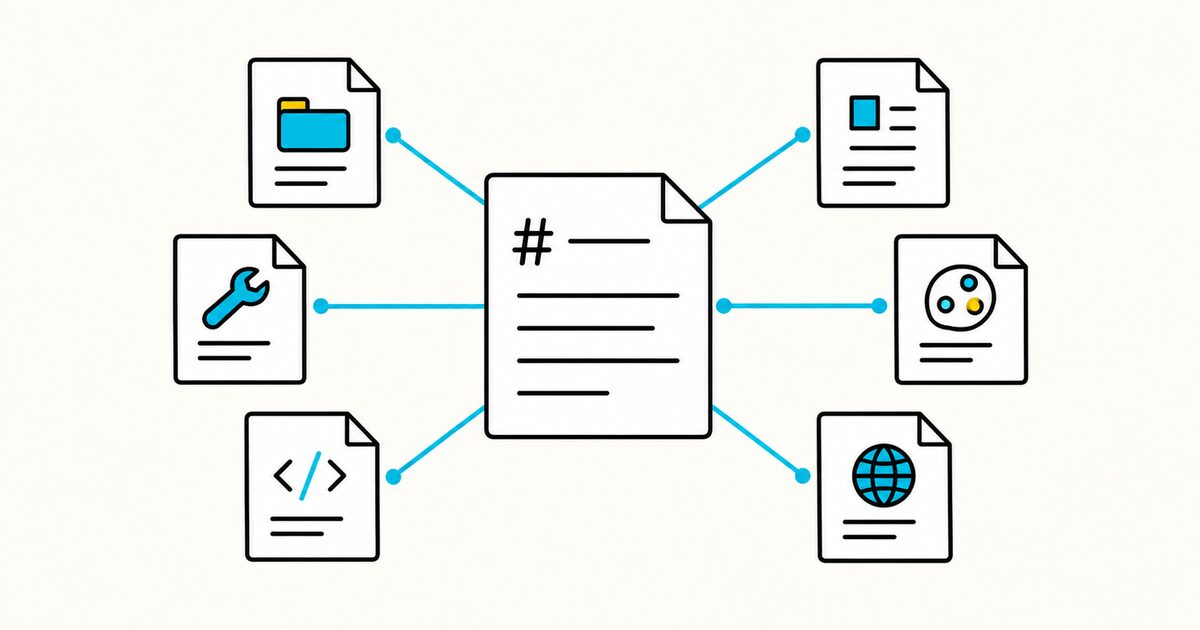
AI agent Markdown files at a glance
Files such as AGENTS.md, CLAUDE.md, and GEMINI.md may look similar, but they serve different tools and follow different loading rules. Cursor and Windsurf add scoped rule systems. GitHub Copilot prompt files are manually invoked tasks, not persistent instructions. SKILL.md, DESIGN.md, and llms.txt solve different problems again.
Use the comparison below to choose the right file for your project.
| File | Main purpose | Typical location | Primary reader |
|---|---|---|---|
AGENTS.md |
Shared repository instructions | Repository root and nested directories | Compatible coding agents |
CLAUDE.md |
Persistent Claude Code instructions | Root, .claude/, subdirectories, or ~/.claude/ |
Claude Code |
GEMINI.md |
Persistent Gemini CLI context | Project hierarchy or ~/.gemini/ |
Gemini CLI |
.github/copilot-instructions.md |
Repository-wide Copilot instructions | .github/ in a repository |
GitHub Copilot agents and chat surfaces |
.cursor/rules/*.mdc |
Scoped Cursor project rules | .cursor/rules/ |
Cursor Agent |
.devin/rules/*.md |
Scoped Windsurf or Devin Desktop rules | .devin/rules/ |
Cascade in Devin Desktop |
.github/prompts/*.prompt.md |
Reusable, manually invoked Copilot tasks | .github/prompts/ |
Supported GitHub Copilot IDEs |
SKILL.md |
One reusable capability and workflow | Inside a skill folder | Agent Skills-compatible products |
DESIGN.md |
Design tokens and visual guidance | Usually the repository root | Compatible design and coding agents |
llms.txt |
Curated website context and links | Website root or a site subpath | Agents and tools that choose to read it |
AI agent Markdown files Key facts
- These formats are human-readable Markdown or Markdown-based text, but discovery, activation, and precedence depend on the product.
AGENTS.mdis the best starting point when several compatible coding agents need the same repository instructions.CLAUDE.md,GEMINI.md, and Copilot instructions add product-specific loading, scoping, or inspection features.- Cursor project rules use
.mdcfiles with front matter under.cursor/rules/. - Current Windsurf documentation prefers
.devin/rules/*.md;.windsurf/rules/*.mdremains a compatibility fallback. - Copilot prompt files use
.prompt.mdand run on demand. They do not replace automatically applied custom instructions. SKILL.mdrequires YAML front matter withnameanddescriptionunder the open Agent Skills specification.DESIGN.mdcan combine design tokens with prose for tools configured to use the format.llms.txtis a website proposal. Google states that Google Search ignores it for visibility and rankings.- Instruction files guide model behavior. They do not replace permissions, hooks, tests, authentication, CI, or human review.
Which file should you use?
| Your goal | Start with |
|---|---|
| Give several coding agents the same project commands and boundaries | AGENTS.md |
| Give Claude Code project or personal instructions | CLAUDE.md |
| Give Gemini CLI persistent project context | GEMINI.md |
| Configure GitHub Copilot for a repository | .github/copilot-instructions.md |
| Add conditionally applied rules for Cursor Agent | .cursor/rules/*.mdc |
| Add scoped rules for current Windsurf or Devin Desktop | .devin/rules/*.md or AGENTS.md |
| Save a repeatable Copilot task that a user runs manually | .github/prompts/*.prompt.md |
| Package a reusable task-specific workflow | SKILL.md |
| Document a visual system for compatible agents | DESIGN.md |
| Publish a curated site map for agents that support the proposal | llms.txt |
A project can use more than one file. The important part is to avoid duplicated rules that drift or contradict each other.
Repository instructions, skills, and website context
The formats fall into six groups:
| Layer | Files | Question answered |
|---|---|---|
| Repository instructions | AGENTS.md, CLAUDE.md, GEMINI.md, Copilot instructions |
How should the agent work in this codebase? |
| Product rules | Cursor Rules, Windsurf Rules | When and where should a product-specific rule apply? |
| Reusable prompts | Copilot .prompt.md files |
What focused task should the user invoke now? |
| Reusable capability | SKILL.md |
How should the agent complete this particular kind of task? |
| Visual direction | DESIGN.md |
How should the interface look, feel, and behave? |
| Website context | llms.txt |
Which public pages should a compatible agent read? |
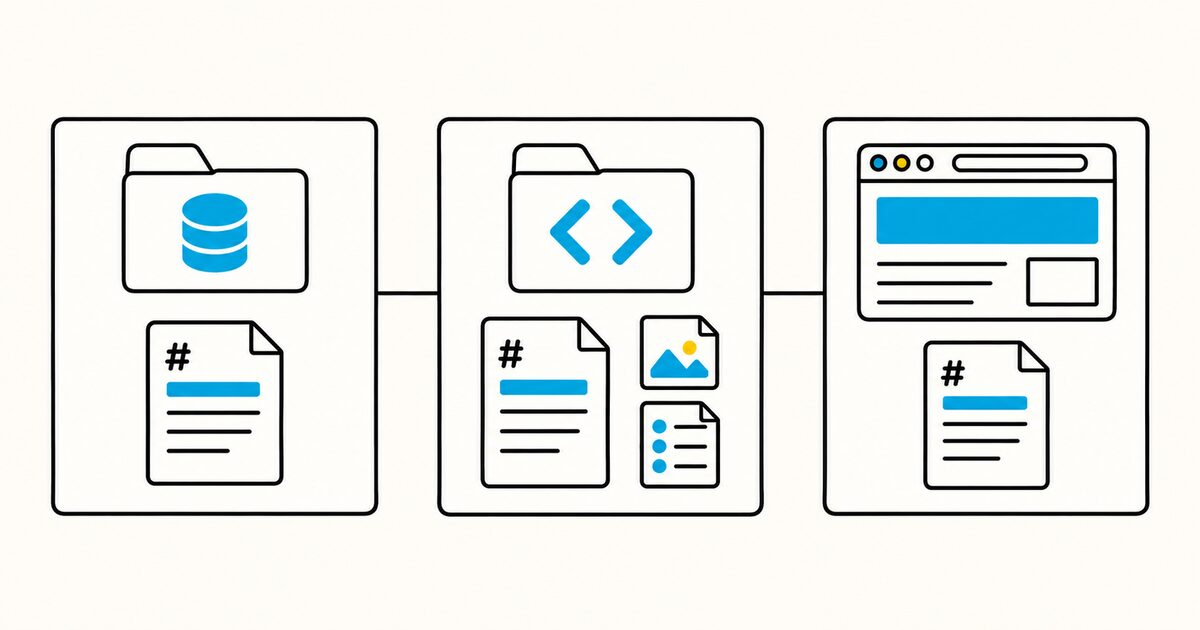
Do not put a manually invoked review or release task into every repository instruction file. Use a prompt file, workflow, or skill supported by the target product.
Do not put website discovery links into a coding instruction file. Publish those links at the website level when there is a real consumer for them.
AGENTS.md: shared repository instructions
AGENTS.md is an open, tool-agnostic format for project commands, architecture, conventions, boundaries, and verification. It uses ordinary Markdown and has no required headings or front matter.
A repository normally starts with one file at the root. A monorepo can add nested copies where a package needs different instructions.
Use it when several compatible coding agents need one shared source of truth. Support still varies by tool and version, so check the agent you actually use.
See the complete AGENTS.md guide, template, and monorepo examples.
CLAUDE.md: persistent Claude Code context
CLAUDE.md contains persistent instructions for Claude Code. Project files can live at ./CLAUDE.md or ./.claude/CLAUDE.md, while personal instructions can live at ~/.claude/CLAUDE.md.
Claude Code combines applicable files. It also supports imports, .claude/rules/, path-specific rules, and a private CLAUDE.local.md.
Current Claude Code can read AGENTS.md. By default, it uses a repository AGENTS.md when no applicable project CLAUDE.md or CLAUDE.local.md is present. If both formats exist, configure or import them deliberately instead of assuming both load.
See the complete CLAUDE.md guide and template.
GEMINI.md: context for Gemini CLI
GEMINI.md is the default context filename for Gemini CLI. The CLI can load a global file, project and ancestor files, and files from subdirectories beneath the working directory.
Use /memory show to inspect the combined context. Gemini CLI's current official pages use both /memory refresh and /memory reload for rescanning context files, so use the reload command listed by /memory or /help in your installed version. The context.fileName setting can add names such as AGENTS.md when a team wants to reuse shared instructions.
See the complete GEMINI.md guide, hierarchy, and examples.
copilot-instructions.md: GitHub Copilot guidance
.github/copilot-instructions.md contains repository-wide GitHub Copilot instructions. Path-specific files under .github/instructions/ use the .instructions.md suffix and an applyTo glob.
Copilot CLI can discover several instruction formats, including AGENTS.md, CLAUDE.md, and GEMINI.md. Applicable files can be combined without a general precedence order, so conflicting copies should be removed.
VS Code states that custom instruction files do not apply to inline suggestions as you type. Test instructions in the exact Copilot chat or agent surface your team uses.
See the complete GitHub Copilot instructions guide.
Cursor Rules: scoped instructions for Cursor Agent
Cursor project rules live in .cursor/rules/ and must use the .mdc extension. Each rule combines Markdown instructions with front matter that controls whether it is always applied, selected by relevance, limited to matching files, or invoked manually.
Use Cursor Rules when a requirement is specific to Cursor or needs finer activation than a shared AGENTS.md file can provide. Keep cross-agent commands and repository boundaries in AGENTS.md, then reserve .cursor/rules/*.mdc for Cursor-specific scoping.
The root .cursorrules file is legacy. Cursor recommends migrating new and maintained projects to project rules.
See the complete Cursor Rules guide, examples, and migration steps.
Windsurf Rules: scoped instructions for Cascade
Current Windsurf documentation redirects to Devin Desktop and prefers workspace rules under .devin/rules/*.md. The older .windsurf/rules/*.md location remains a compatibility fallback, and the legacy root .windsurfrules file is still read.
Workspace rules can be always on, selected by the model, activated by a glob, or invoked manually. Windsurf also processes AGENTS.md: a root file is always on, while nested files apply to their directories.
Use AGENTS.md for portable repository guidance. Use product rules when you need Cascade-specific activation or behavior. Check the installed product version before migrating an existing rules directory because the naming changed during the Windsurf-to-Devin transition.
See the complete Windsurf Rules guide, locations, and examples.
GitHub Copilot prompt files: reusable tasks run on demand
GitHub Copilot prompt files live in .github/prompts/ and end with .prompt.md. They contain a reusable task such as generating focused tests, reviewing an API change, or drafting release notes.
Prompt files are manually invoked in supported IDEs. They are different from .github/copilot-instructions.md, which supplies automatically applied repository guidance. GitHub currently labels prompt files as a public-preview feature, and support varies by Copilot surface.
Use custom instructions for standards that should shape many interactions. Use a prompt file for a focused task that a person chooses to run with different inputs.
See the complete GitHub Copilot prompt files guide and examples.
SKILL.md: a packaged capability
SKILL.md is the required file in an Agent Skill. A skill folder can include scripts, references, and assets alongside its instructions.
The file begins with YAML front matter containing a required name and description. A compatible agent uses the metadata to identify a relevant skill, then loads the full instructions when needed.
Use a skill for a repeatable procedure such as preparing release notes, processing a document, or validating a deployment. Keep stable repository facts in a project instruction file.
See the complete SKILL.md format, template, and worked example.
DESIGN.md: visual direction for agents
DESIGN.md is a Google format for encoding a product's visual system in Markdown. Optional YAML front matter can hold design tokens, while the body explains typography, spacing, components, interaction, and visual constraints.
The file gives a compatible agent clearer design context. It does not guarantee a good interface, replace visual review, or affect tools that are not configured to read it.
See the complete DESIGN.md guide and token example.
llms.txt: a proposed website content map
llms.txt is a proposal for publishing concise website context and curated links as Markdown. The common location is /llms.txt, and version 2 also permits path-level files such as /docs/llms.txt.
It does not control crawler access, replace sitemap.xml, or improve Google rankings. Google says Search ignores the file for ranking and visibility.
Create it only when a compatible agent, integration, or audience can use it and the site can maintain the links.
See the complete llms.txt format, template, and SEO limitations.
How to use more than one instruction file
A multi-agent repository can work well with one shared file and small product-specific additions:
project/
├── AGENTS.md
├── CLAUDE.md
├── GEMINI.md
├── .cursor/
│   └── rules/
│       └── frontend.mdc
├── .devin/
│   └── rules/
│       └── database-work.md
└── .github/
    ├── copilot-instructions.md
    └── prompts/
        └── review-api.prompt.md
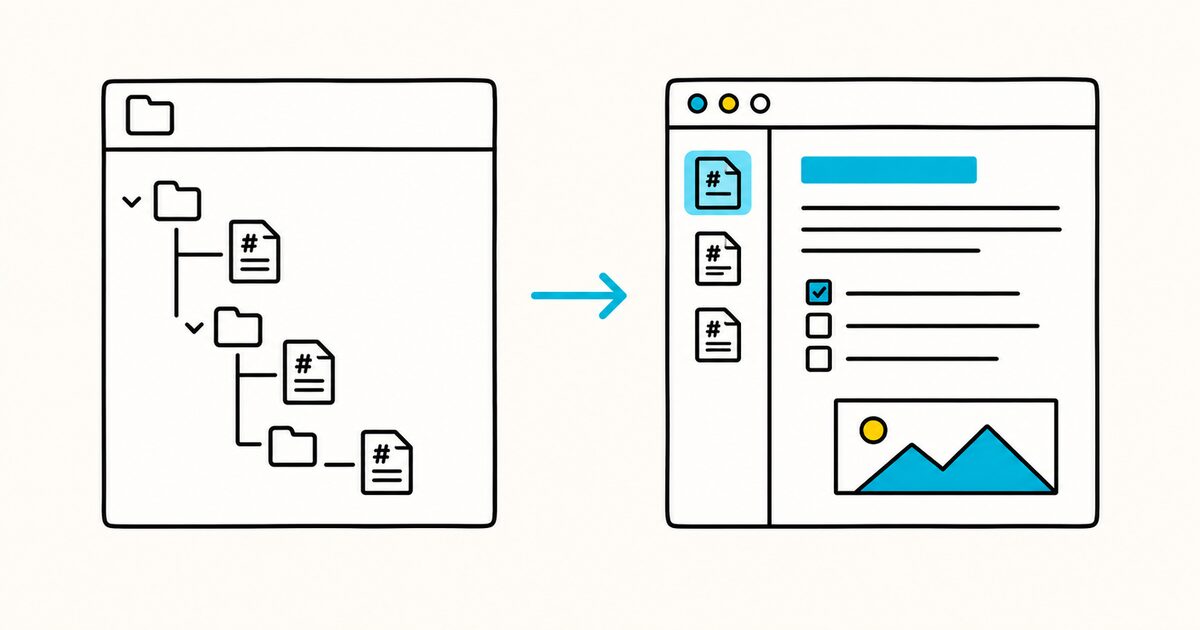
Keep shared material in AGENTS.md:
- install, build, test, lint, and formatting commands;
- repository structure;
- architectural boundaries;
- restricted files and actions;
- the definition of done.
Use the product-specific files only for differences:
# CLAUDE.md

@AGENTS.md

## Claude Code-specific guidance
- Use `/context` when instruction loading is unclear.
# GEMINI.md

## Gemini CLI-specific guidance
- Use `/memory show` to verify the combined context.
# .github/copilot-instructions.md

## Copilot-specific guidance
- Check `/instructions` when a scoped rule does not apply.
Use scoped rule files only when their activation adds value. Use prompt files for tasks that should not run on every interaction:
---
description: "Review an API change without editing files"
agent: "ask"
---

Review the supplied API change for compatibility, authorization, validation,
error handling, logging, migration risk, and missing tests. Return findings
ordered by severity. Do not edit files.
Import, discovery, and activation differ between products. Verify what each tool actually loads instead of assuming every file is merged or automatically applied.
Where each file lives
| File | Typical location |
|---|---|
AGENTS.md |
Repository root, plus nested copies where local rules differ |
CLAUDE.md |
Root, .claude/CLAUDE.md, subdirectories, or ~/.claude/CLAUDE.md |
GEMINI.md |
Project hierarchy or ~/.gemini/GEMINI.md |
.github/copilot-instructions.md |
Repository .github/ directory |
*.instructions.md |
.github/instructions/ or a documented user-level directory |
| Cursor project rules | .cursor/rules/*.mdc |
| Current Windsurf workspace rules | .devin/rules/*.md |
| Legacy Windsurf workspace rules | .windsurf/rules/*.md or root .windsurfrules |
| Copilot prompt files | .github/prompts/*.prompt.md |
SKILL.md |
Inside a dedicated skill folder |
DESIGN.md |
Usually the repository root |
llms.txt |
Website root or a covered subpath |
Keep sensitive information out
Repository instruction files are often committed to Git. Website files are public. Skills may be shared or installed by other people.
Do not include:
- API keys, passwords, private keys, or access tokens;
- customer data;
- production credentials;
- confidential internal URLs;
- private test data;
- instructions that expose a security control or exploit.
Refer to an approved secret manager or environment-variable name without storing the secret itself.
Treat a downloaded skill as untrusted code. Review its instructions, scripts, dependencies, URLs, and requested permissions before allowing it to access sensitive files or systems.
These files are guidance, not enforcement
An instruction such as “never deploy to production” tells the model what not to do. It does not technically prevent the action.
Use the appropriate control when a requirement must be enforced:
- tool permissions and sandboxing;
- hooks and command restrictions;
- branch and environment protection;
- authentication and authorization;
- automated tests and policy checks;
- required human review.
Keep the written instruction as context, then back it with the technical control.
How these files relate to README.md
A README.md explains the project to people: its purpose, setup, usage, and contribution path. Agent instruction files contain operational details that models need while working.
Do not hide essential human instructions only in an agent file. People still need accurate setup, security, and contribution documentation.
For the human-facing document, see how to write a README.
FAQ
What are Markdown files for AI agents?
They are Markdown files that provide persistent instructions, reusable workflows, design context, or website links to compatible agents. The filename determines which product or convention may discover the content.
Which agent instruction file has the broadest compatibility?
AGENTS.md is designed as a cross-agent repository format. Compatibility still depends on the tool and version, so verify support in the official documentation for each agent.
Do I need AGENTS.md, CLAUDE.md, GEMINI.md, and Copilot instructions together?
Usually not. Start with one shared file. Add a product-specific file only for behavior that cannot be expressed or discovered through the shared file.
What is the difference between an instruction file and a prompt file?
An instruction file supplies context automatically when its scope applies. A prompt file defines a reusable task that a user invokes when needed. For example, keep testing standards in Copilot instructions and put a one-time API review procedure in review-api.prompt.md.
Should I use AGENTS.md or Cursor and Windsurf Rules?
Use AGENTS.md for portable repository instructions. Add Cursor or Windsurf rules only when you need product-specific activation, file globs, or manual invocation. Avoid copying the same rule into every format.
What is the difference between an instruction file and SKILL.md?
An instruction file supplies persistent project context. SKILL.md defines a reusable task-specific capability that loads when relevant.
Is DESIGN.md automatically read by every coding agent?
No. It affects only agents or workflows configured to read the format.
Does llms.txt improve Google rankings or AI Overviews visibility?
No. Google states that Search ignores llms.txt; creating it neither helps nor harms Google Search visibility or rankings.
Can these files enforce security rules?
No. They guide a model but do not replace permissions, authentication, hooks, CI, protected environments, or review.
Are these files safe to commit?
They are safe to commit only when they contain no secrets, customer data, credentials, or private infrastructure details. Use a private local file for machine-specific notes when the product supports one.
Sources and verification
- AGENTS.md open format
- Claude Code memory and instruction files
- Gemini CLI: Provide context with GEMINI.md files
- Gemini CLI command reference
- GitHub Copilot CLI custom instructions
- GitHub Copilot customization cheat sheet
- GitHub Copilot prompt files tutorial
- Cursor Rules documentation
- Windsurf and Devin Desktop Memories & Rules
- Windsurf and Devin Desktop AGENTS.md documentation
- Agent Skills specification
- Google Labs DESIGN.md repository
- llms.txt proposal
- Google guidance for generative AI features in Search
The product behavior and specifications above were checked on 2 October 2026. These tools change quickly, so recheck the relevant primary source when updating the article.
Related pages
- AGENTS.md guide
- CLAUDE.md guide
- GEMINI.md guide
- GitHub Copilot instructions guide
- Cursor Rules guide
- Windsurf Rules guide
- GitHub Copilot prompt files guide
- SKILL.md guide
- DESIGN.md guide
- llms.txt guide
- Markdown on GitHub