
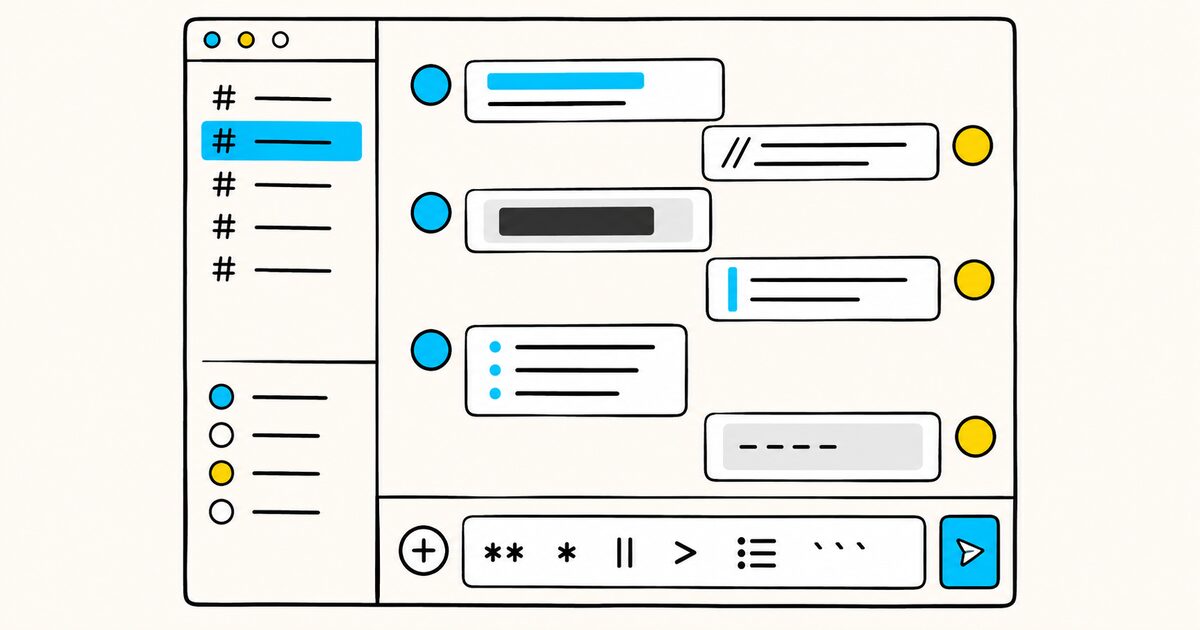
Wrap text in a few characters before and after, and Discord formats it:
**bold**for bold*italic*for italic__underline__for underline~~strikethrough~~for strikethrough||spoiler||to hide text until someone clicks it
You also get headers, subtext, lists, block quotes, and code blocks. What you will not find here is the full Markdown feature set.
Discord leaves out tables, images from Markdown syntax, and footnotes, because a chat window does not need them. This guide covers exactly what works in a Discord message and how that subset differs from standard Markdown.
Discord Markdown at a glance
| You type | Result |
|---|---|
*italics* or _italics_ |
italic text |
**bold** |
bold text |
***bold italics*** |
bold italic text |
__underline__ |
underlined text |
~~strikethrough~~ |
struck-through text |
__*underline italics*__ |
underlined italic text |
__**underline bold**__ |
underlined bold text |
__***underline bold italics***__ |
underlined bold italic text |
||spoiler|| |
hidden until clicked |
`inline code` |
monospace inline code |
# Big header |
large header |
## Medium header |
medium header |
### Small header |
small header |
-# Subtext |
small subtext |
> quote |
single-line block quote |
>>> quote |
multi-line block quote |
Discord Markdown Key facts
- Discord applies Markdown to the text of messages you send, adding characters around your words to change how they render.
- Bold is
**text**, italic is*text*or_text_, underline is__text__, strikethrough is~~text~~, and you can combine them. - Spoilers use
||text||and stay hidden behind a click, though a code block cancels the effect. - Headers (
#,##,###) and subtext (-#) are more recent additions to Discord's Markdown. - Masked links use
[text](url)in ordinary Discord messages. - Every header, subtext, list item, and block quote needs a space between the marker and your text, or it will not format.
- Discord does not support Markdown tables, Markdown image embeds, or footnotes, so its Markdown is a deliberately limited subset.
Text styling: bold, italic, underline, strikethrough
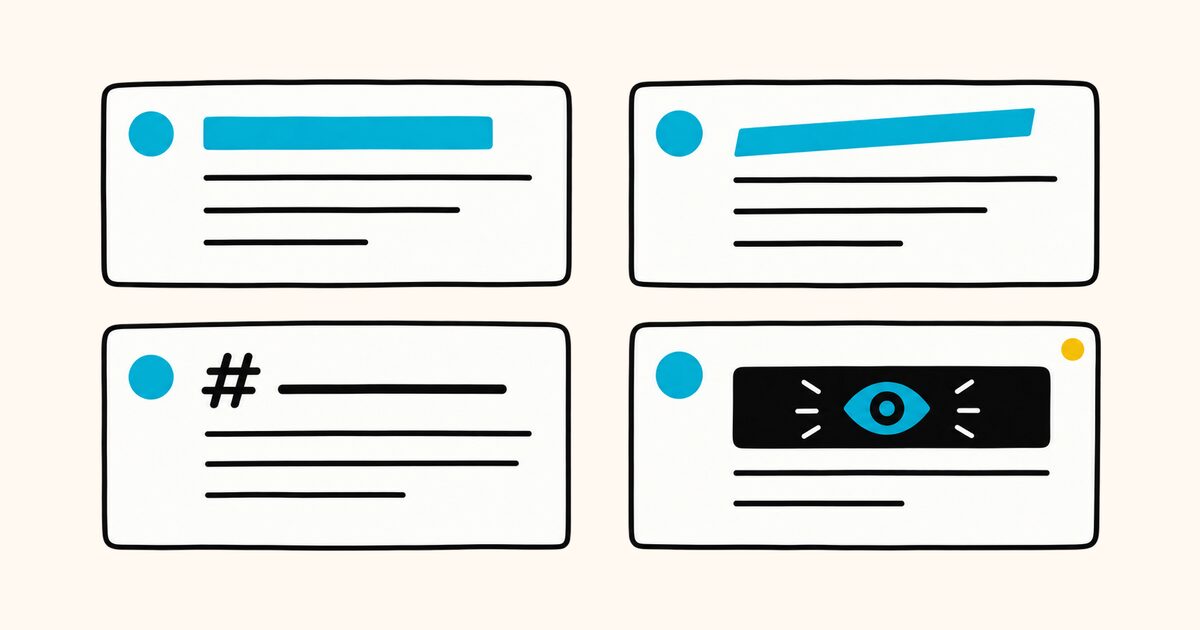
The core styles wrap your text in symbols on both sides. Discord reads the pair and renders what is between them.
| Style | Syntax |
|---|---|
| Italic | *italics* or _italics_ |
| Bold | **bold** |
| Bold italic | ***bold italics*** |
| Underline | __underline__ |
| Strikethrough | ~~Strikethrough~~ |
The interesting part is stacking. Discord lets you nest the markers so a single run of text can carry more than one style at once. Underline plus italic, underline plus bold, and underline plus bold italic all have their own combinations.
__*underline italics*__
__**underline bold**__
__***underline bold italics***__
Read those from the outside in. The __ on each end applies underline, and the inner asterisks add italic, bold, or both. The order matters less than the pairing: every opening marker needs a matching closing marker, or Discord shows the raw characters instead of formatting.
One difference from standard Markdown is worth pinning down now, because it trips up people who write Markdown elsewhere. In most Markdown, __text__ produces bold. In Discord, __text__ produces underline.
Discord uses **text** for bold and reserves the double underscore for underlining. If you paste a document written for another tool, that is the mark most likely to render differently. For the general rules behind emphasis, see bold and italic, and for the strike style, strikethrough.
Spoilers
A spoiler hides text behind a gray block. The reader sees a redacted bar and taps or clicks to reveal what is underneath. Wrap the text in double pipes.
||the killer was the butler||
One caveat comes straight from Discord: a code block cancels a spoiler. If you put spoiler markers inside inline code or a fenced block, the || shows as literal characters and the text stays visible.
Keep spoilers in plain message text if you want the reveal to work. Spoilers are a Discord feature with no equivalent in standard Markdown, so they will not carry over to a .md file or another platform.
Headers and subtext
Headers arrived in Discord's Markdown more recently than the basic text styles, and they behave much like headings in a Markdown file. Put one, two, or three hash characters at the start of a new line, add a space, then your text.
# Big header
## Medium header
### Small header
The single # gives the largest header, ## a smaller one, and ### the smallest. Discord stops at three levels, so there is no #### or beyond.
The space after the hash is required. Type #header with no space and Discord treats the whole thing as ordinary text.
Subtext is the mirror image: small, muted text for captions, disclaimers, or fine print. Start the line with -# and a space.
-# This is subtext, useful for a quiet aside.
Like a header, the -# marker has to sit at the very start of the line, and the space after it is required. Both headers and subtext are line-level styles, so they format the whole line rather than a span inside it.
Masked links
A masked link shows readable text that points to a URL, instead of pasting the raw address. The syntax looks like standard Markdown.
[Read the docs](https://markdific.com)
Discord supports masked links in ordinary messages. The text inside the square brackets becomes the visible label, and the URL in parentheses becomes the destination.
Discord may warn people before opening an unfamiliar destination. Use a clear label that describes where the link goes instead of hiding a surprising URL behind vague text.
To share a link in a normal message, paste the raw URL, which Discord turns into a clickable link on its own. If you want to hide the automatic preview, wrap the address in angle brackets, like <https://markdific.com>. For the general form of Markdown links, see Markdown links.
Lists
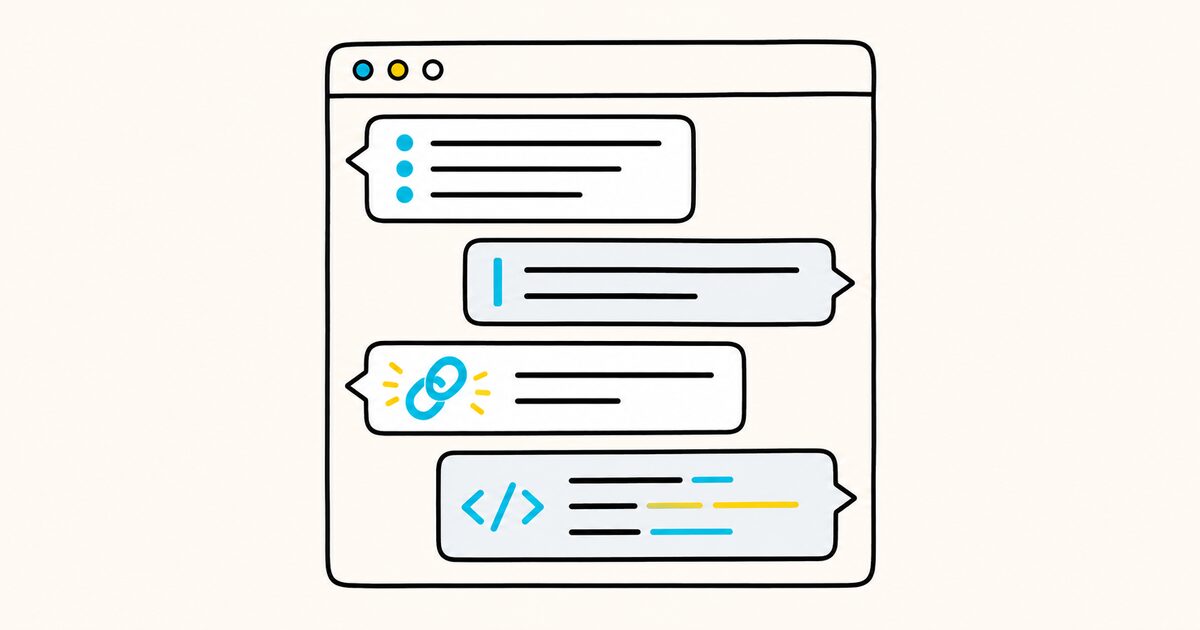
Discord supports bulleted and numbered lists. Start each bulleted line with - or *, then a space, then the item.
- First item
- Second item
* Also works with an asterisk
The space between the bullet and the text is required, the same rule that governs headers and quotes. To nest a list, add two spaces before the marker on the line you want to indent.
- Top level
  - Indented one level
  - Another nested item
Numbered lists follow the pattern you would expect, with a number, a period, and a space.
1. First step
2. Second step
3. Third step
Code: inline and multi-line
Discord renders code in a monospace font, which is handy for commands, file paths, or anything you want to keep literal. For a short snippet inside a sentence, wrap it in single backticks.
Run `npm install` to get started.
For several lines, wrap the whole block in triple backticks on their own lines above and below the code.
```
function greet(name) {
  return "Hello, " + name;
}
```
Code blocks do more than look tidy. Because Discord treats their contents literally, formatting markers inside a block stay as plain characters. That is exactly why a spoiler placed inside a code block does not hide anything.
If you want to show someone the raw **asterisks** or ||pipes|| without triggering the effect, a code block is the reliable way to do it. For the fenced-block pattern across Markdown in general, see fenced code blocks.
Block quotes
A block quote sets text off with a vertical bar, the same as quoting someone in an email. For a single line, put > and a space at the start.
> This line is quoted.
For a quote that runs across several lines, use three angle brackets, >>>, before the first line. Everything after it becomes part of the same quote until the message ends.
>>> This whole block is quoted.
Every line here stays inside the quote,
including this one.
As with headers and lists, remember the space after the > or >>>. Skip it and Discord shows the bracket as a plain character. The general behavior of quotes is covered in blockquotes.
What Discord Markdown does not do
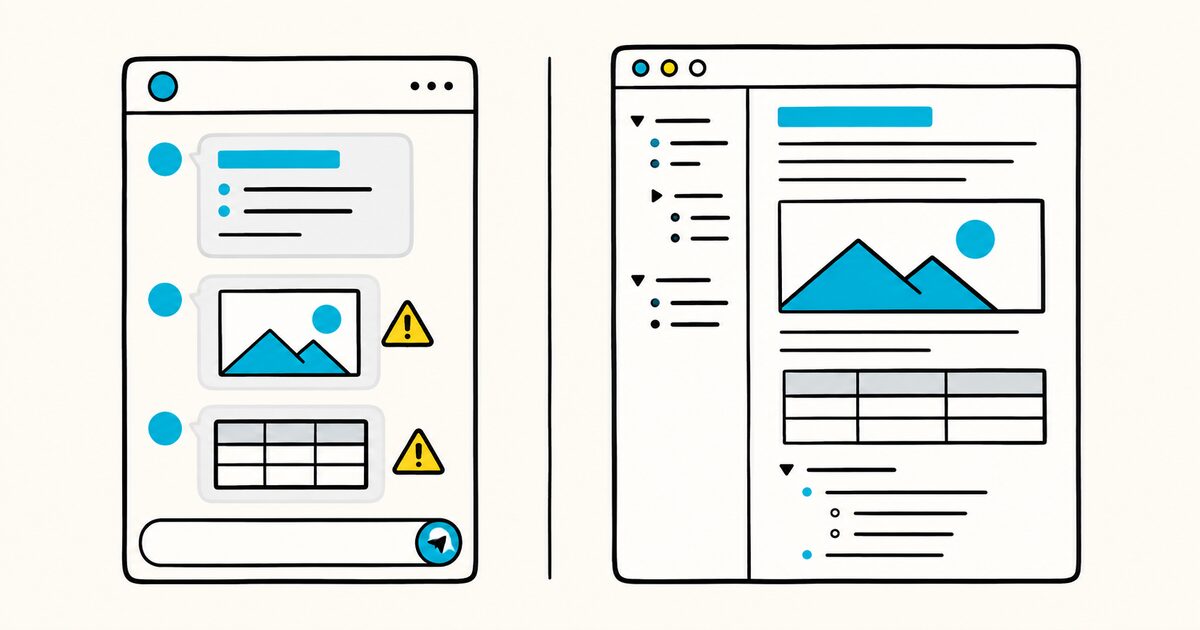
Discord's Markdown is a subset built for chat, so several things you can write in a full Markdown file simply have no meaning in a message. Knowing the gaps saves you from pasting syntax that renders as literal text.
| Feature | In a Discord message |
|---|---|
| Tables | Not supported; the pipe-and-hyphen table syntax does not render |
Images via  |
Not supported; drag or upload a file, or paste a link for a preview |
| Footnotes | Not supported |
| Headings beyond three levels | Only #, ##, and ### exist |
| Colored text | No Markdown syntax for it in normal messages |
Because Discord skips tables, there is no way to lay out rows and columns in a plain message. If you need a real table, see Markdown tables for the standard syntax and use a tool that renders it.
The same goes for images: the Markdown image tag does nothing in Discord, so you attach a file or drop in a URL and let Discord build the preview. For a wider comparison of which platforms honor which features, Markdown flavors compared lays out the differences.
How Discord differs from full Markdown
If you write Markdown in more than one place, a few Discord habits stand out:
- The double underscore is the big one:
__text__underlines in Discord but bolds nearly everywhere else. - Headers cap at three levels rather than six.
- Subtext with
-#and spoilers with||are Discord inventions that no standard Markdown renderer understands. - And the strict space rule after markers like
#,-, and>is more forgiving in some other parsers.
Treat a Discord message as its own small dialect, and copy formatting between tools with those points in mind.
Discord also formats as you send, with no separate file to keep. That is the nature of a chat app: the message is the document. When you do want a lasting .md file, you write it somewhere else and Discord is not part of that loop.
Writing and previewing your Markdown files
Discord handles styling inside its own window, and that formatting stays inside Discord.
For Markdown you want to keep, share, or convert, use an actual .md file. Markdific opens and previews Markdown files on Mac and Windows, then exports them to PDF, Word, or HTML when you need a copy outside a chat.
Be clear on the boundary, though. Discord's spoilers, subtext, and underline-by-double-underscore are platform features, and a standalone editor renders standard Markdown, not Discord's private extensions.
Markdific is the right tool for the portable .md file you keep; Discord is where the chat-only syntax lives. For a quick reference to the standard elements, the Markdown cheat sheet covers the common marks, and what is a .md file explains the format itself.
When Discord formatting does not work
| Problem | What to check |
|---|---|
| A header stays plain | Put #, ##, or ### at the start of the line and add a space |
| Subtext stays plain | Start the line with -#, including the space |
| A list does not form | Add a space after -, *, or the number and period |
| Markers remain visible | Check that every opening marker has a matching closing marker |
| A spoiler is visible | Make sure the text is not inside a code block |
| Formatting should appear literally | Escape the marker with a backslash or place it in code |
FAQ
How do I make text bold in Discord?
Wrap the text in double asterisks: **your text**. Discord renders whatever is between the pairs in bold. For bold italic, use three asterisks on each side, ***your text***.
How do I underline text in Discord?
Use two underscores on each side: __your text__. This is different from most Markdown, where the double underscore produces bold. In Discord it produces underline, and bold comes from double asterisks instead.
How do I make a spoiler in Discord?
Put double pipes around the text: ||your text||. It shows as a hidden block until the reader clicks or taps to reveal it. Note that a code block cancels the effect, so keep spoiler markers out of inline code and fenced blocks.
Why is my Discord formatting not working?
The most common cause is a missing space after a line marker. Headers (#), subtext (-#), list bullets (- or *), and block quotes (>) all need a space between the marker and your text. Also check that every opening symbol has a matching closing symbol.
Does Discord support tables in Markdown?
No. Discord does not render the pipe-and-hyphen table syntax from standard Markdown, so a table pasted into a message shows as plain text. Use a fixed-width code block for rough alignment, or build a real table in a tool that renders one.
How do I write a multi-line code block in Discord?
Wrap the lines in triple backticks placed on their own lines above and below the code. Everything inside renders in a monospace font and is treated literally, which also means formatting markers inside the block stay as plain characters.
What is the difference between a single and multi-line block quote in Discord?
A single > and a space quotes one line. Three angle brackets, >>>, before the first line quote everything that follows to the end of the message, so you can quote a whole passage without repeating the marker on each line.
Can I add images with Markdown in Discord?
Not with the Markdown image tag. The  syntax does nothing in a Discord message. To share an image, attach or drag in a file, or paste a direct link and let Discord generate the preview.
Sources and verification
Discord formatting behavior was checked on 26 September 2026.
Related pages
- Markdown on GitHub
- Markdown flavors compared
- Bold and italic
- Strikethrough
- Blockquotes
- Fenced code blocks
- Markdown cheat sheet
- What is a .md file?