MDProduct Launch Plan.md
MDAPI Guide.md
MDResearch Notes.md
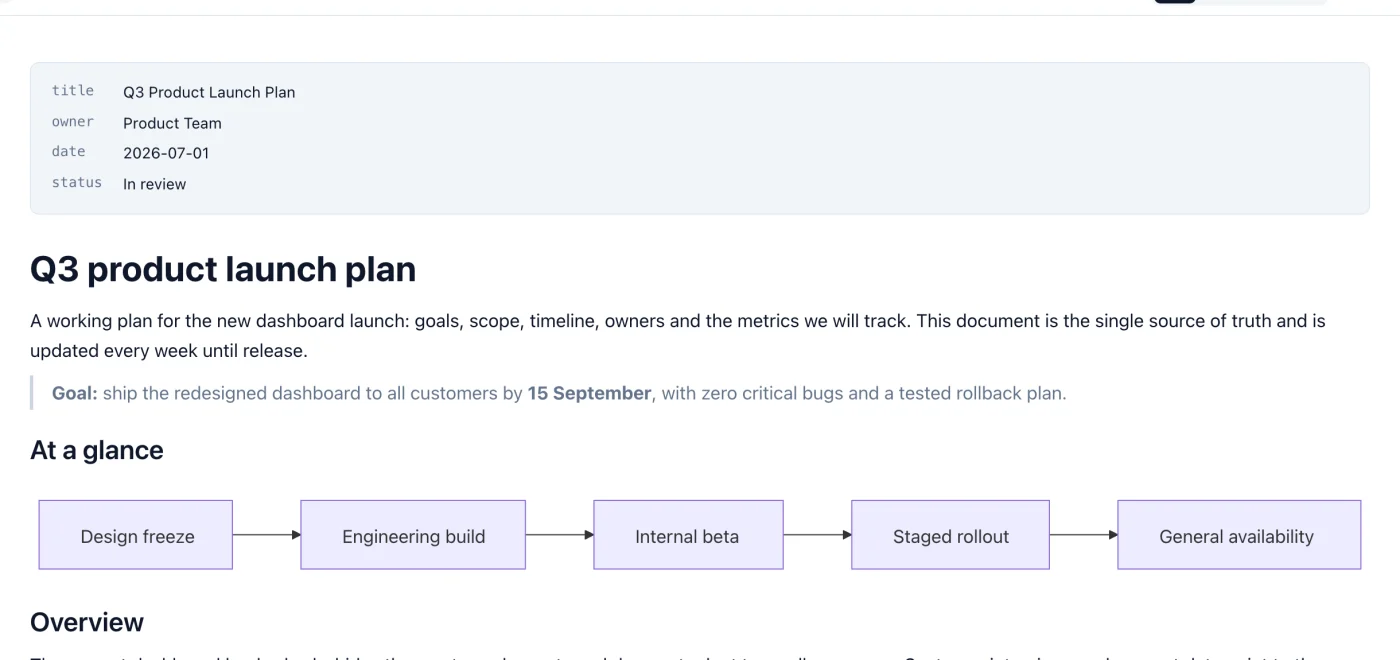
Mac の Quick Look
Finder で .md ファイルを選択してスペースキーを押すと、アプリを開かずに整形された状態で表示できます。
詳しく見る
.md ファイルを開いて、編集し、書き出せる Markdown ビューアー兼エディターです。WYSIWYG モードで見たまま編集することも、Markdown のソースを編集しながら横にライブプレビューを表示することもできます。
無料の Markdown ビューアー · Premium 機能の14日間無料トライアル
30日間の返金保証

Mac、Windows、Linux で Markdown を毎日読み書きする人のための機能をそろえています。すべての機能を見る
Finder で .md ファイルを選択してスペースキーを押すと、アプリを開かずに整形された状態で表示できます。
詳しく見る整形されたドキュメントを直接編集できます。自動保存をオンにすると、入力を止めて少し経ったときと、タブを切り替えたときにファイルが保存されます。
詳しく見る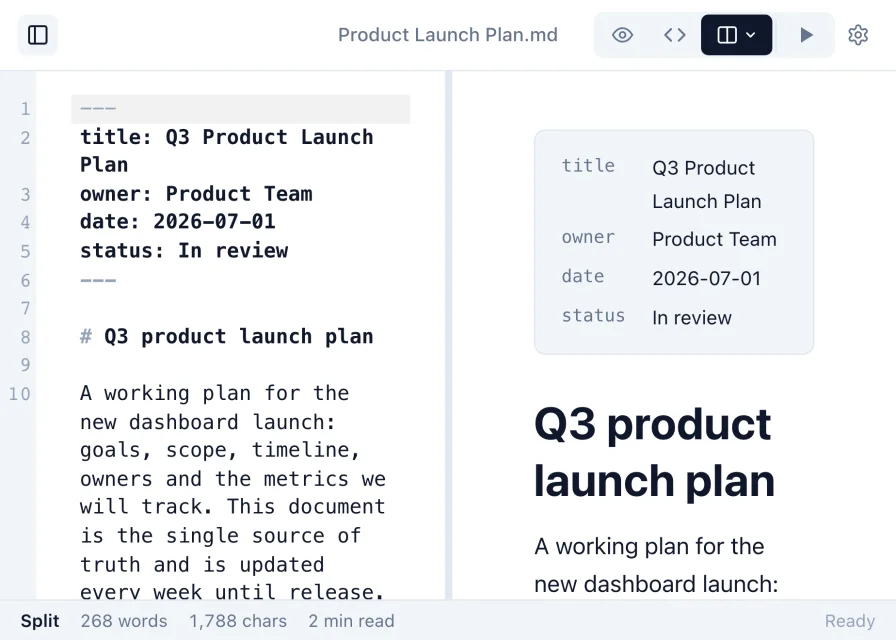
Markdown のソースを直接編集できるほか、分割ビューではソースの横に表示結果が並び、入力に合わせて更新されます。
詳しく見る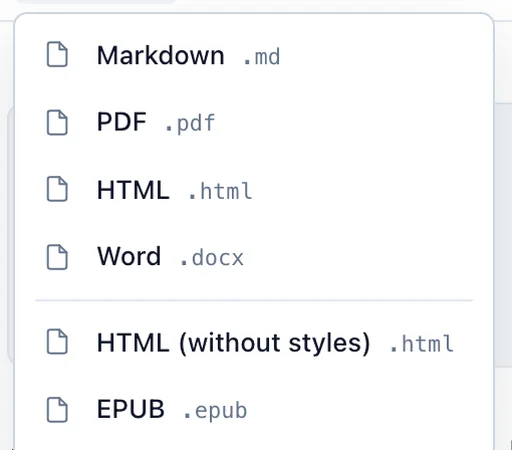
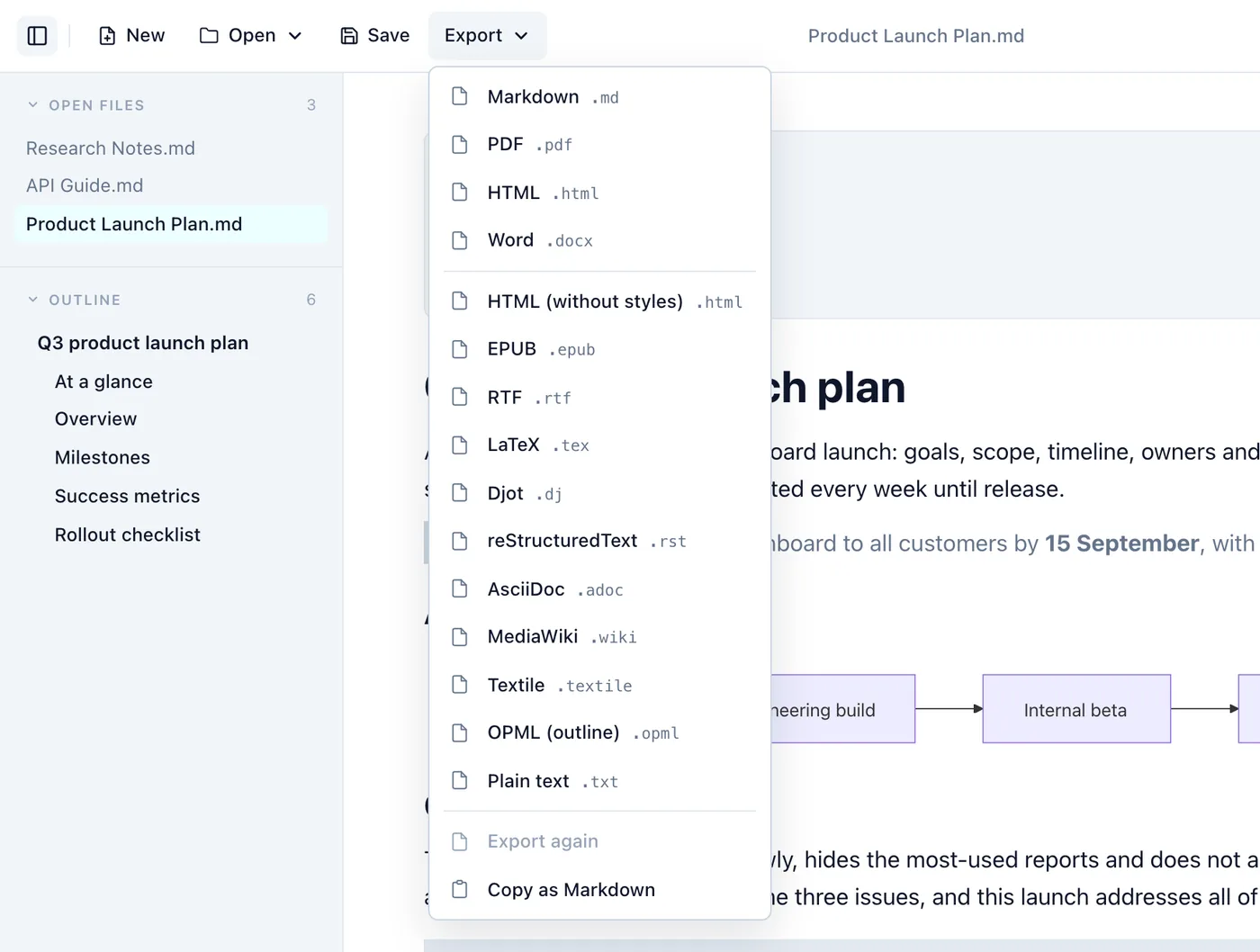
PDF、Word、HTML、EPUB、LaTeX、RTF など。「もう一度書き出す」で直前の書き出しをショートカット一つで繰り返せます。
詳しく見る
複数のファイルをタブで開いたまま、見出しのアウトラインから長いドキュメント内を移動できます。
詳しく見る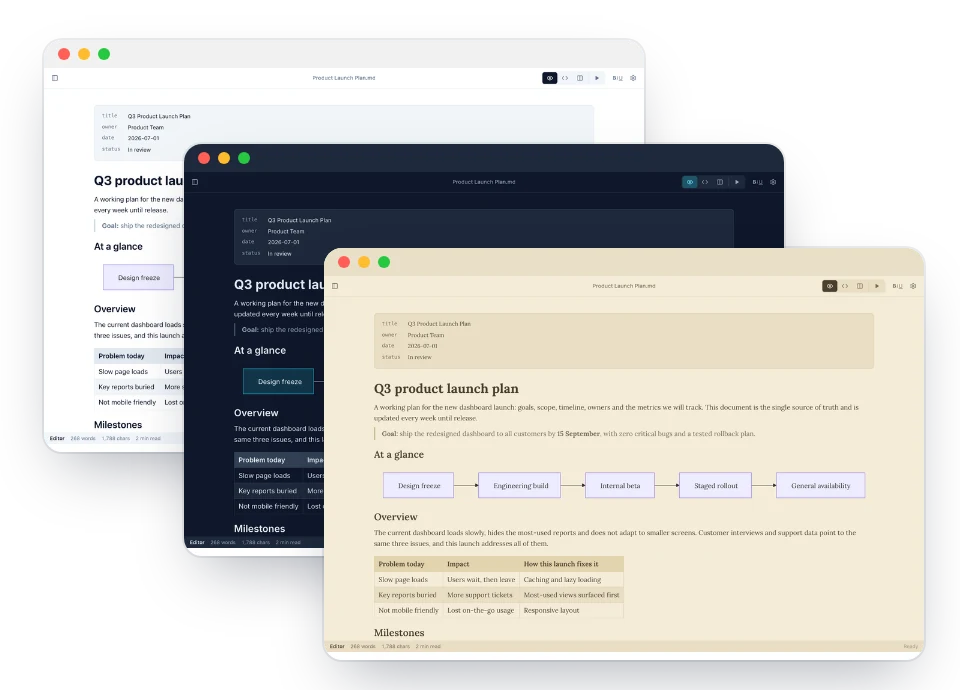
テーマと書体を選べるほか、全画面で読みながら文字サイズ、行間、幅、コントラストを調整できます。
詳しく見る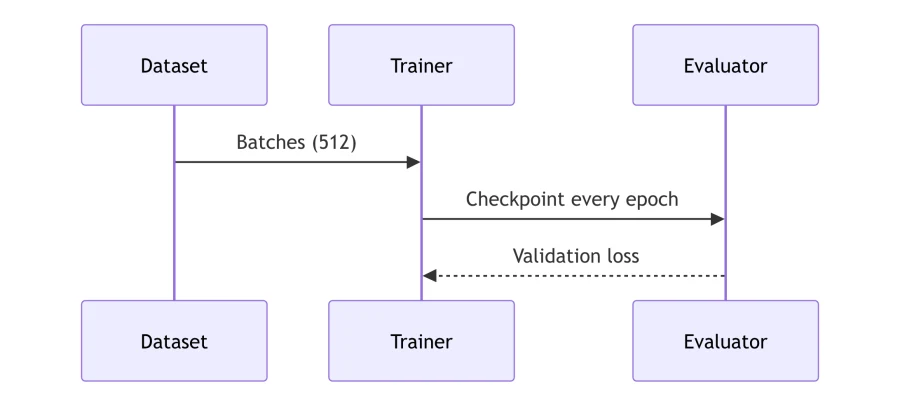
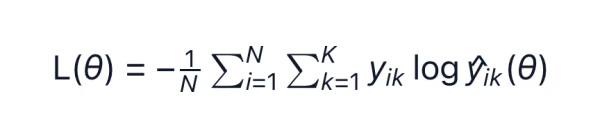
シンタックスハイライト付きのコード、数式、図、画像がその場で表示されます。貼り付けた画像は保存しても残り、長いコード行は折り返せます。
詳しく見る保存時に変更されるのは編集した部分だけです。ファイルのほかの部分の書式、改行コード、構文は書いたとおりに保たれます。
詳しく見るメニュー、ツールバー、設定、メッセージを 7 言語で表示できます。「設定 → 一般 → 言語」で選べます。
詳しく見るMarkdown を開いて読む機能は無期限で無料です。編集、書き出し、テーマ、プレゼンテーションモードは Premium の機能で、最初に14日間のトライアルがあります。
$14.99 1ライセンスあたり、買い切り
チームでのご購入なら 3ライセンスで10%、5ライセンスで15%、10ライセンスで20%割引になります。
$0 無期限
無料の Markdown ビューアー · Premium 機能の14日間無料トライアル
30日間の返金保証。プランを比較 →
左はファイルの中身、右は Markdific での表示です。要素を選んで比較してください。
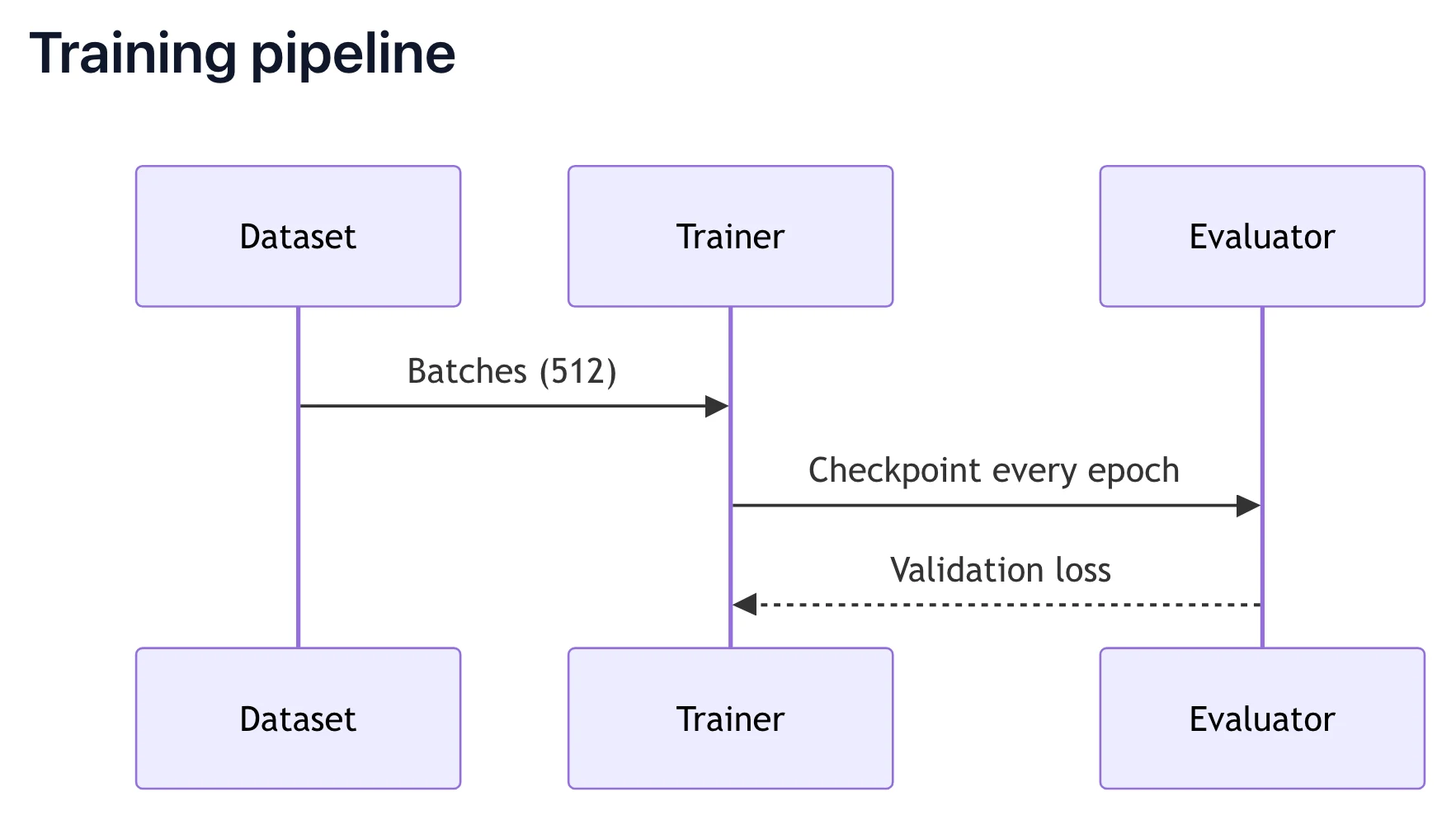
## Training pipeline

```mermaid
sequenceDiagram
  participant D as Dataset
  participant T as Trainer
  participant E as Evaluator
  D->>T: Batches (512)
  T->>E: Checkpoint every epoch
  E-->>T: Validation loss
```
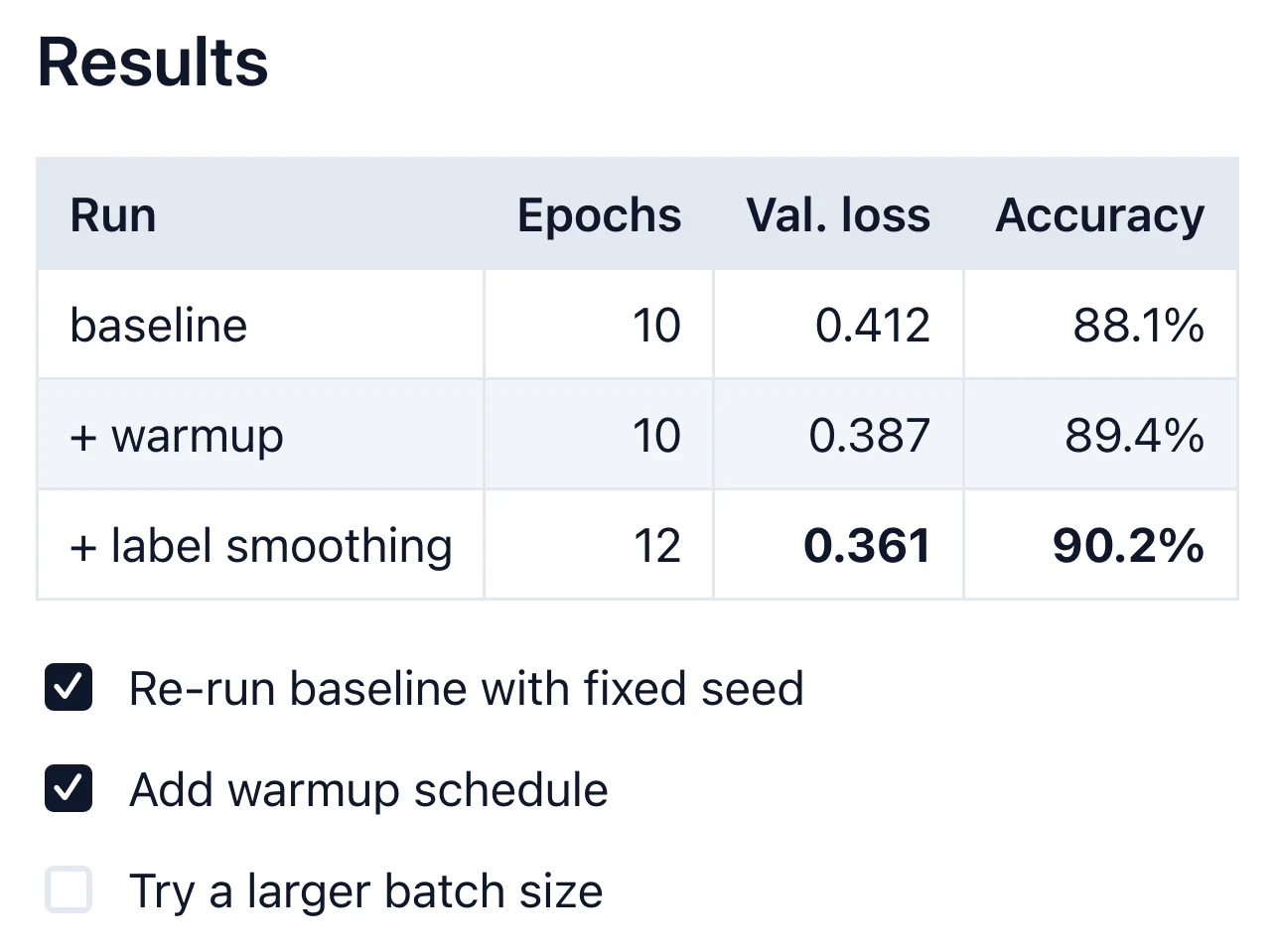
## Results

| Run               | Epochs | Val. loss | Accuracy |
| :--               | --:    | --:       | --:      |
| baseline          | 10     | 0.412     | 88.1%    |
| + warmup          | 10     | 0.387     | 89.4%    |
| + label smoothing | 12     | **0.361** | **90.2%** |

- [x] Re-run baseline with fixed seed
- [x] Add warmup schedule
- [ ] Try a larger batch size
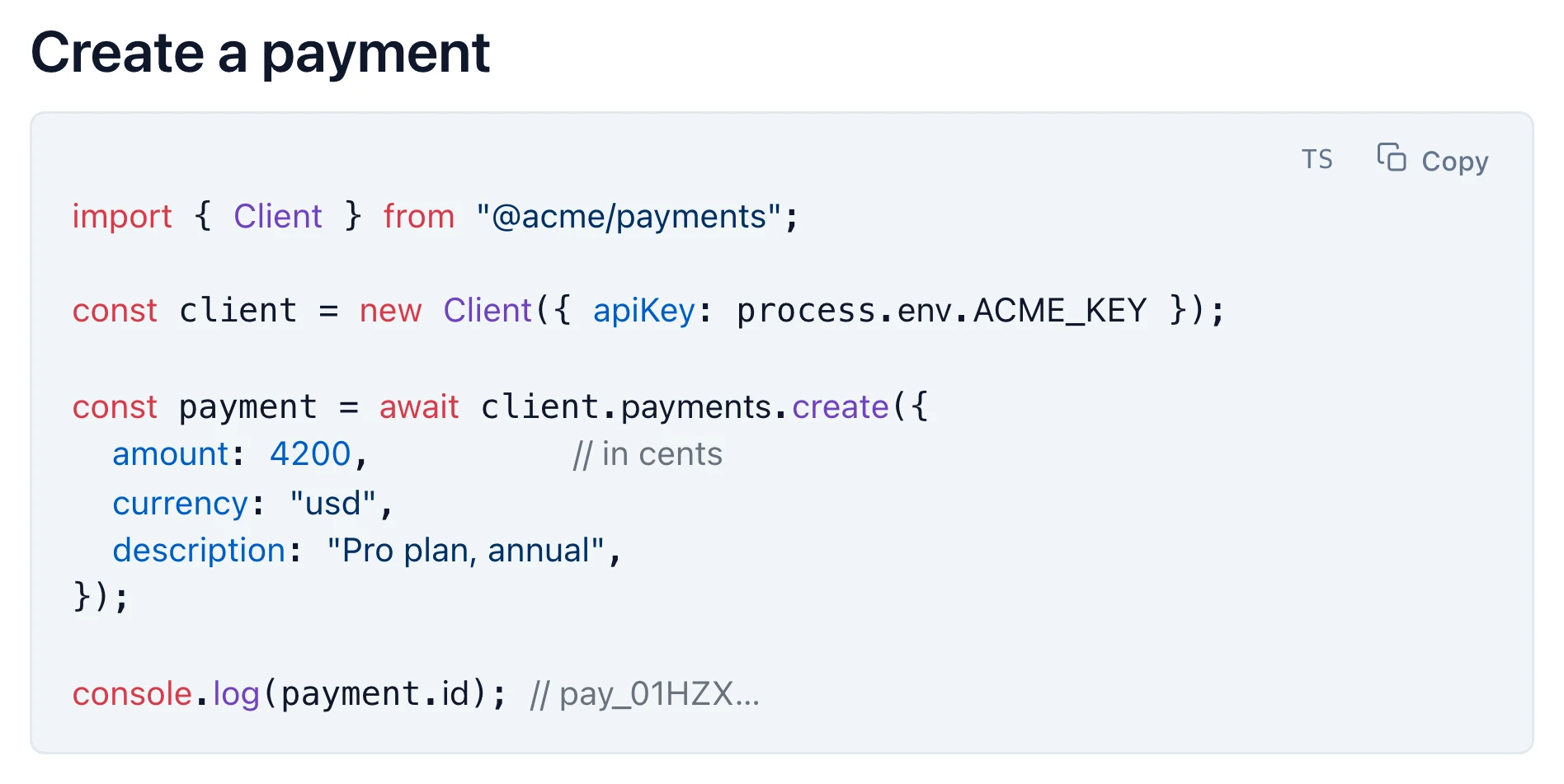
## Create a payment

```ts
import { Client } from "@acme/payments";

const client = new Client({ apiKey: process.env.ACME_KEY });

const payment = await client.payments.create({
  amount: 4200,          // in cents
  currency: "usd",
  description: "Pro plan, annual",
});

console.log(payment.id); // pay_01HZX…
```
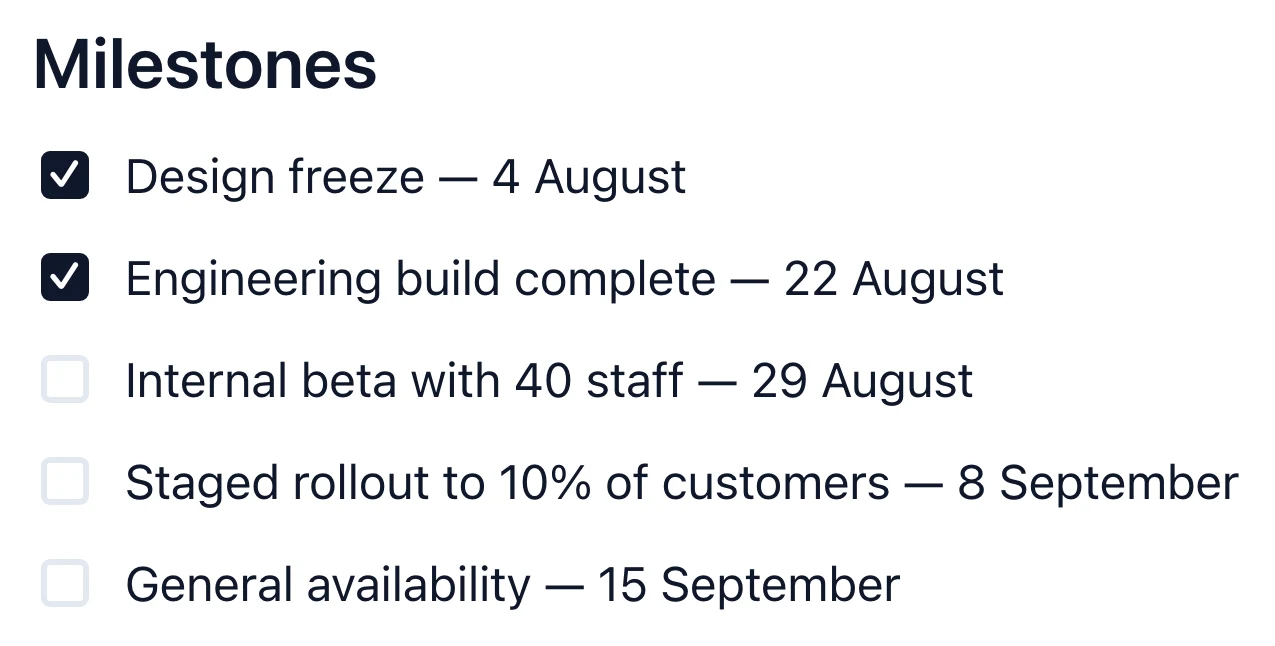
## Milestones

- [x] Design freeze — 4 August
- [x] Engineering build complete — 22 August
- [ ] Internal beta with 40 staff — 29 August
- [ ] Staged rollout to 10% of customers — 8 September
- [ ] General availability — 15 September
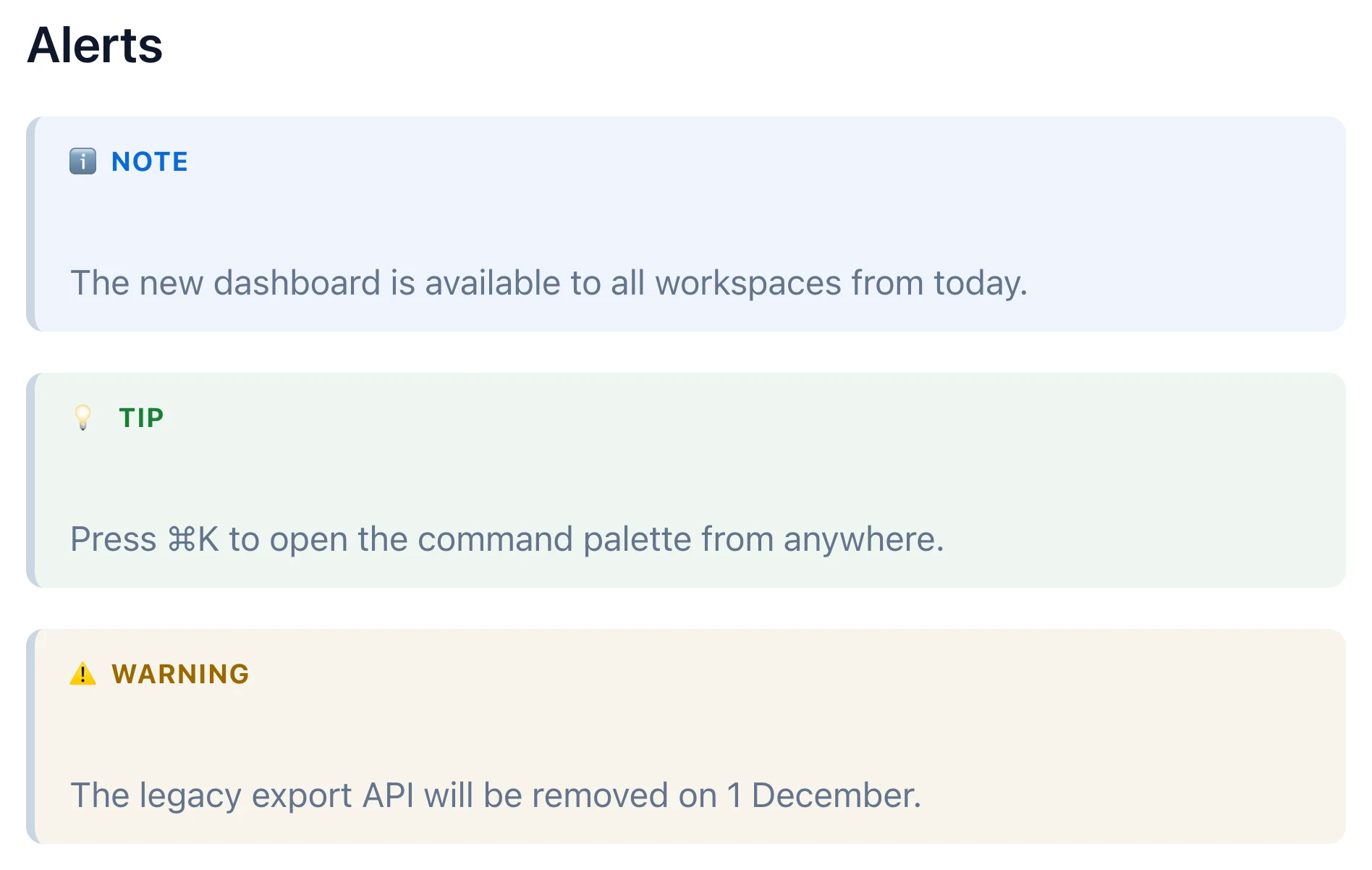
## Alerts

> [!NOTE]
> The new dashboard is available to all workspaces from today.

> [!TIP]
> Press ⌘K to open the command palette from anywhere.

> [!WARNING]
> The legacy export API will be removed on 1 December.
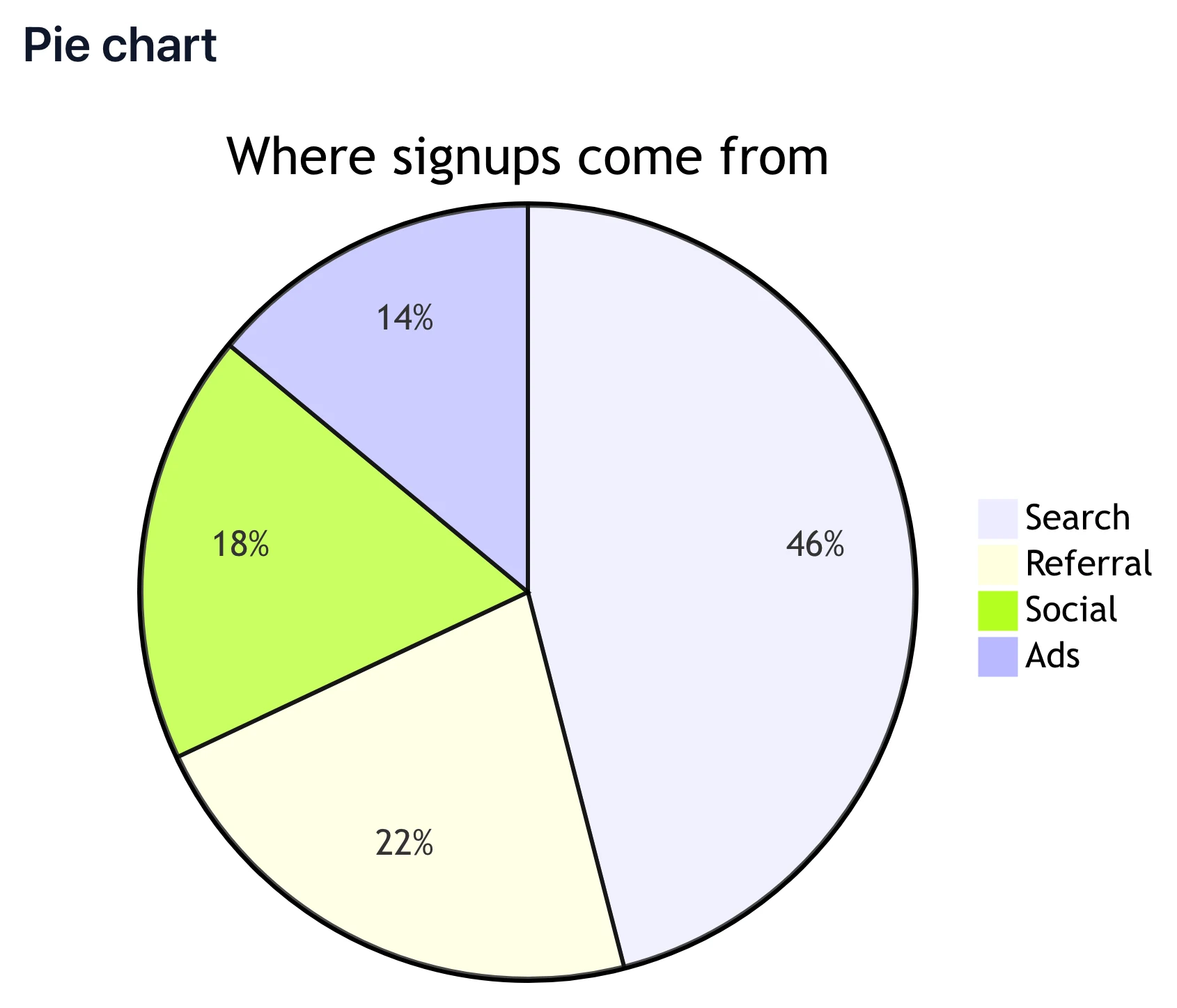
## Pie chart

```mermaid
pie title Where signups come from
  "Search" : 46
  "Referral" : 22
  "Social" : 18
  "Ads" : 14
```
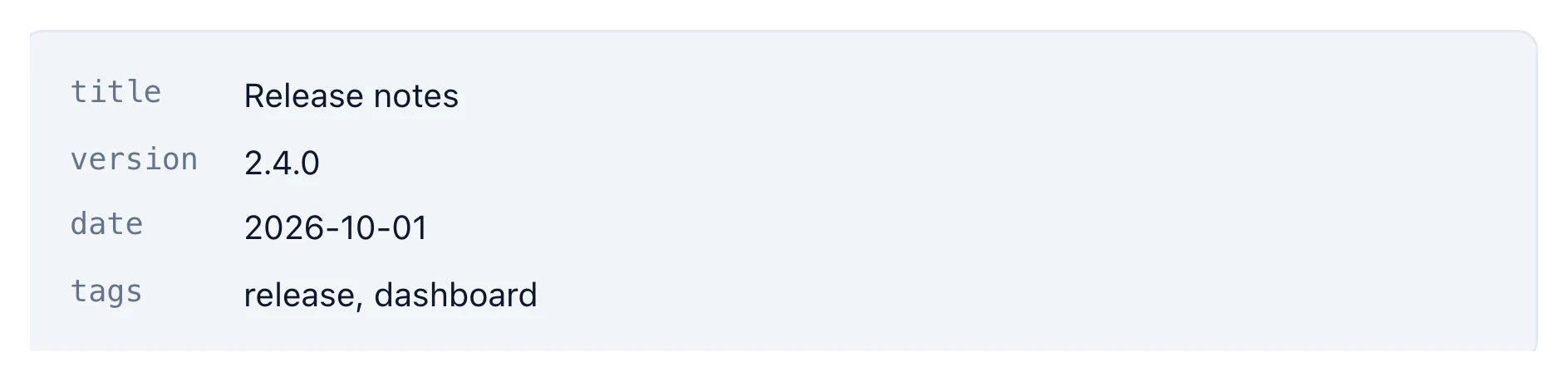
---
title: Release notes
version: 2.4.0
date: 2026-10-01
tags: [release, dashboard]
---
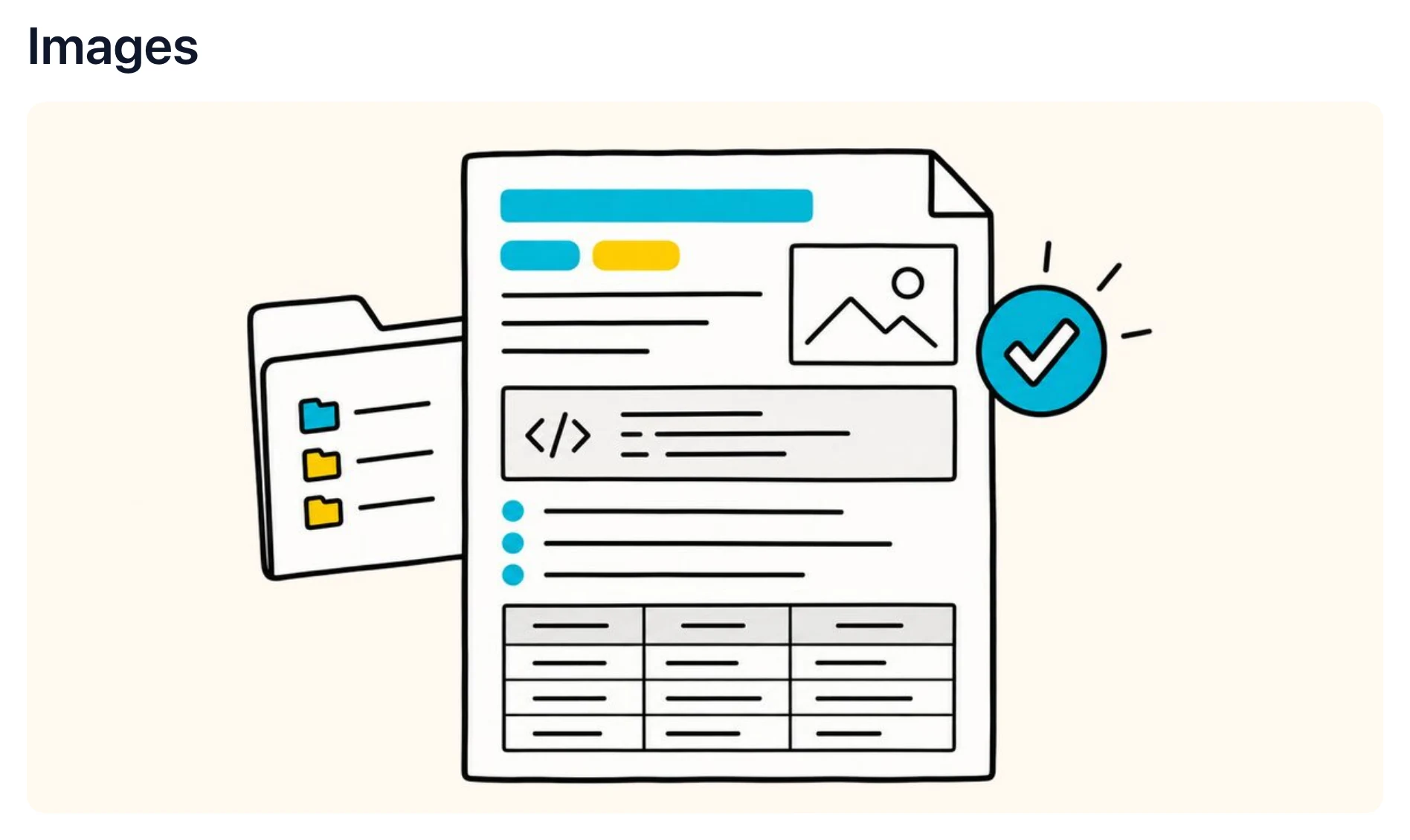
## Images  <!-- Web, local and pasted images all display in place. Pasted images are kept with the file when you save. -->
ほかにも表示できるもの LaTeX 数式 · 脚注 · ハイライト · 絵文字 · 入れ子のリスト · インライン HTML。対応している構文の一覧を見る →
読みやすいテーマと書体を選べます。選んだ設定は、開くすべてのドキュメントに適用されます。
フォント システム · Inter · Open Sans · Lora · Roboto Slab

Markdown ファイルを、図、表、コードを含んだまま、送付できるドキュメントに変換できます。
PDF は macOS と Windows で利用できます。EPUB は画像、図、数式を保持します。
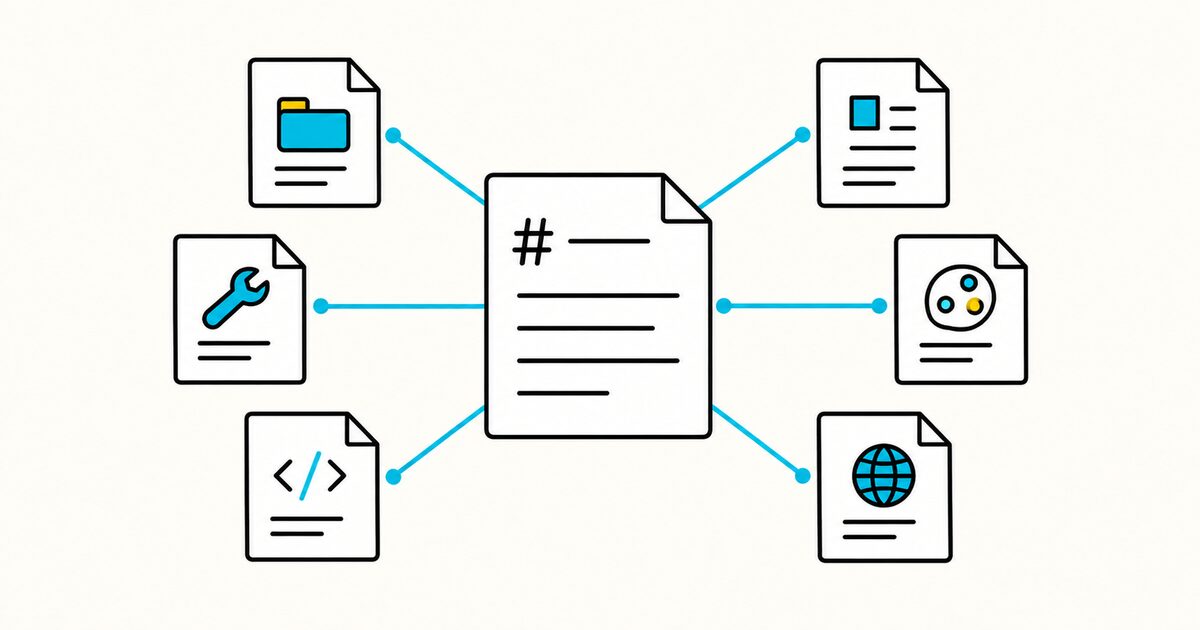
Compare AGENTS.md, CLAUDE.md, GEMINI.md, Cursor and Windsurf rules, Copilot instructions and prompt files, SKILL.md, DESIGN.md, and llms.txt.
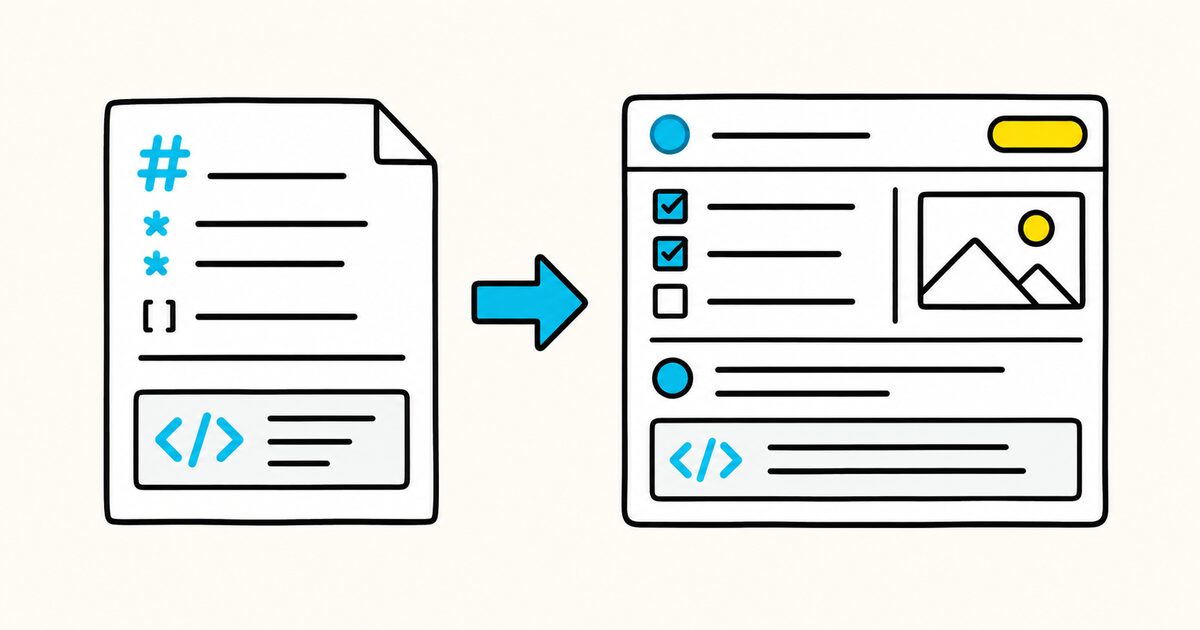
Use Markdown in Jira Cloud work-item descriptions and comments. Includes supported syntax, examples, code blocks, wiki markup differences, and fixes.
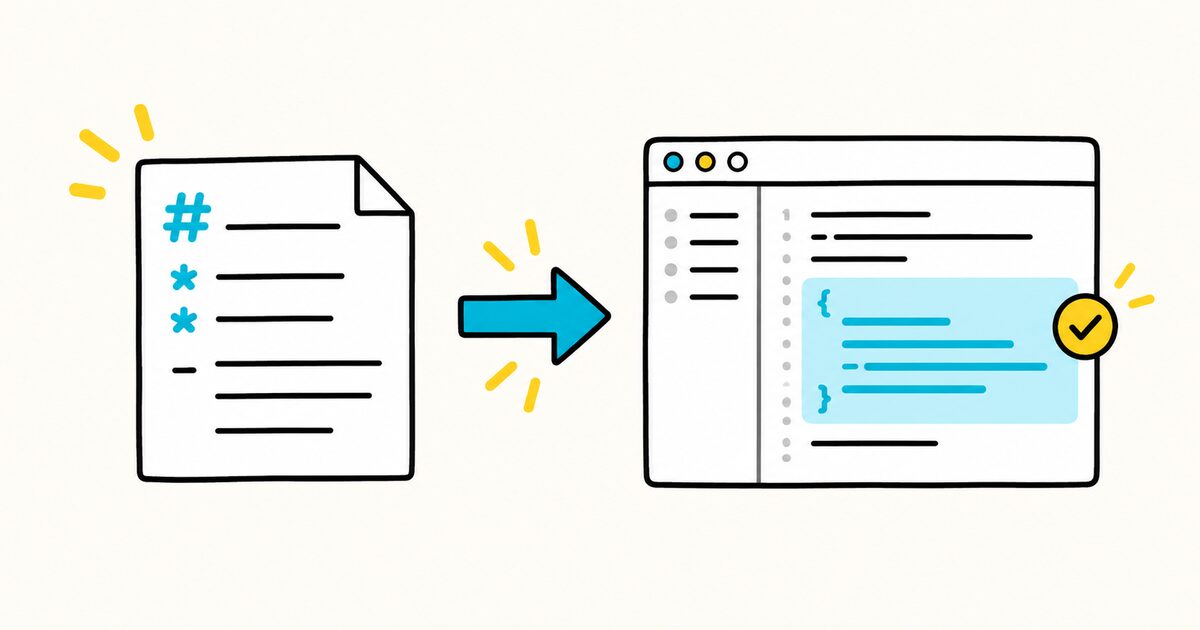
Create reusable GitHub Copilot prompt files with .github/prompts/*.prompt.md, front matter, inputs, file references, examples, testing, and limits.
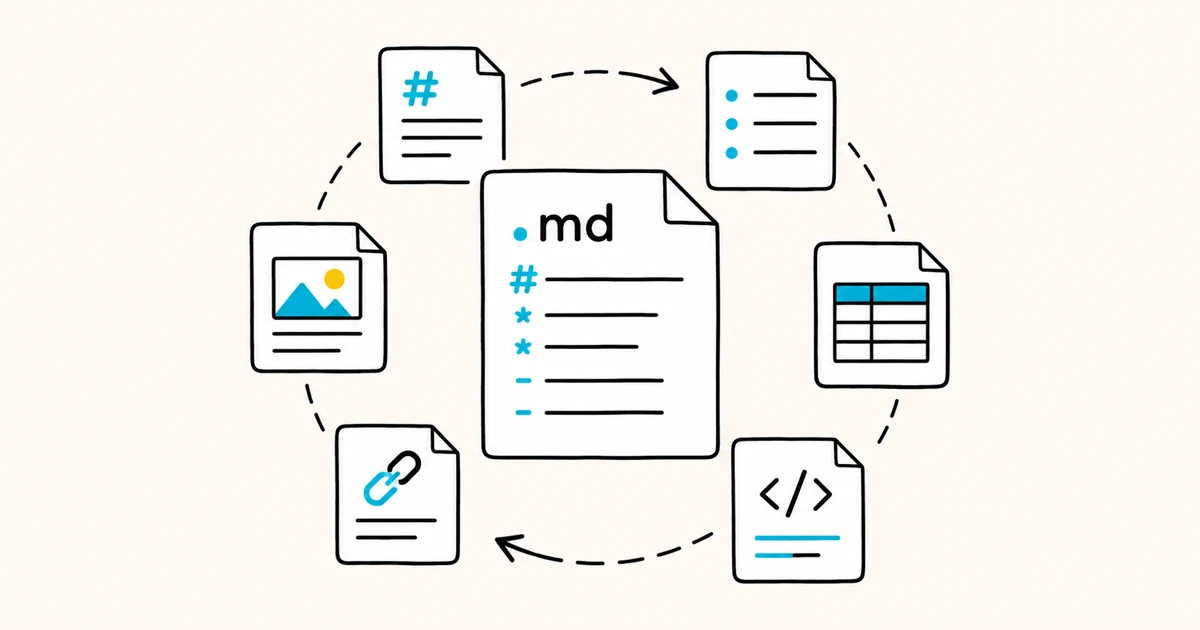
.md ファイルはプレーンテキストの Markdown ファイルです。.md の意味、ファイルの中身、そして Mac、Windows、Linux での開き方、編集方法、変換方法を説明します。
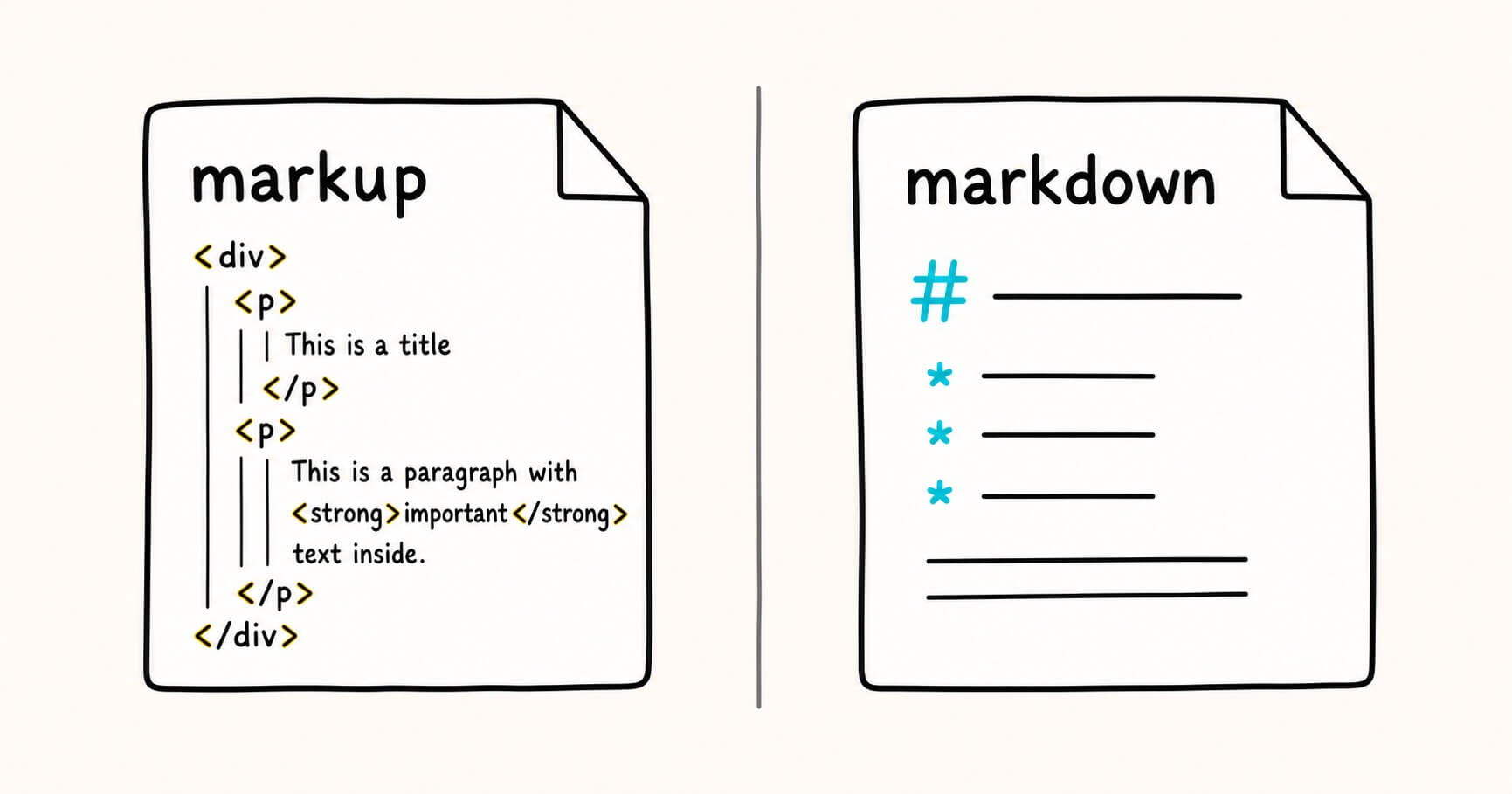
Markdown is a type of markup — the friendly, stripped-down member of the family. Here's the real relationship, with examples and a rule for choosing.
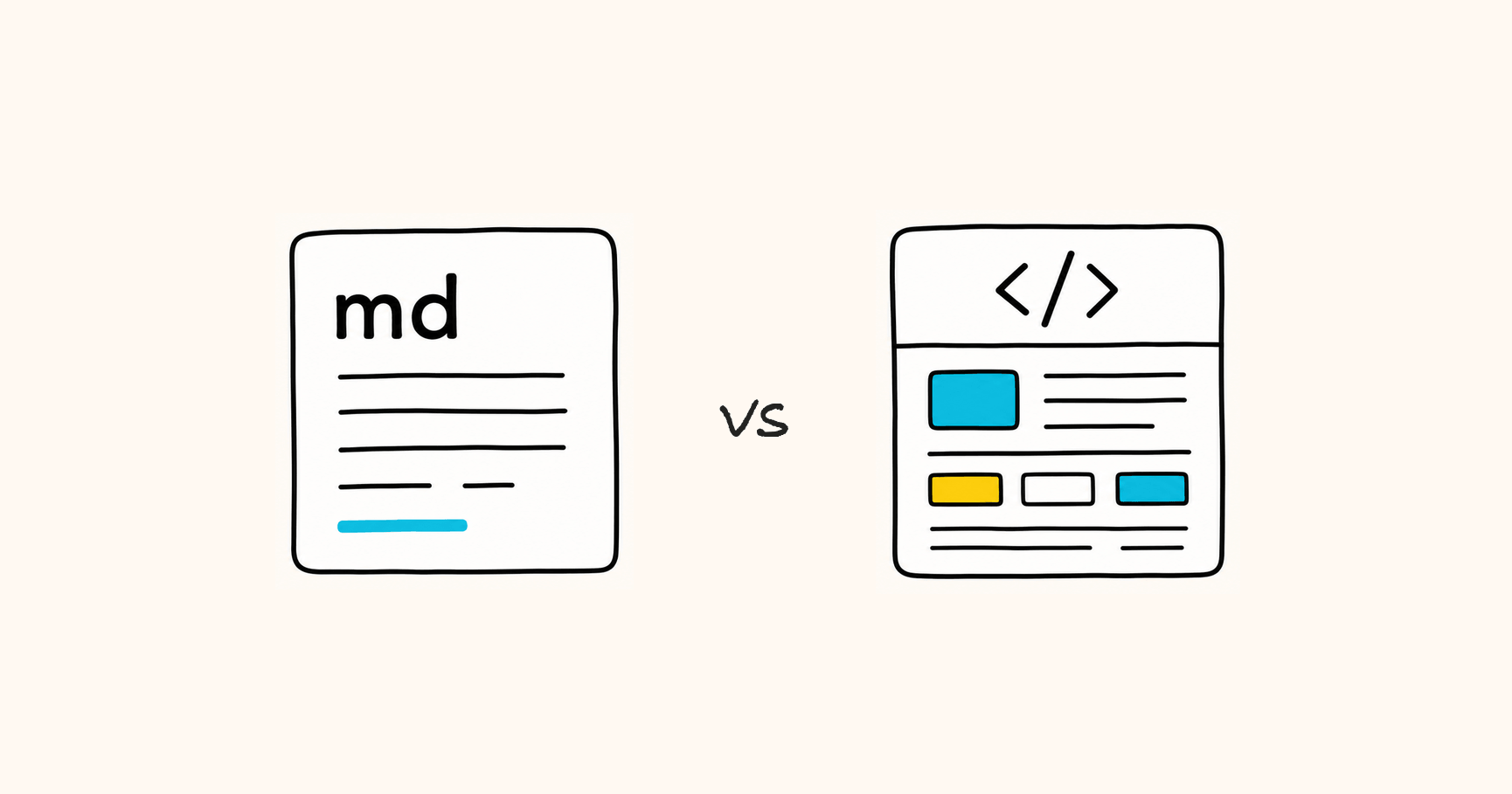
Markdown vs HTML is the wrong fight. One is built for writing and editing, the other for display and sharing — here is how to choose in seconds.
Markdific をダウンロードし、.md ファイルをダブルクリックするか、ウィンドウにドラッグしてください。Markdific は Markdown ファイルをすぐに開き、見出し、表、コード、画像を本来の見た目で表示します。
.md ファイルは Markdown ファイルで、簡単な記号で書式を指定するプレーンテキストの文書です。ChatGPT、Claude、Gemini などの AI ツールは回答を Markdown で書き出すため、.md ファイルを目にする機会がこれまで以上に増えています。
はい。どの Markdown ファイルも無料で開いて読むことができます。Premium のすべての機能を14日間無料で使えます。その後、編集、保存、PDF、Word、HTML への書き出しには $14.99 の買い切り購入が必要になります。サブスクリプションはありません。
はい。Markdific は macOS 11 以降(Apple シリコンと Intel)、Windows 11 と Windows 10 バージョン 1809 以降、Linux(.deb、.rpm、AppImage、x64 と ARM)で動作します。iOS 版と Android 版も近日公開予定です。
どちらもできます。Markdific は本格的な Markdown リーダー兼エディターです。ファイルを表示し、ちょっとした編集をして、書式を崩さずに保存できます。