MDProduct Launch Plan.md
MDAPI Guide.md
MDResearch Notes.md
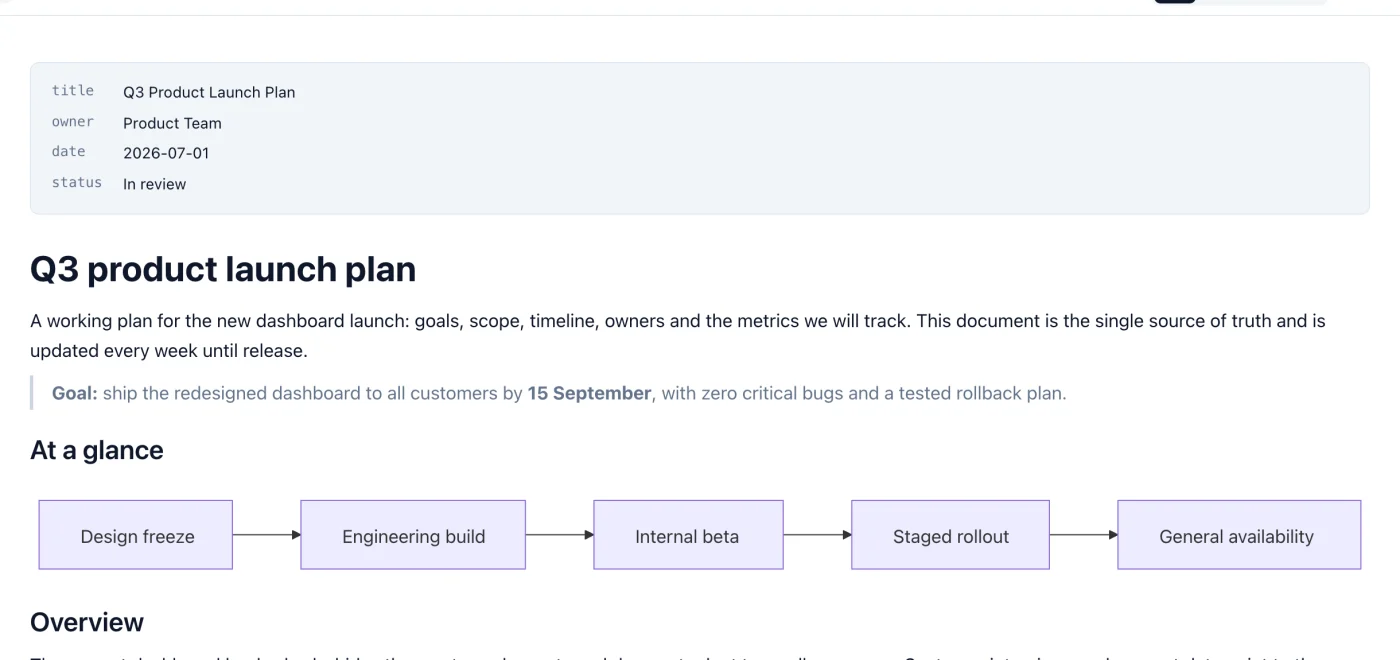
Mac 上的 Quick Look
在访达中选中一个 .md 文件,按空格键即可查看格式化后的内容,无需打开应用。

一款用于打开、编辑和导出 .md 文件的 Markdown 查看器和编辑器。你可以在 WYSIWYG 模式下进行可视化编辑,也可以直接编辑 Markdown 源码,并在旁边查看实时预览。
14 天免费试用。30 天退款保证。

专为每天阅读和编辑 Markdown 而设计,支持 Mac、Windows 和 Linux。
在访达中选中一个 .md 文件,按空格键即可查看格式化后的内容,无需打开应用。
直接编辑格式化后的文档。开启自动保存后,在你停止输入片刻后以及切换标签页时,文件都会自动保存。
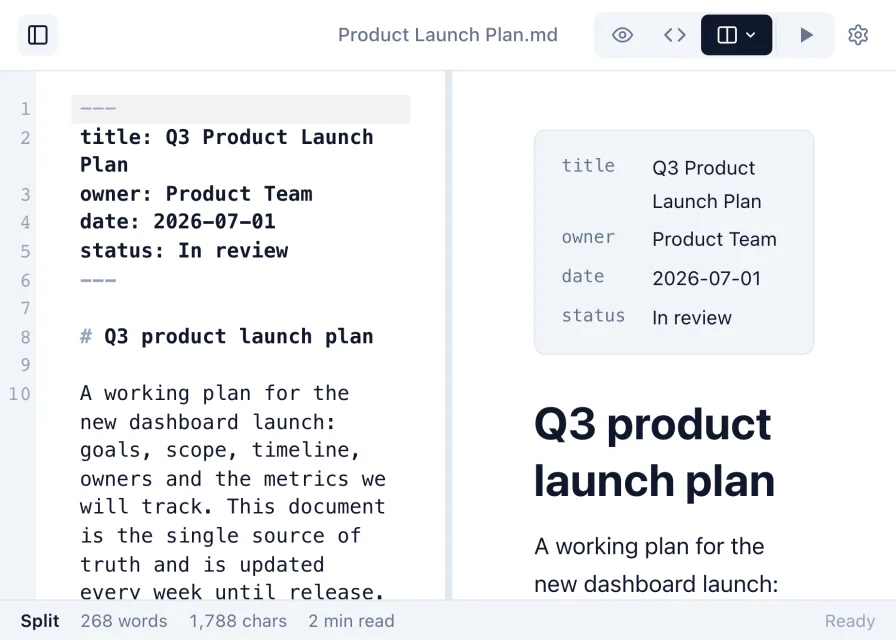
直接编辑原始 Markdown,或使用分栏视图,边输入边在源码旁看到渲染后的文档同步更新。
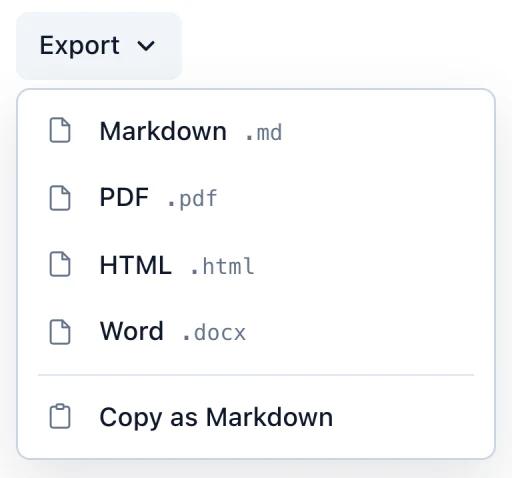
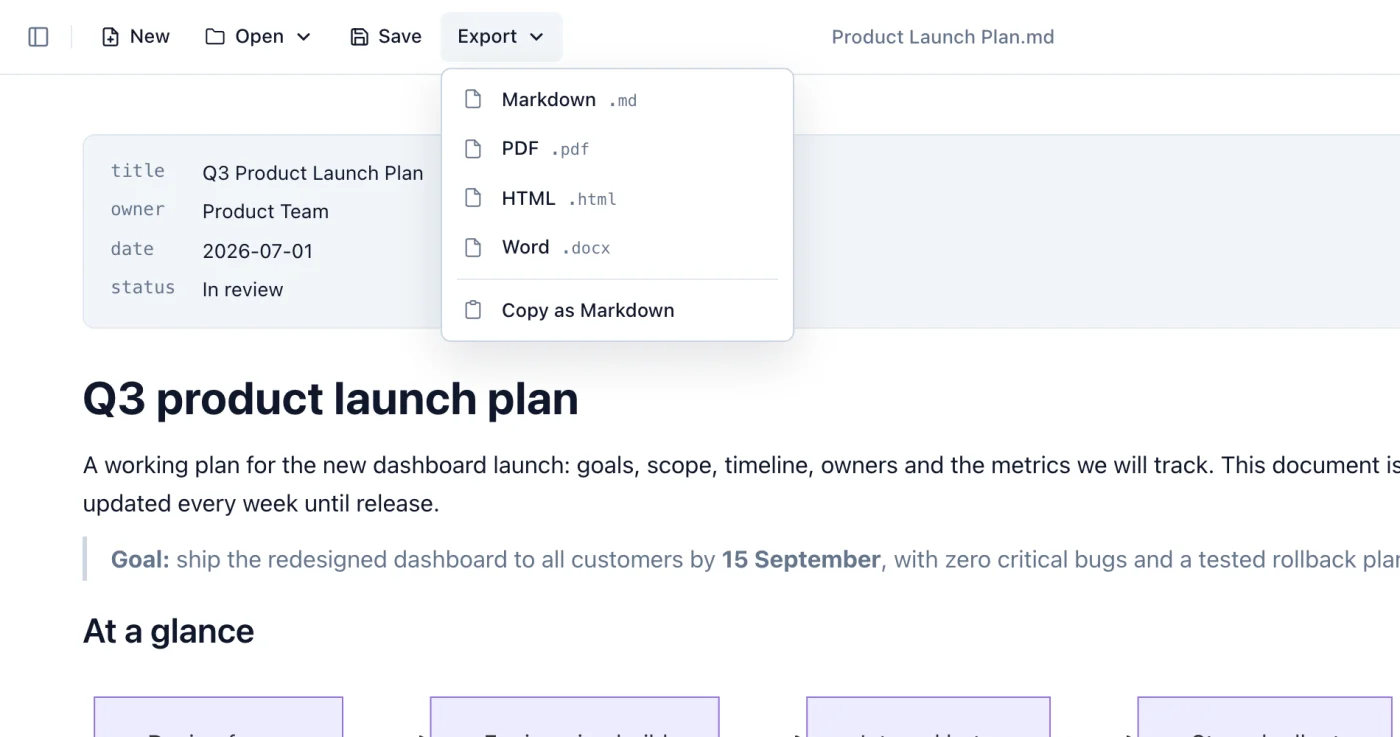
将 Markdown 文件转换为 PDF、Word 文档或 HTML 页面,方便分享。
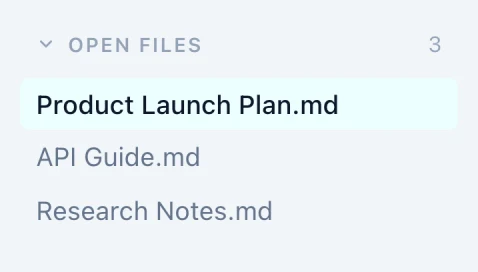
同时打开多个 Markdown 文件,点击即可切换。
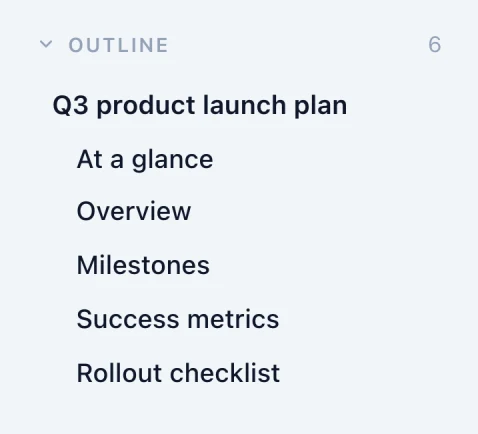
侧边栏会列出所有标题,方便你在长文档中快速跳转。
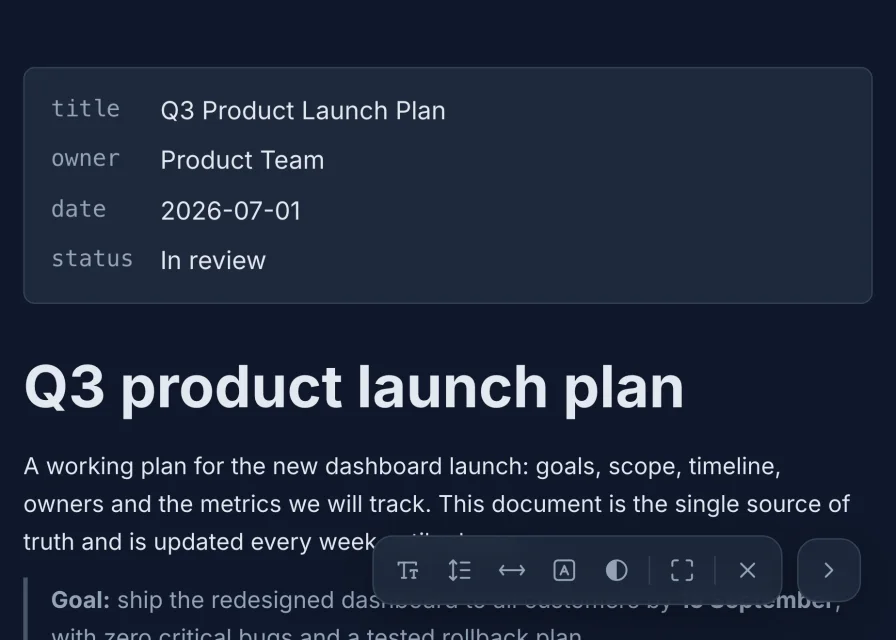
选择主题和字体,或全屏阅读,并调整文字大小、行距、宽度和对比度。
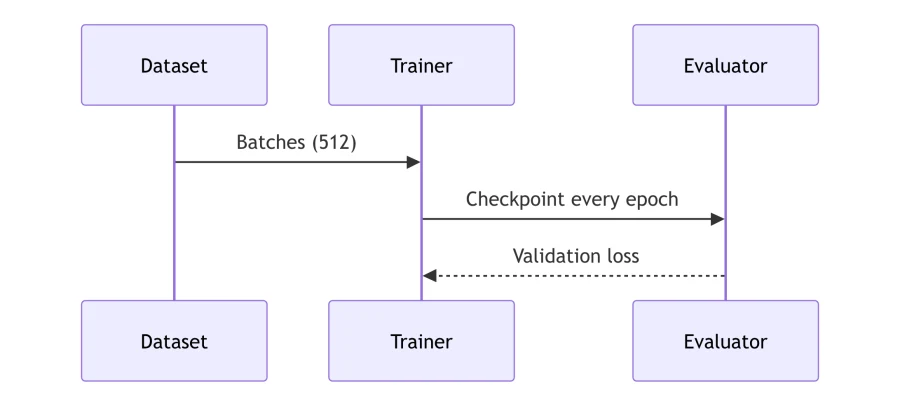
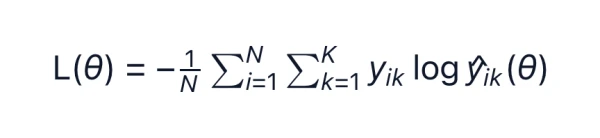
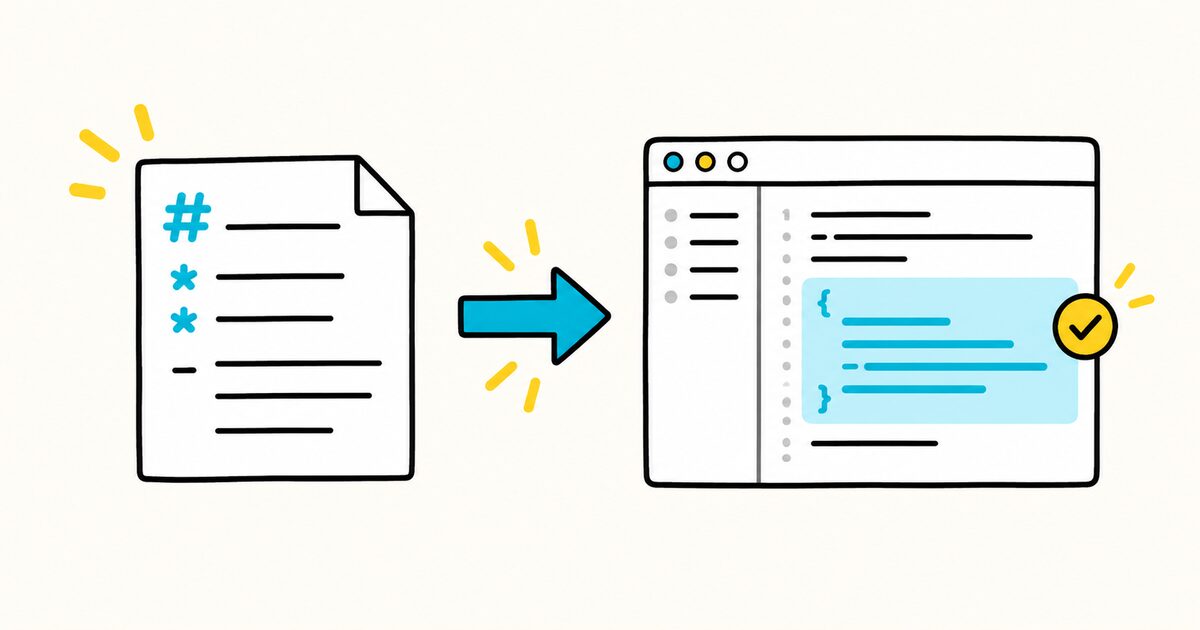
语法高亮的代码、数学公式、图表和图片都会直接渲染显示。粘贴的图片在保存时会一并保留。

支持区分大小写、全字匹配和正则表达式搜索,所有匹配项都会高亮显示。可在 Source 视图中进行替换。
14 天免费试用。30 天退款保证。
选择看着舒服的主题和字体。所选设置会应用到你打开的每个文档。
字体 System · Inter · Open Sans · Lora · Roboto Slab

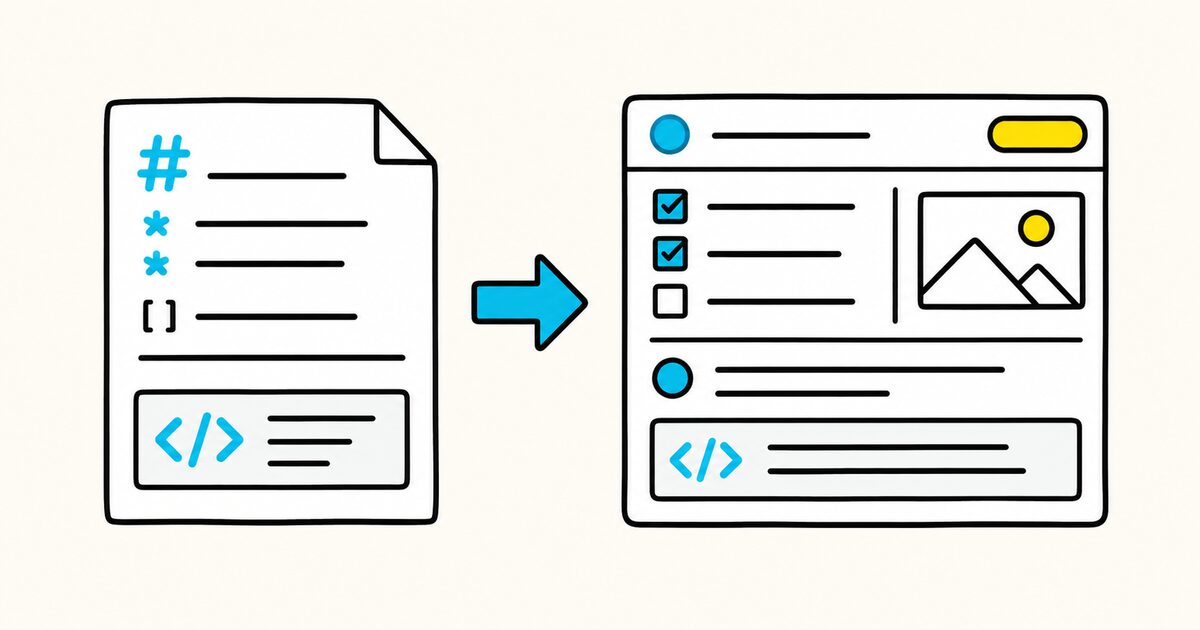
左侧是文件中的内容,右侧是在 Markdific 中看到的效果。选择一个元素进行对比。
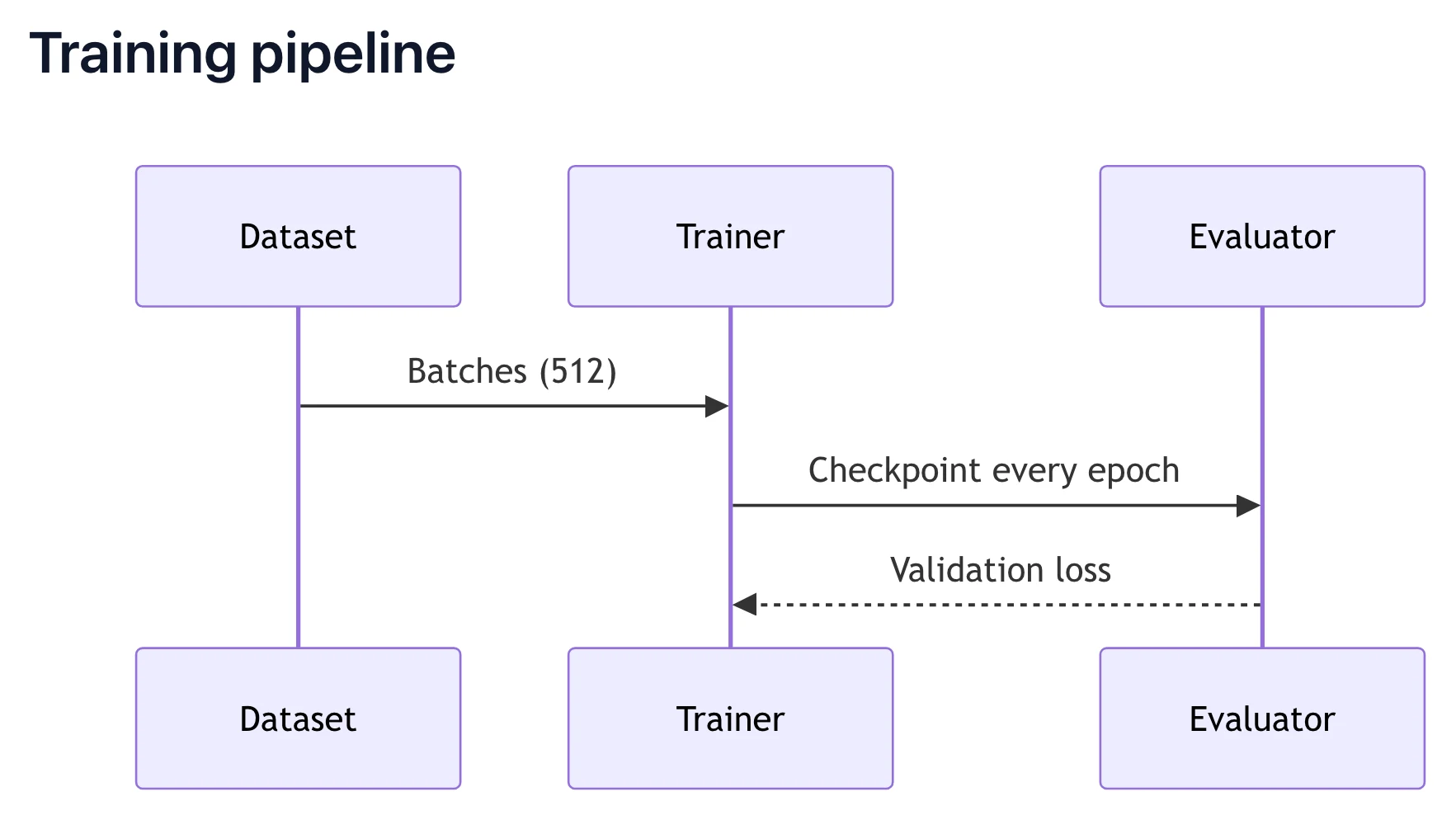
## Training pipeline

```mermaid
sequenceDiagram
  participant D as Dataset
  participant T as Trainer
  participant E as Evaluator
  D->>T: Batches (512)
  T->>E: Checkpoint every epoch
  E-->>T: Validation loss
```
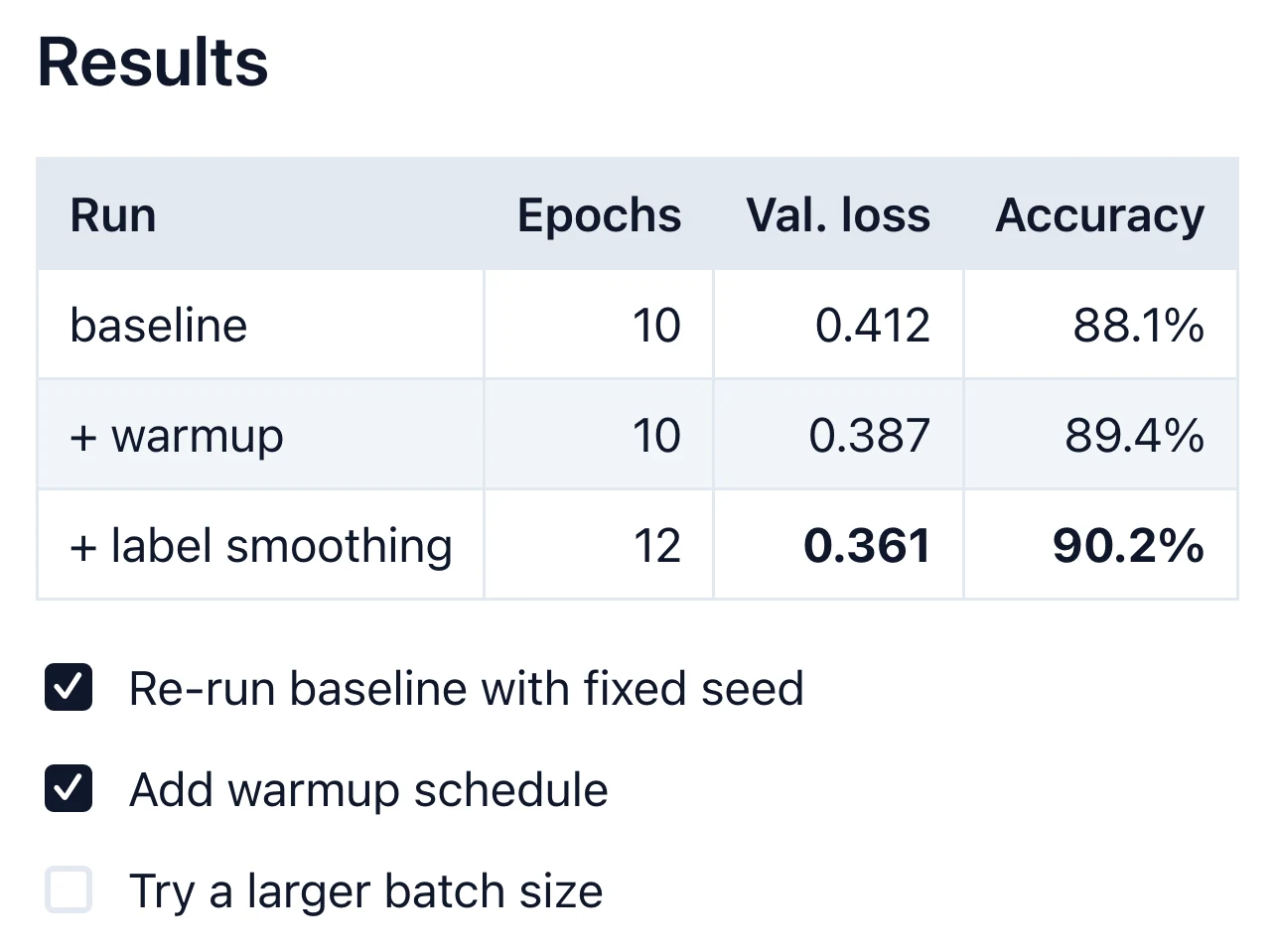
## Results

| Run               | Epochs | Val. loss | Accuracy |
| :--               | --:    | --:       | --:      |
| baseline          | 10     | 0.412     | 88.1%    |
| + warmup          | 10     | 0.387     | 89.4%    |
| + label smoothing | 12     | **0.361** | **90.2%** |

- [x] Re-run baseline with fixed seed
- [x] Add warmup schedule
- [ ] Try a larger batch size
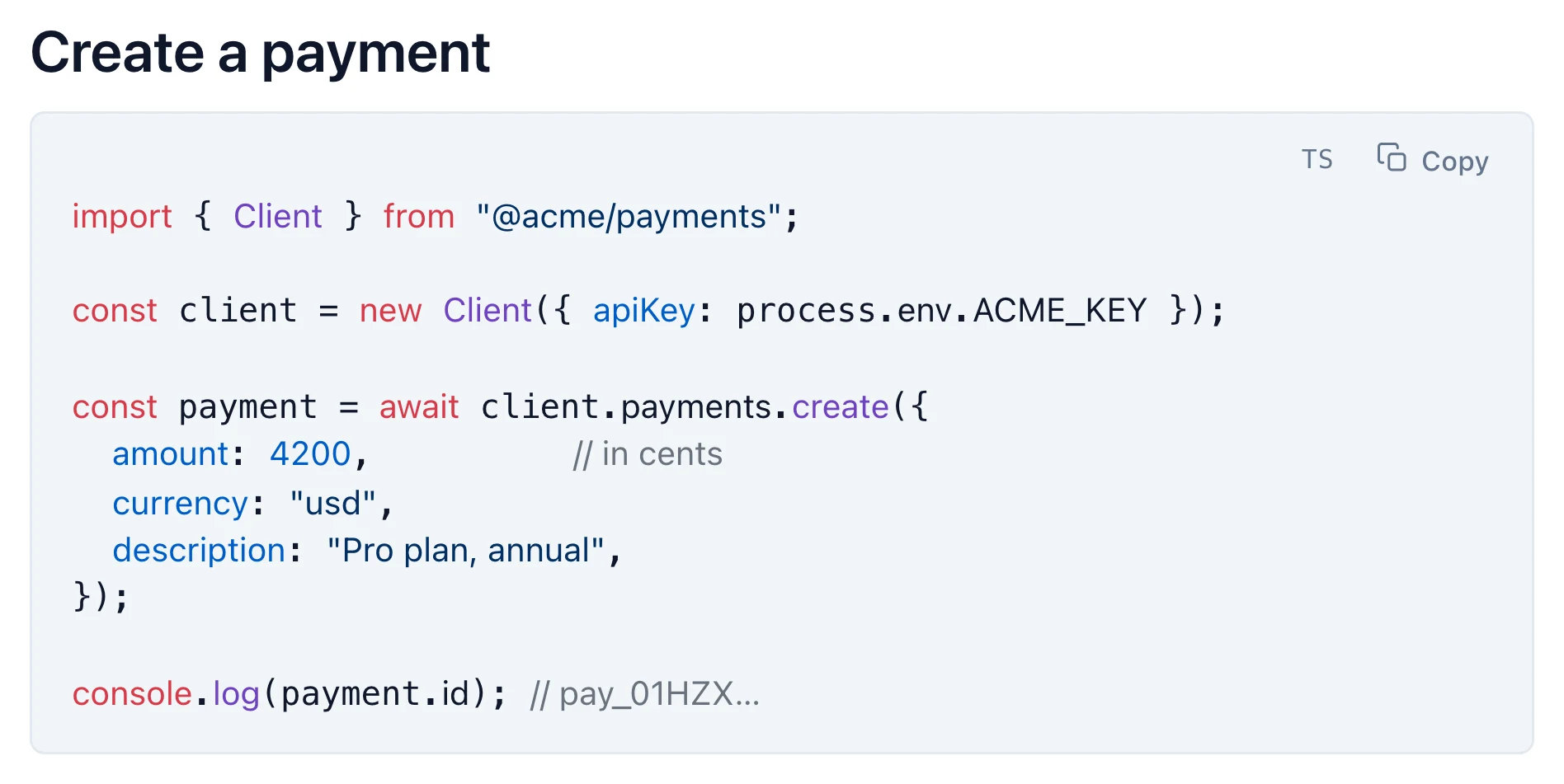
## Create a payment

```ts
import { Client } from "@acme/payments";

const client = new Client({ apiKey: process.env.ACME_KEY });

const payment = await client.payments.create({
  amount: 4200,          // in cents
  currency: "usd",
  description: "Pro plan, annual",
});

console.log(payment.id); // pay_01HZX…
```
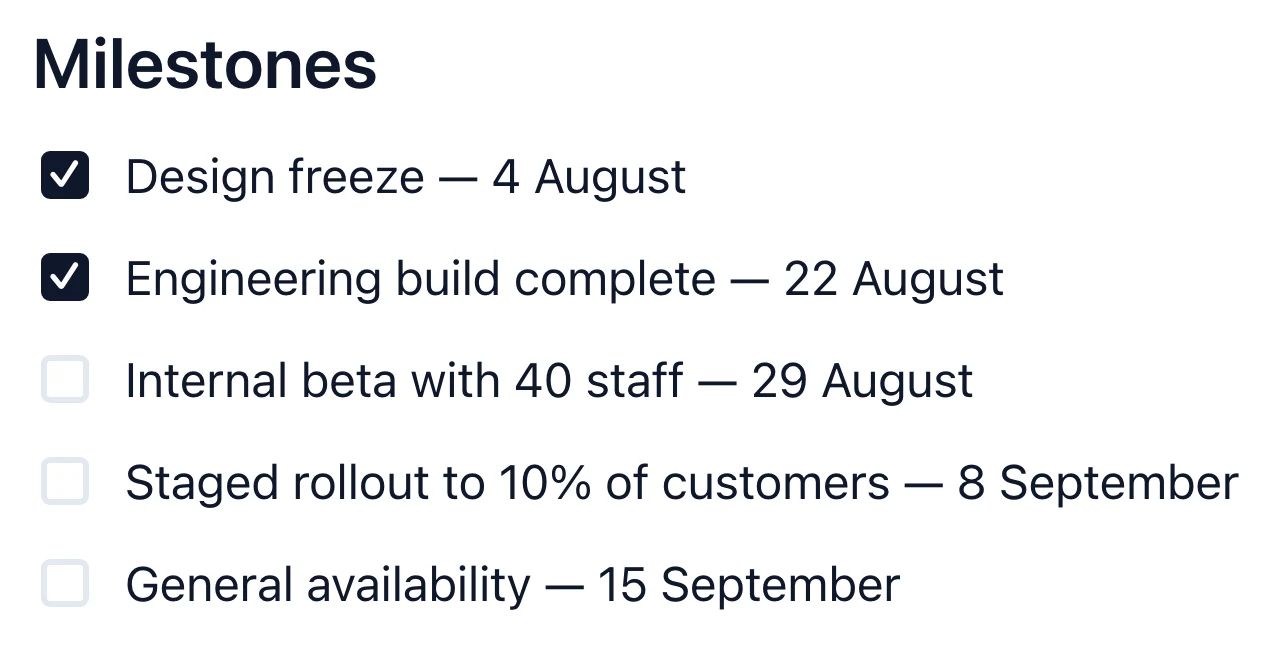
## Milestones

- [x] Design freeze — 4 August
- [x] Engineering build complete — 22 August
- [ ] Internal beta with 40 staff — 29 August
- [ ] Staged rollout to 10% of customers — 8 September
- [ ] General availability — 15 September
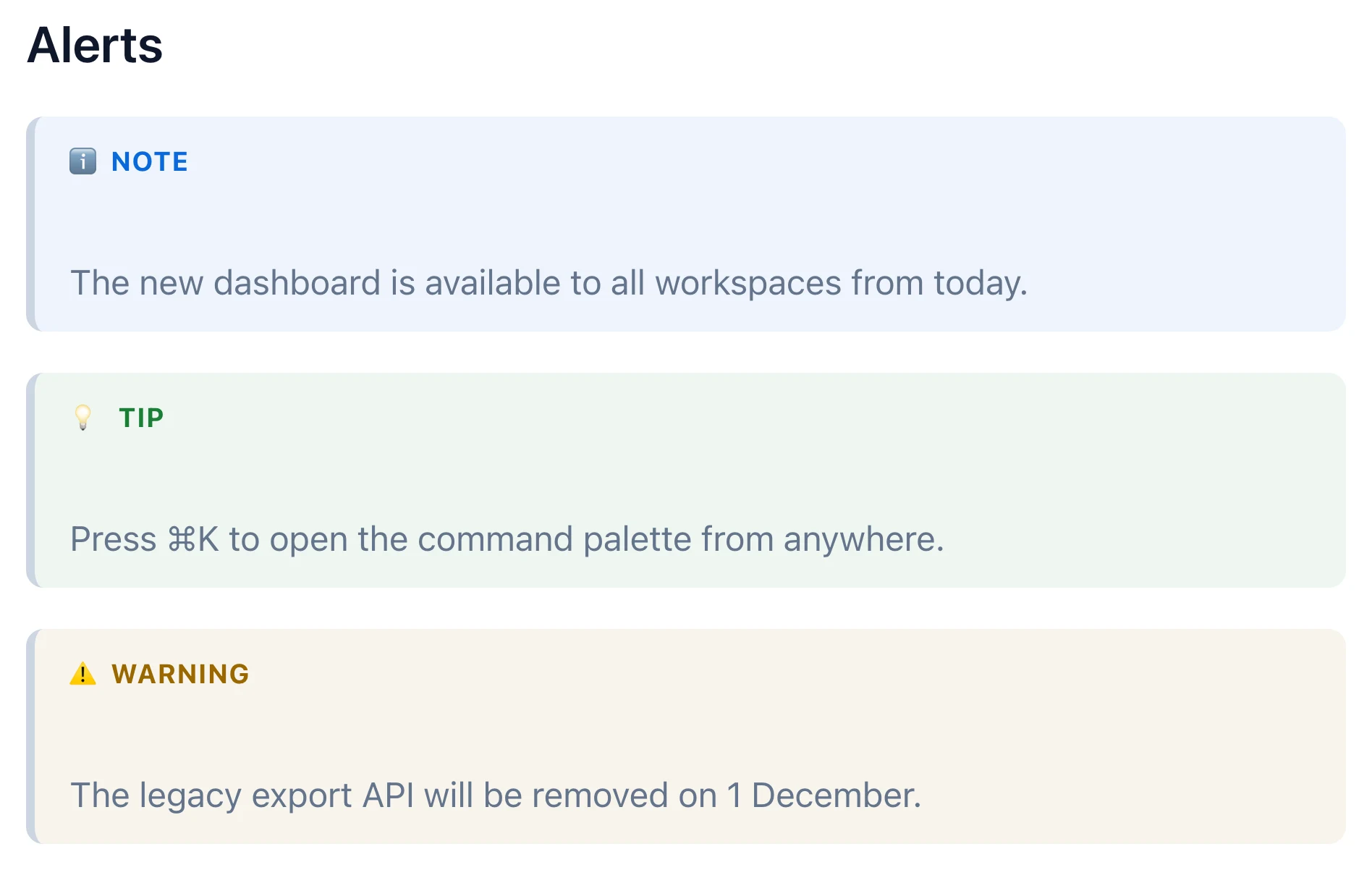
## Alerts

> [!NOTE]
> The new dashboard is available to all workspaces from today.

> [!TIP]
> Press ⌘K to open the command palette from anywhere.

> [!WARNING]
> The legacy export API will be removed on 1 December.
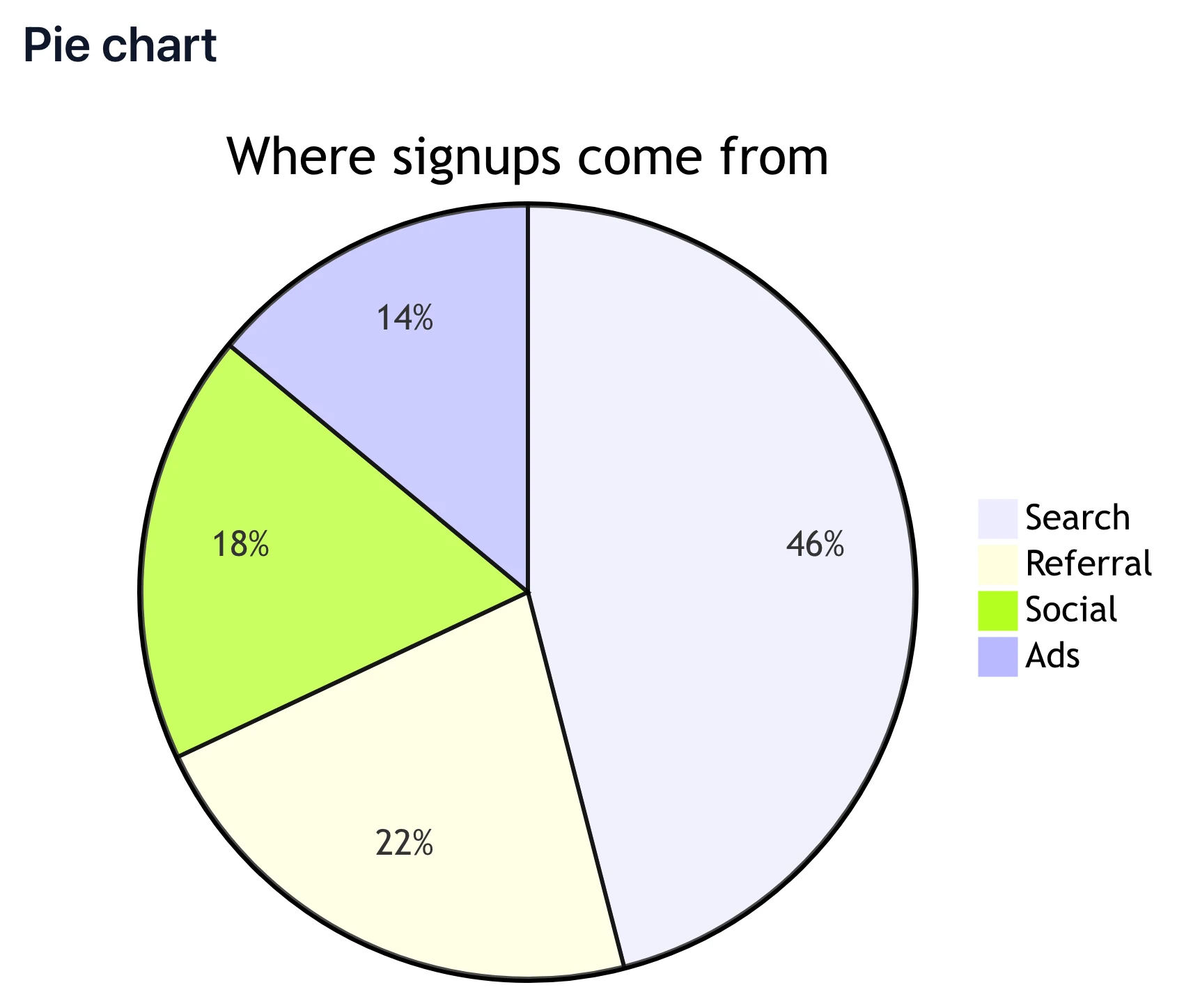
## Pie chart

```mermaid
pie title Where signups come from
  "Search" : 46
  "Referral" : 22
  "Social" : 18
  "Ads" : 14
```
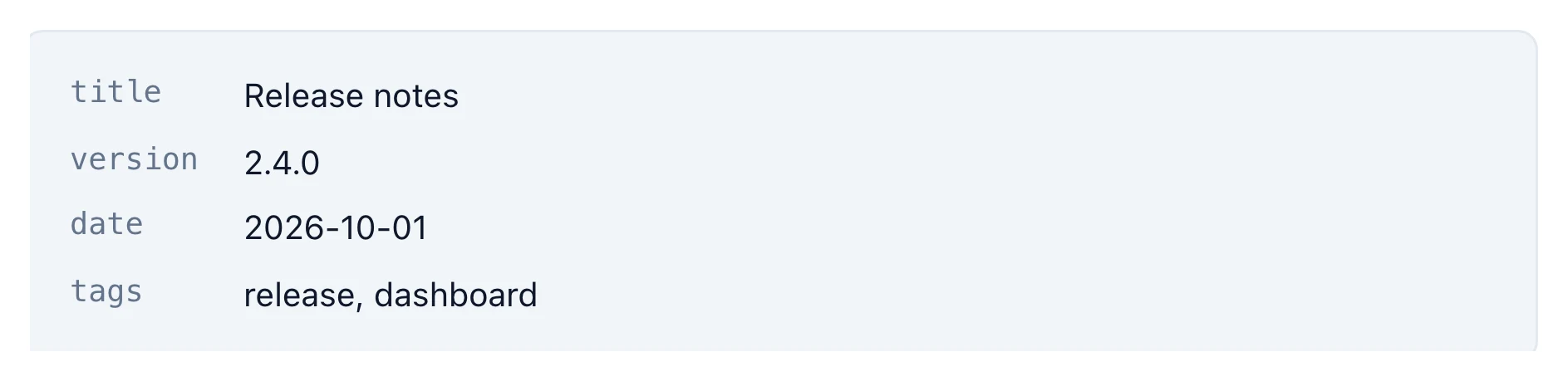
---
title: Release notes
version: 2.4.0
date: 2026-10-01
tags: [release, dashboard]
---
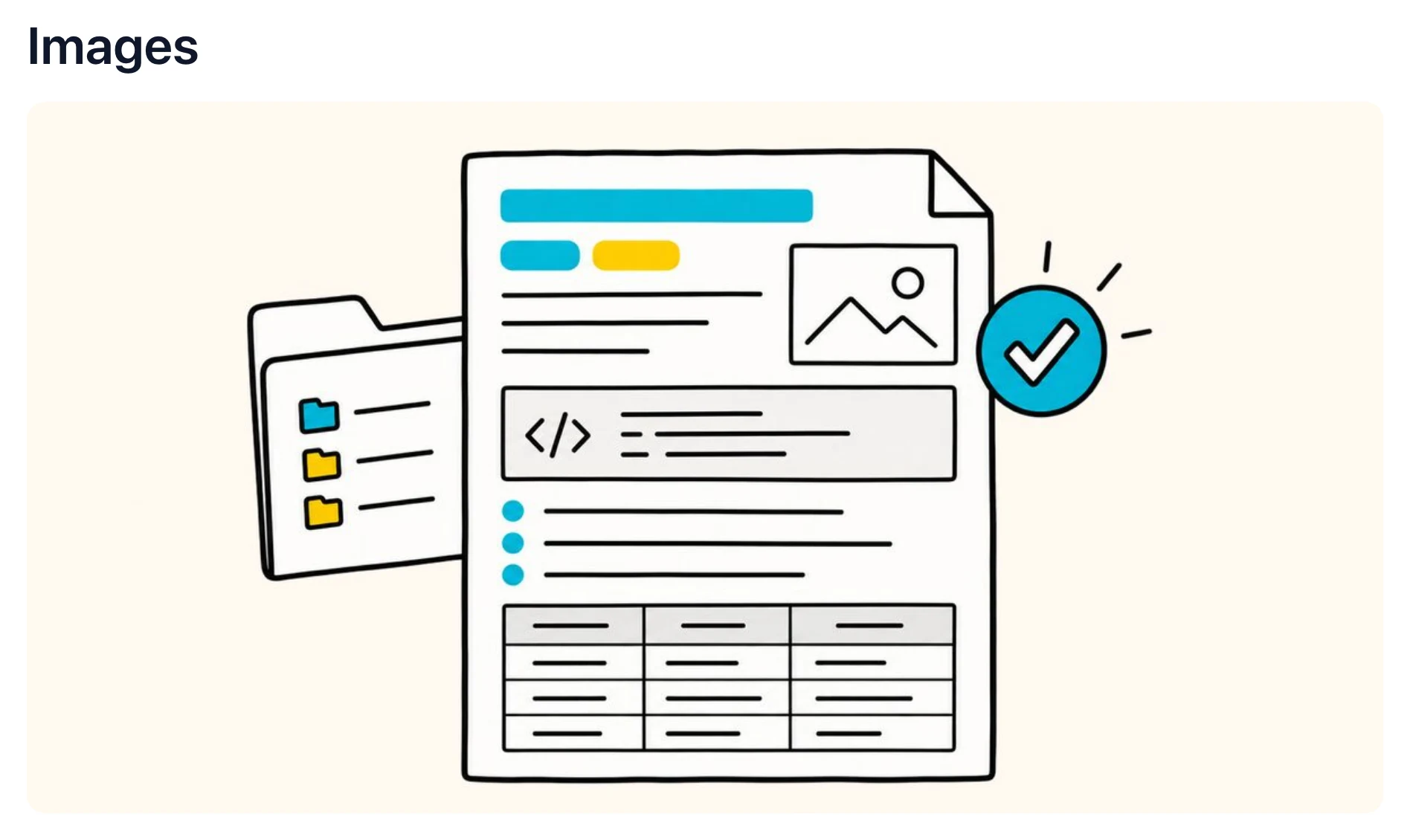
## Images  <!-- Web, local and pasted images all display in place. Pasted images are kept with the file when you save. -->
还支持渲染 LaTeX 数学公式 · 脚注 · 高亮 · 表情符号 · 嵌套列表 · 内联 HTML。查看完整语法支持 →
14 天免费试用。30 天退款保证。
将任意 Markdown 文件转换为可以发送的文档,图表、表格和代码都会一并包含。

14 天免费试用。30 天退款保证。
打开和阅读 Markdown 始终免费。编辑、导出、主题和演示模式属于高级版功能,可先免费试用 14 天。
$12.99 每个许可证,一次性付费
为团队购买?购买 3 个许可证可省 10%,5 个省 15%,10 个省 20%。
$0 永久
14 天免费试用。30 天退款保证。比较方案 →
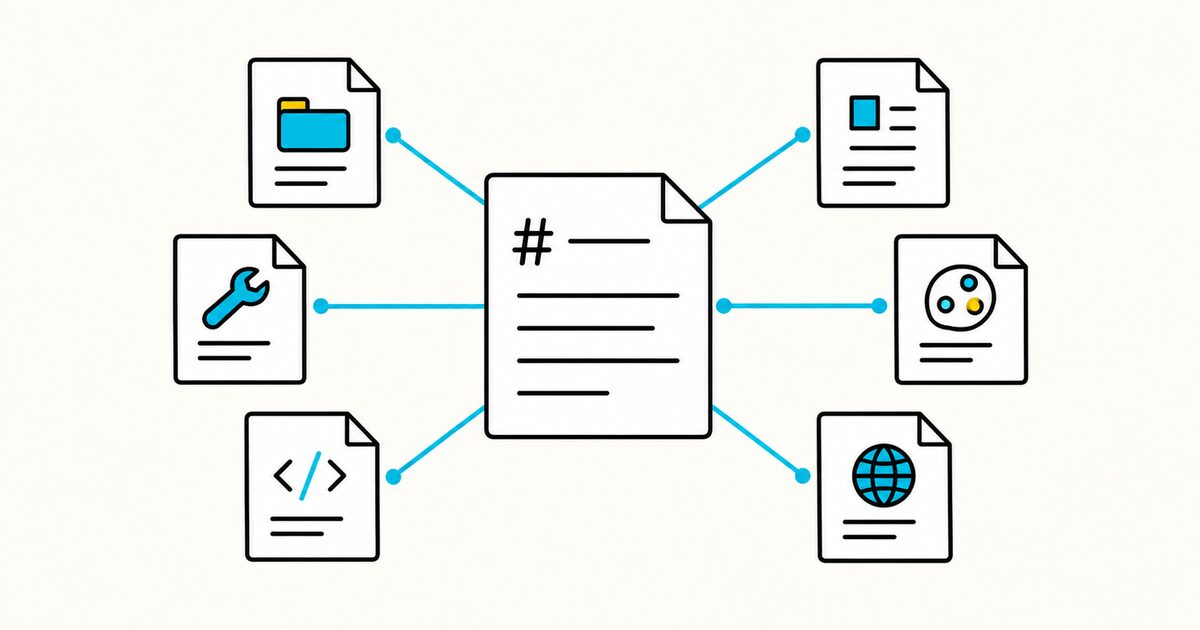
Compare AGENTS.md, CLAUDE.md, GEMINI.md, Cursor and Windsurf rules, Copilot instructions and prompt files, SKILL.md, DESIGN.md, and llms.txt.
Use Markdown in Jira Cloud work-item descriptions and comments. Includes supported syntax, examples, code blocks, wiki markup differences, and fixes.
Create reusable GitHub Copilot prompt files with .github/prompts/*.prompt.md, front matter, inputs, file references, examples, testing, and limits.
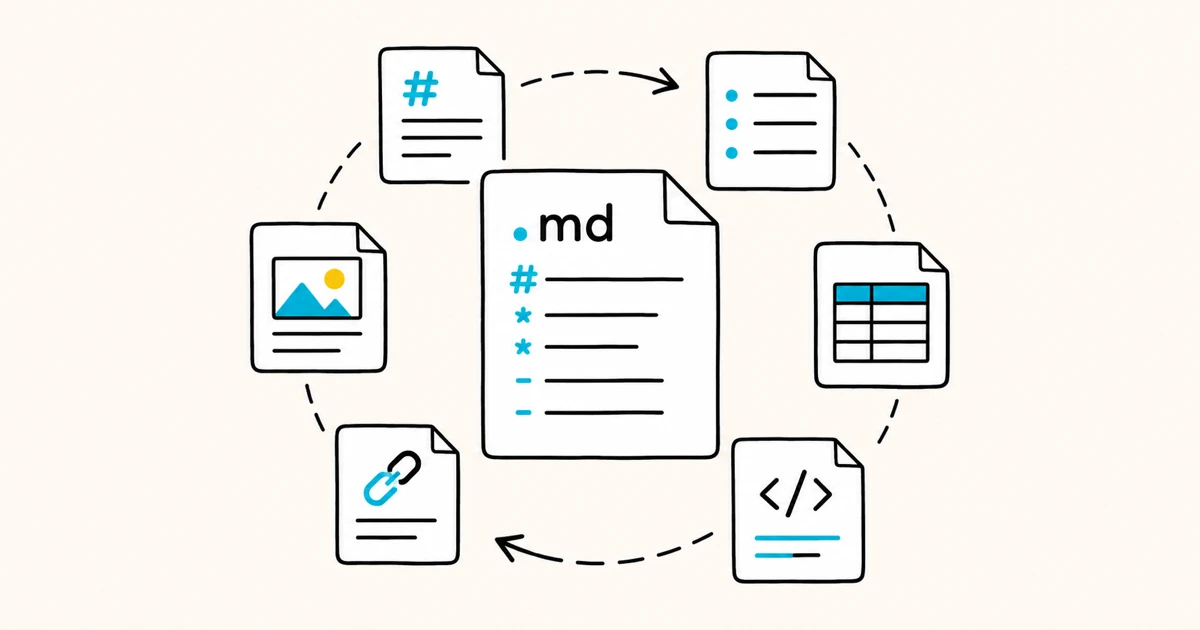
.md 文件是纯文本的 Markdown 文件。本文介绍 .md 的含义、文件里包含什么,以及如何在 Mac、Windows 和 Linux 上打开、编辑和转换它。
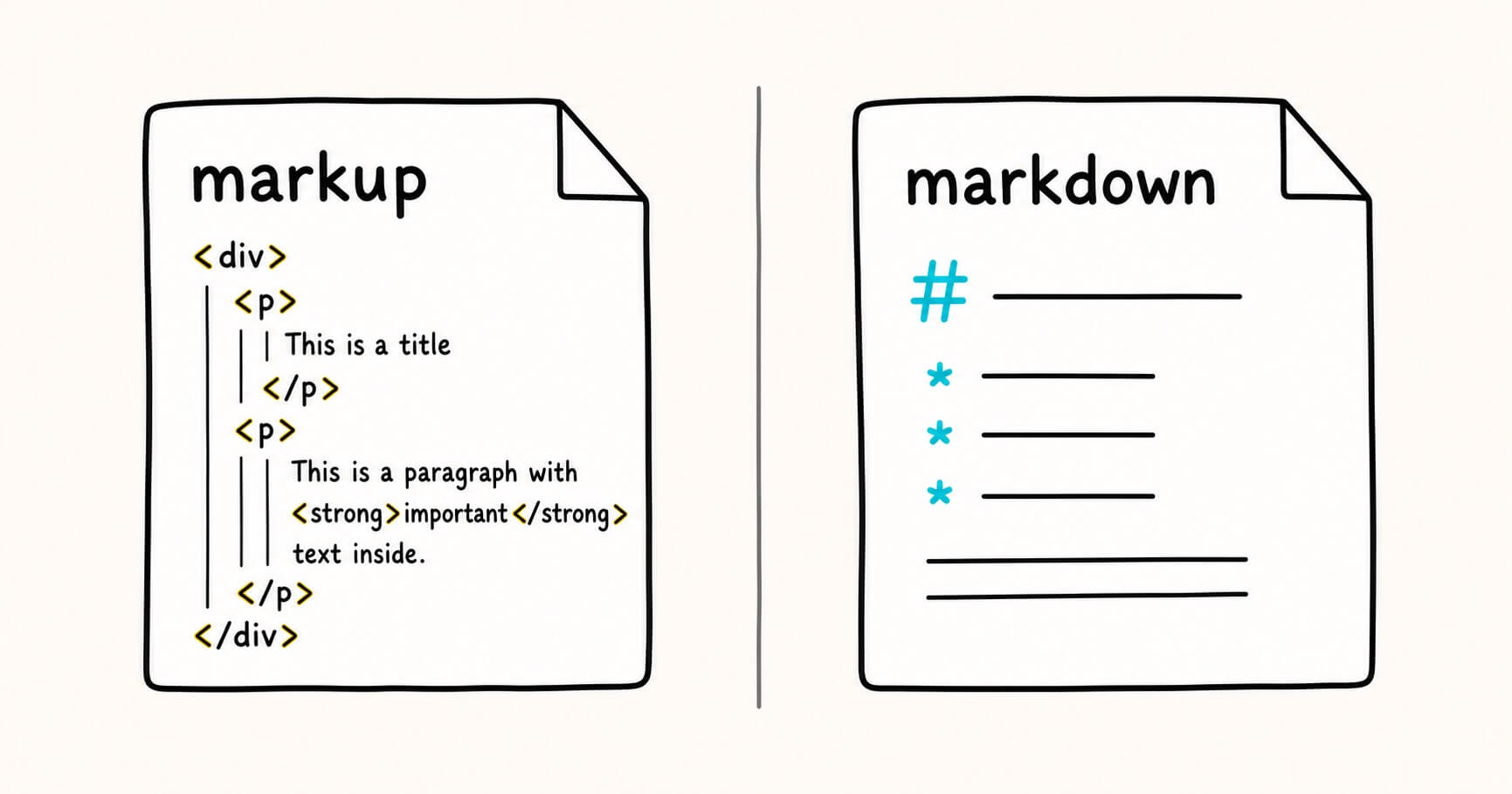
Markdown is a type of markup — the friendly, stripped-down member of the family. Here's the real relationship, with examples and a rule for choosing.
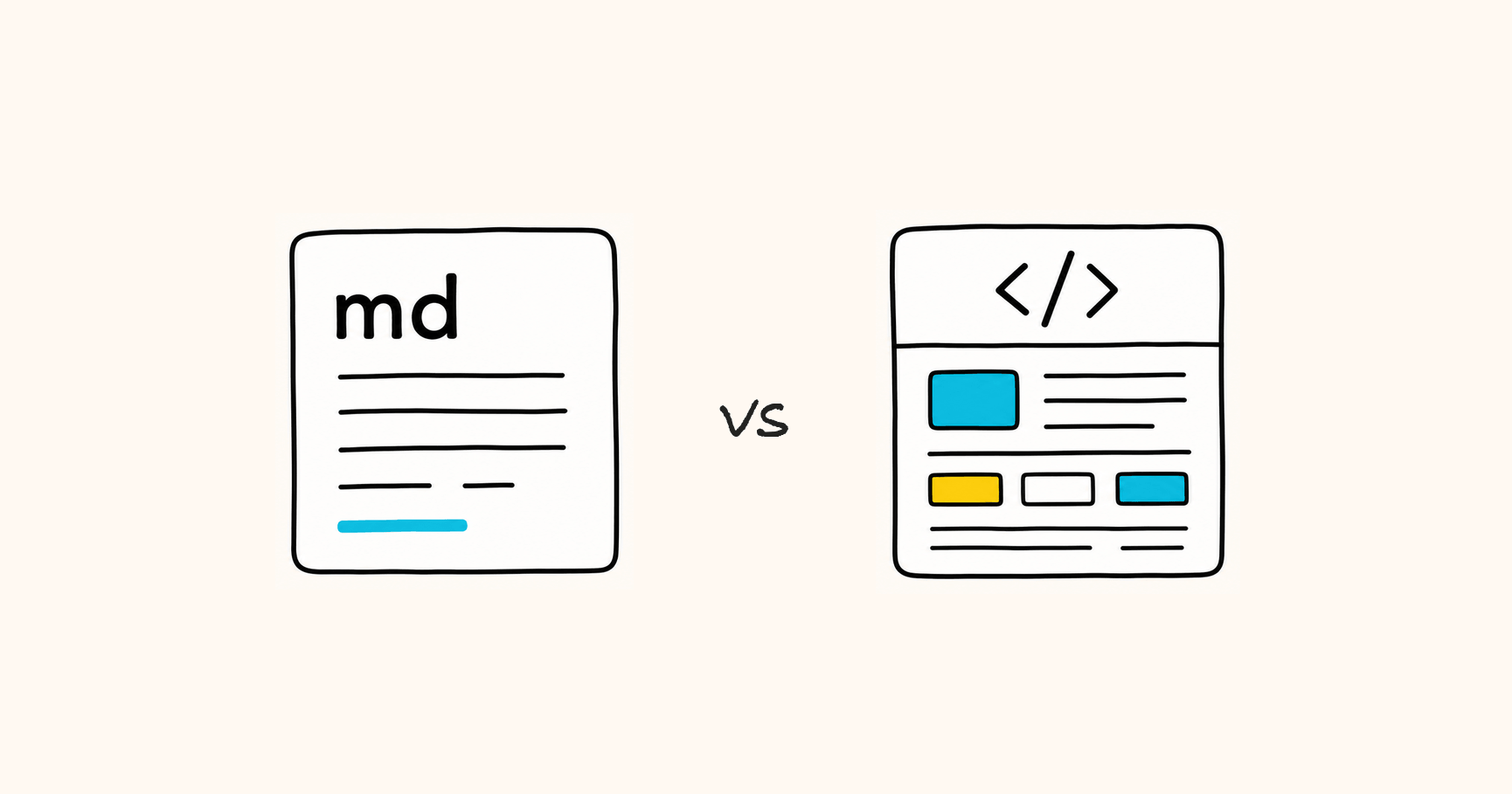
Markdown vs HTML is the wrong fight. One is built for writing and editing, the other for display and sharing — here is how to choose in seconds.
下载 Markdific,然后双击任意 .md 文件,或将其拖入窗口即可。Markdific 会立即打开 Markdown 文件,并按原本应有的样式显示标题、表格、代码和图片。
.md 文件就是 Markdown 文件:一种用简单符号表示格式的纯文本文档。ChatGPT、Claude 和 Gemini 等 AI 工具会以 Markdown 格式导出回答,这也是你见到的 .md 文件越来越多的原因。
是的。你可以免费打开和阅读任何 Markdown 文件。所有高级功能可免费使用 14 天,之后编辑、保存以及导出为 PDF、Word 和 HTML 需要一次性购买($12.99)。无需订阅。
支持。Markdific 可在 macOS 11 或更高版本(Apple 芯片和 Intel)、Windows 11 和 Windows 10(版本 1809 或更高),以及 Linux(.deb、.rpm 和 AppImage,x64 和 ARM)上运行。iOS 和 Android 版本即将推出。
两者都可以。Markdific 是一款完整的 Markdown 阅读器和编辑器。你可以查看文件、快速修改并保存,而不会破坏原有格式。