
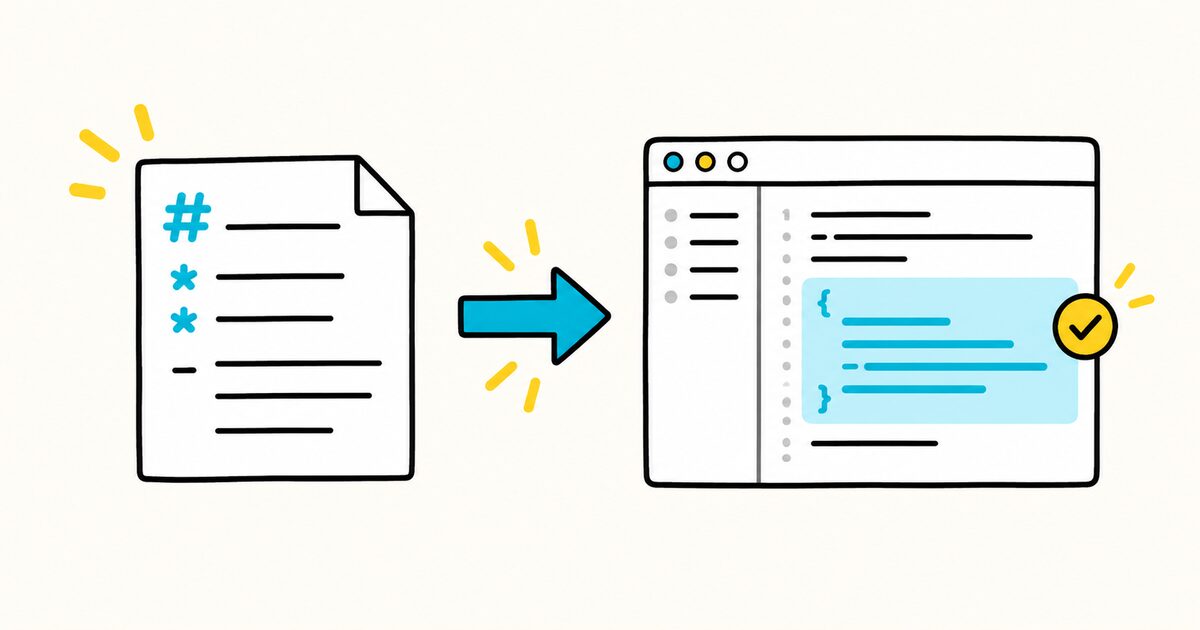
Use a prompt file for a focused task that people run on demand, such as generating tests, reviewing an API, preparing release notes, or explaining selected code. Use custom instructions for guidance that should apply automatically across many requests.
GitHub currently marks prompt files as a public-preview feature. They are available in VS Code and Visual Studio, and in preview in JetBrains IDEs and Xcode. They are not currently supported in Eclipse, GitHub.com, or Copilot CLI.
Copilot prompt files at a glance
| Property | Value |
|---|---|
| Repository location | .github/prompts/*.prompt.md |
| Format | Optional YAML front matter and a Markdown prompt body |
| Activation | Manual, through the prompt picker or a slash command where supported |
| Best for | A repeatable task with different inputs |
| Not the same as | .github/copilot-instructions.md, custom agents, or agent skills |
| Current status | Public preview; support varies by IDE and surface |
GitHub Copilot prompt file Key facts
- Repository prompt files end with
.prompt.md. - The shared repository location is
.github/prompts/. - Prompt files are manually invoked; custom instructions are automatically applied by scope.
- Front matter can describe the prompt and select an agent, model, or tools where the client supports those fields.
- The Markdown body contains the actual task, constraints, context, and expected output.
- Input variables can make one prompt reusable for different files or requirements.
- GitHub’s current feature matrix lists prompt-file support in VS Code and Visual Studio, preview support in JetBrains IDEs and Xcode, and no support in Eclipse, GitHub.com, or Copilot CLI.
- Prompt files guide a model; they do not replace tests, permissions, or human review.
Check whether your Copilot surface supports prompt files
| Copilot surface | Current prompt-file support |
|---|---|
| VS Code | Supported |
| Visual Studio | Supported |
| JetBrains IDEs | Preview |
| Xcode | Preview |
| Eclipse | Not supported |
| GitHub.com | Not supported |
| Copilot CLI | Not supported |
This table reflects GitHub’s feature matrix checked on 29 September 2026. Preview status can change, so verify the matrix before standardizing a team workflow.
Create your first prompt file
Create .github/prompts/explain-code.prompt.md:
---
agent: "agent"
description: "Explain selected code for a stated audience"
---

Explain the following code in clear language.

Code: ${input:code:Paste or reference the code}
Audience: ${input:audience:Who will read the explanation?}

Return:

1. a two-sentence overview;
2. a step-by-step explanation;
3. important assumptions and side effects;
4. one small usage example;
5. risks or edge cases worth checking.

Do not change the code.
In VS Code, a repository prompt can be run from Copilot Chat with its slash command, such as /explain-code, when the installed version supports prompt-file discovery.
Prompt file structure
A prompt file has two parts.
YAML front matter
The optional header configures how the prompt appears or runs. Common fields include:
| Field | Purpose |
|---|---|
name |
Display or slash-command name, where supported |
description |
Explains what the prompt does |
argument-hint |
Shows what input the user should provide |
agent |
Selects a built-in or custom agent |
model |
Selects a model where the client supports it |
tools |
Limits or supplies tools available to the prompt |
Support is client-specific. A field that works in one IDE version may be ignored in another.
Markdown body
The body should define:
- the outcome;
- the inputs;
- the scope;
- the required process;
- restrictions;
- the output format;
- verification or stopping conditions.
Write the file as a task specification, not as a persona filled with vague adjectives.
Example: generate focused unit tests
Create .github/prompts/generate-unit-tests.prompt.md:
---
description: "Generate focused unit tests for selected behavior"
argument-hint: "Select a source file and describe the behavior to test"
agent: "agent"
---

# Generate unit tests

Create tests for the selected code and behavior.

## Requirements

- Read the nearest existing tests before writing a new pattern.
- Use the repository's existing test framework and factories.
- Test observable behavior through public interfaces.
- Cover the normal case, one boundary case, and the reported failure case.
- Do not call production services.
- Avoid time-based sleeps.
- Keep the change limited to tests unless a production fix is explicitly requested.

## Verification

Run the narrowest relevant test command.

Return:

1. files changed;
2. behaviors covered;
3. command and result;
4. any behavior that could not be tested.
This is more reusable than a prompt tied to one filename, but still concrete enough to produce a testable result.
Example: review an API change without editing
Create .github/prompts/review-api-change.prompt.md:
---
description: "Review an API change for compatibility, security, and tests"
argument-hint: "Provide a pull request, diff, or selected files"
agent: "ask"
---

# Review an API change

Review the supplied change. Do not edit files.

Check:

- request and response compatibility;
- authentication and authorization;
- validation of untrusted input;
- error behavior and status codes;
- personal or secret data in logs;
- migration and rollback requirements;
- automated tests for changed behavior.

Return findings first, ordered by severity. Each finding must include the
affected file or endpoint, impact, and a concrete correction. If no actionable
findings remain, state that clearly and list residual risks or untested areas.
The explicit “do not edit files” instruction and structured output make the prompt suitable for a review-only workflow.
Example: prepare release notes
Create .github/prompts/release-notes.prompt.md:
---
description: "Draft user-facing release notes from verified changes"
argument-hint: "Provide the release range or pull requests"
---

# Draft release notes

Use only changes in the supplied release range.

Group entries under:

- Added
- Changed
- Fixed
- Security
- Deprecated
- Removed

For each item:

- describe user-visible behavior;
- avoid commit-message wording;
- link to the relevant issue or pull request when available;
- exclude internal refactors unless they affect users;
- flag any claim that cannot be verified from the supplied changes.

Return Markdown ready for `CHANGELOG.md`. Do not invent version numbers or dates.
Reference project files without copying them
Prompt-file syntax differs by client, but VS Code documents two useful approaches:
Follow the [API standards](../../docs/api-standards.md).
Use #file:../../templates/endpoint.ts as the implementation shape.
Relative Markdown links are easier to review in Git. Special references such as #file: depend on the client that runs the prompt.
Prefer references over duplicating a long policy in many prompt files. Duplication creates stale, conflicting requirements.
Add reusable inputs
VS Code and GitHub examples use input placeholders such as:
${input:componentName:Name of the component}
${input:audience:Who is the document for?}
Use inputs for information that changes on each run. Keep repository facts in instructions or referenced project documents.
Do not add an input for every minor choice. If a sensible default exists, state it and ask only when the choice materially changes the result.
Prompt files versus other Copilot customizations
| File or feature | Trigger | Best use |
|---|---|---|
.github/prompts/*.prompt.md |
Manual | Repeatable, focused task |
.github/copilot-instructions.md |
Automatic | Repository-wide standards and context |
.github/instructions/*.instructions.md |
Automatic by path or scope | Language, folder, or file-specific guidance |
.github/agents/*.agent.md |
Manual agent selection | Specialized role, tools, and behavior |
SKILL.md |
Loaded when relevant or invoked | Multi-step capability with supporting files or scripts |
If the content answers “how should Copilot normally work in this repository?”, it is probably an instruction. If it answers “what repeatable task should run now?”, it is probably a prompt file.
Organize prompt files
Start with a small, task-based set:
.github/
├── copilot-instructions.md
├── instructions/
│   ├── frontend.instructions.md
│   └── tests.instructions.md
└── prompts/
    ├── generate-unit-tests.prompt.md
    ├── review-api-change.prompt.md
    └── release-notes.prompt.md
Use names that make sense after a slash. Avoid helper.prompt.md, general.prompt.md, or numbered copies with unclear differences.
Test a Copilot prompt file
- Use a current supported IDE and extension.
- Confirm the prompt appears in the prompt picker or slash-command list.
- Run it with a small, known example.
- Check that inputs, linked files, tools, and agent selection work.
- Review the result against the required output.
- Test a missing-input case.
- Commit the file only after another team member can discover and run it.
Because prompt files are a preview feature, test in every IDE your team officially supports.
Common prompt-file problems
The prompt does not appear
Confirm the filename ends in .prompt.md, the repository file is under .github/prompts/, and the IDE and extension version support prompt files.
A front-matter field is ignored
Fields and agent names vary by client. Remove nonessential fields, test the minimal file, then add fields supported by that client’s documentation.
The prompt produces inconsistent output
Specify the output shape, inputs, exclusions, and verification. Remove competing goals. Keep deterministic enforcement in tests, permissions, or hooks rather than relying on model instructions.
The prompt duplicates copilot-instructions.md
Move stable repository context to custom instructions. Keep only the task-specific procedure and output in the prompt file.
The prompt works in one IDE but not another
Prompt files remain in preview and surface support differs. Maintain a tested support list for the team and avoid promising identical behavior across all Copilot clients.
Frequently asked questions
Where do GitHub Copilot prompt files go?
Shared repository prompt files go in .github/prompts/ and end with .prompt.md.
Are prompt files the same as Copilot instructions?
No. Prompt files are manually invoked tasks. Instructions provide context or standards automatically within their scope.
Can prompt files use variables?
Yes in supported clients. GitHub and VS Code examples use placeholders such as ${input:name:hint}.
Are GitHub Copilot prompt files stable?
GitHub currently labels them as public preview. Verify the current feature matrix and IDE documentation before depending on a particular field or execution mode.
Sources and verification
- GitHub Docs: Copilot customization cheat sheet
- GitHub Docs: Prompt files
- GitHub Docs: Your first prompt file
- Visual Studio Code: Use prompt files
Support is changing. Verify the current feature matrix and the documentation for the IDE used by your readers before publishing screenshots.