
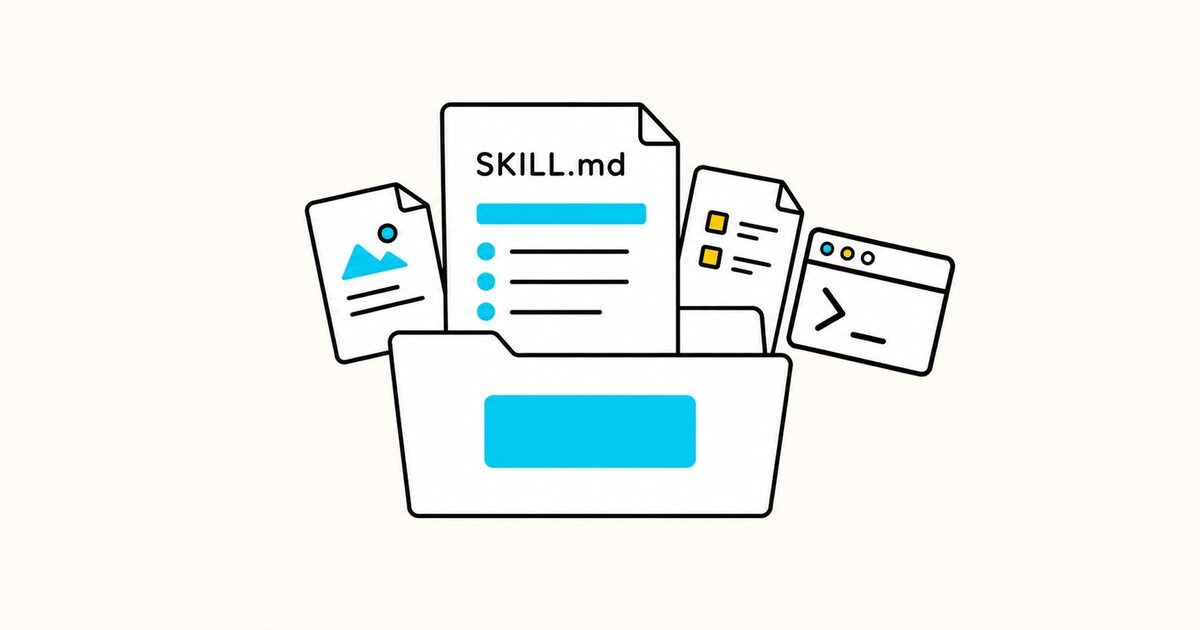
A skill is a folder, not only one file. It can also contain scripts, reference material, and reusable assets. This lets the main instructions stay focused while detailed resources load only when needed.
This guide covers the open Agent Skills format. Individual products can add installation rules, tool names, or fields, so check the documentation for the agent where the skill will run.
SKILL.md at a glance
| Property | Value |
|---|---|
| Required file | SKILL.md, inside a named skill folder |
| Format | YAML front matter followed by Markdown |
| Required fields | name and description |
| Optional fields | license, compatibility, metadata, experimental allowed-tools |
| Optional folders | scripts/, references/, and assets/ |
| Recommended instruction size | Under 5,000 tokens and 500 lines |
| Validation | skills-ref validate ./skill-name |
| Main security rule | Inspect instructions and executable resources before trusting a skill |
SKILL.md Key facts
- The skill folder must contain a file named exactly
SKILL.md. - The
namemust match the parent folder and use lowercase letters, numbers, and hyphens. - The
descriptionshould state what the skill does and when an agent should use it. - Agents normally see skill metadata first, then load the full instructions when a task matches.
- Scripts can make a repeated operation deterministic, but supported languages and execution behavior depend on the agent.
- Reference files and assets keep long details out of the main instructions.
allowed-toolsis experimental and is not implemented consistently across products.- Skills are instructions with potential access to agent tools. Treat an untrusted skill like untrusted code.
What an Agent Skill contains
The minimum structure is:
release-notes/
└── SKILL.md
A practical skill may contain:
release-notes/
├── SKILL.md
├── scripts/
│   └── collect-changes.py
├── references/
│   ├── product-terminology.md
│   └── release-note-style.md
└── assets/
    └── release-note-template.md
Use the folders by purpose:
| Folder | Put this inside |
|---|---|
scripts/ |
Repeatable programs the agent can run |
references/ |
Detailed documentation the agent reads when needed |
assets/ |
Templates, images, schemas, or other output resources |
The directories are conventions, not a reason to add empty folders. A focused text-only skill may need only SKILL.md.
Required YAML front matter
Every SKILL.md begins with YAML between --- markers:
---
name: release-notes
description: Drafts user-facing release notes from commits and pull requests. Use when preparing a product release, changelog entry, or customer-facing summary of shipped changes.
---
The name field
The official specification requires name to:
- contain 1 to 64 characters;
- use lowercase letters, numbers, and hyphens only;
- not begin or end with a hyphen;
- not contain consecutive hyphens;
- match the parent directory name.
Valid names:
name: release-notes
name: pdf-processing
name: code-review
Invalid names:
name: Release-Notes   # uppercase letters
name: -release-notes  # begins with a hyphen
name: release--notes  # consecutive hyphens
The description field
description is both an explanation and a trigger signal. It can be up to 1,024 characters.
A weak description is too broad:
description: Helps with releases.
A useful description names the outputs and relevant requests:
description: Drafts user-facing release notes from commits, pull requests, and issue summaries. Use when preparing a product release, changelog entry, App Store update, or customer-facing summary of shipped changes.
Include terms a user is likely to mention. Do not claim tasks the skill cannot reliably perform.
Optional front matter fields
---
name: release-notes
description: Drafts user-facing release notes from commits and pull requests. Use for product releases, changelogs, and customer-facing summaries of shipped changes.
license: Apache-2.0
compatibility: Requires Git and read access to the repository history.
metadata:
  author: example-team
  version: "1.0"
allowed-tools: Bash(git:*) Read
---
| Field | Use it for | Important limit |
|---|---|---|
license |
License name or a reference to a bundled license | Keep it short |
compatibility |
Required product, binaries, operating system, or network access | Maximum 500 characters |
metadata |
Client-specific string key-value data | Do not assume every client reads it |
allowed-tools |
Pre-approved tools | Experimental; support varies |
Quote version numbers so YAML does not reinterpret them. Do not store credentials in any field.
A minimal SKILL.md template
---
name: [skill-folder-name]
description: [What the skill does]. Use when [tasks, requests, or file types that should activate it].
---

# [Skill name]

## Goal

[State the exact outcome.]

## Inputs

- [Required input]
- [Optional input and default]

## Workflow

1. [Inspect or validate the inputs.]
2. [Perform the main task.]
3. [Check the result.]
4. [Return or save the output.]

## Output

- [Required format]
- [Required contents]
- [What to report if incomplete]

## Edge cases

- If [condition], [action].
- If [required input is missing], [safe response].
Replace every bracketed item. A skill should describe a real workflow, not a vague professional role.
Complete SKILL.md example
The following skill creates release notes from a Git range. It separates customer-facing changes from internal work and requires evidence for every claim.
---
name: release-notes
description: Creates concise, user-facing release notes from Git commits, pull requests, or issue summaries. Use when asked for release notes, a changelog entry, an App Store update, or a summary of changes between two revisions.
license: MIT
compatibility: Requires Git and read access to the repository history. Pull request details require an available repository provider tool.
metadata:
  author: atlas-team
  version: "1.0"
---

# Release notes

## Goal

Create accurate release notes that explain user-visible changes without
inventing benefits, fixes, dates, or issue references.

## Required inputs

- A start and end revision, or a supplied list of changes
- The audience: customers, developers, or internal teams
- The release name or version, if known

If the revision range is missing, ask for it before running Git commands.
Do not guess a version number or release date.

## Workflow

1. Confirm the revision range and audience.
2. Read `references/product-terminology.md` for approved feature names.
3. Run `scripts/collect-changes.py <start> <end>` when the script is available.
4. Inspect the relevant commits and changed files.
5. Retrieve pull request descriptions only when a configured tool provides them.
6. Group user-visible changes into Added, Improved, and Fixed.
7. Put migrations, refactors, dependency updates, and test-only changes under Internal changes, or omit them from a customer release.
8. Check every statement against a commit, pull request, issue, or supplied note.
9. Apply the format in `assets/release-note-template.md`.

## Writing rules

- Lead with what changed for the user.
- Use approved product names from the terminology reference.
- Keep each bullet to one change.
- Use past tense for shipped work.
- Do not say a change is faster, safer, or easier without evidence.
- Do not expose internal hostnames, security details, customer names, or secrets.
- Preserve issue and pull request numbers when supplied.

## Output

Return Markdown with this structure:

    # [Product] [version]

    [One-sentence release summary.]

    ## Added
    - [User-visible addition]

    ## Improved
    - [User-visible improvement]

    ## Fixed
    - [User-visible fix]

    ## Verification notes
    - Range reviewed: `[start]..[end]`
    - Sources unavailable: [none or list]

Omit empty Added, Improved, or Fixed sections.

## Edge cases

- If a commit message is unclear, inspect the diff. If the outcome remains unclear, list it under verification notes instead of guessing.
- If the range contains a breaking change, add a Breaking changes section before Added and describe the migration step.
- If a change is security-sensitive, describe the user action without exposing exploit details.
- If the repository is unavailable, work only from the supplied material and say that Git history was not reviewed.

## Final checks

- Every bullet has a source.
- Internal-only changes are not presented as customer benefits.
- No empty headings remain.
- The version, date, and product name were supplied or verified.
The example includes inputs, workflow, output, failure handling, and checks. Those elements make the instructions testable.
Supporting files for the example
The skill refers to three resources. Keep each one focused.
references/product-terminology.md:
# Product terminology

| Internal term | Customer-facing name |
|---|---|
| stock sync | Inventory sync |
| variance queue | Review queue |
| org | Workspace |

Do not use codenames in customer-facing notes.
assets/release-note-template.md:
# {{product}} {{version}}

{{summary}}

## Added
{{added}}

## Improved
{{improved}}

## Fixed
{{fixed}}
The collection script should validate its arguments, print useful errors, and return a non-zero exit status on failure. Do not make the skill depend on a script unless the target agent can run that language.
Progressive disclosure
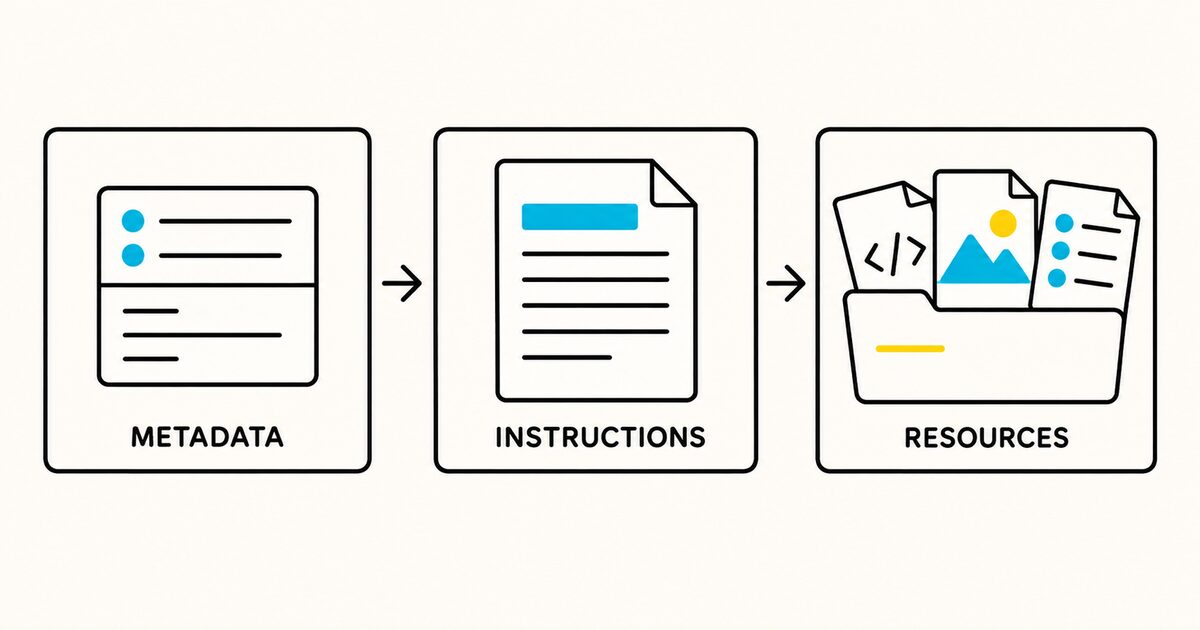
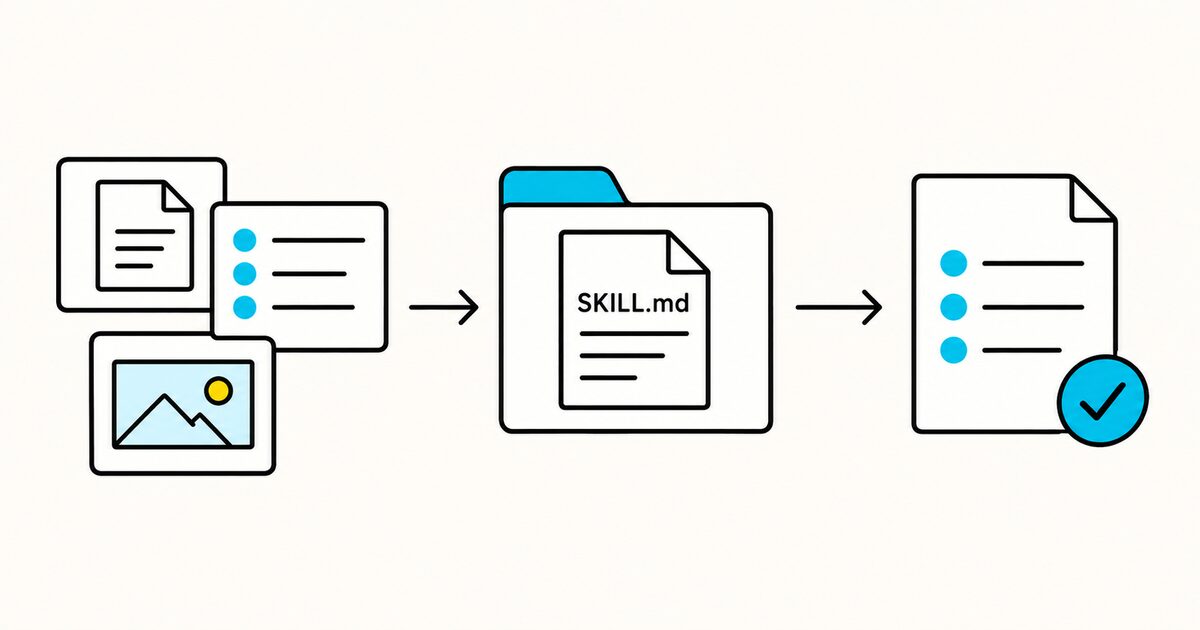
The Agent Skills format is designed to avoid loading every instruction in full at startup:
- The agent sees
nameanddescriptionmetadata for available skills. - It loads the complete
SKILL.mdwhen a task matches. - It reads scripts, references, and assets only as needed.
This is why the description matters. It must be specific enough to activate on the right requests without claiming unrelated work.
Keep the main SKILL.md under 500 lines and about 5,000 tokens where practical. Link directly to focused resources with relative paths:
Read [the API reference](references/api.md) before changing an endpoint.
Run `scripts/validate-output.py` before returning the file.
Avoid chains where one reference points to another, which points to a third. The specification recommends keeping references one level deep from SKILL.md.
SKILL.md versus project instruction files
| File | Best use | Loading pattern |
|---|---|---|
SKILL.md |
A reusable, task-specific procedure | Loads when selected or relevant |
AGENTS.md |
Shared instructions for working in a repository | Applies by repository scope |
CLAUDE.md |
Persistent Claude Code instructions | Loads by Claude Code memory scope |
GEMINI.md |
Persistent Gemini CLI context | Loads through Gemini CLI hierarchy |
Put stable project facts in a project instruction file. Put a repeatable workflow, such as preparing a release or processing a PDF, in a skill.
Do not copy the same build rules into every skill. Refer to the project instructions or use the commands already defined by the repository.
Where to install a skill
Installation paths are product-specific. For example, Claude Code documents project skills under .claude/skills/ and personal skills under ~/.claude/skills/.
Other compatible agents may use different directories or installation interfaces. The open format defines the skill package, not one universal installation path.
Check three things before installation:
- Does the product support the Agent Skills format?
- Which directory or upload method does it use?
- Which optional fields, scripts, and tools does it support?
Validate a skill
The Agent Skills reference library provides a validation command:
skills-ref validate ./release-notes
Validation can catch format problems such as an invalid name or missing required field. It does not prove that the workflow is safe, factually correct, or effective.
Test behavior as well:
- Use three prompts that should activate the skill.
- Use two similar prompts that should not activate it.
- Test missing inputs and an invalid file or revision.
- Inspect every script call and generated file.
- Confirm the output follows the required structure.
- Test on the exact agent product and operating system you intend to support.
Security review before using a skill
A skill can instruct an agent to read files, run scripts, use network access, or call external tools. Review it before installation.
Check:
- the complete
SKILL.md, not only its name and description; - every executable file under
scripts/; - referenced URLs, packages, domains, and download commands;
- permissions requested through tools or configuration;
- whether any script sends local data elsewhere;
- whether destructive actions require explicit confirmation;
- whether credentials are read from a supported secret store rather than embedded;
- whether referenced packages and domains still belong to the expected owner.
Pin dependencies where the workflow requires reproducibility. Do not run a third-party skill with sensitive repository or account access until you trust its source and behavior.
Common SKILL.md mistakes
The description is too vague
“Helps with documents” gives an agent little evidence for activation. Name the file types, tasks, and outputs.
The skill tries to do several unrelated jobs
Split release notes, deployment, code review, and support triage into separate skills. A narrow trigger and outcome are easier to test.
The instructions assume missing tools
State dependencies in compatibility and provide a safe fallback. Tool names and permissions vary between agent implementations.
The main file contains every reference
Move long schemas, examples, and domain references into focused files. Keep the workflow and decision rules in SKILL.md.
The workflow can invent missing facts
Tell the agent when to ask, when to stop, and how to report uncertainty. Include a rule against guessing identifiers, dates, results, or sources.
Validation is mistaken for safety
A structurally valid skill can still contain unsafe instructions or malicious scripts. Format validation and security review are separate checks.
FAQ
What is SKILL.md?
SKILL.md is the required metadata and instruction file in an Agent Skill. It begins with YAML front matter and continues with Markdown instructions.
What fields are required in SKILL.md?
The open specification requires name and description. The name must match the parent folder. Optional fields include license, compatibility, metadata, and experimental allowed-tools.
Is SKILL.md only for Claude?
No. Agent Skills is an open format designed for compatible agent products. Installation paths, supported tools, and optional features still vary by implementation.
Can a skill contain code?
Yes. A skill can include scripts in a scripts/ folder. The target agent must support the script language and have permission to run it.
How long should SKILL.md be?
The specification recommends fewer than 5,000 tokens and 500 lines for the main file. Move detailed material into focused references or assets.
How does an agent know when to use a skill?
Compatible agents use the skill metadata, especially its description, to identify relevant tasks. Some products also let the user invoke a skill directly.
Are downloaded skills safe?
Not automatically. Read the instructions, scripts, dependencies, requested tools, and external destinations before giving a skill access to sensitive data or systems.
Sources and verification
The format and limits in this guide were checked against the official Agent Skills specification on 29 September 2026. Product-specific installation behavior should be rechecked for the agent you use.
Related pages
- Markdown files for AI agents
- CLAUDE.md guide
- AGENTS.md guide
- Markdown front matter
- Markdown on GitHub