
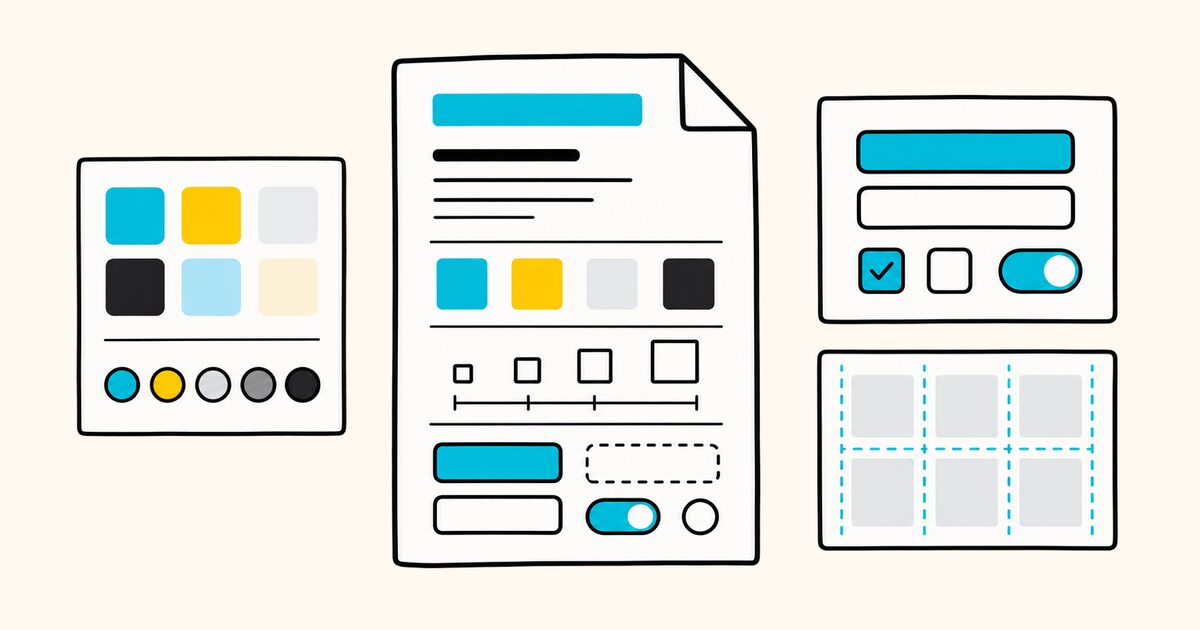
The file combines exact design tokens with plain-language guidance. Tokens define values such as colors, typography, spacing, corner radii, and components. The Markdown sections explain how to use those choices.
This shared reference helps agents make more consistent visual decisions across pages and sessions. It still needs human review because a valid file cannot judge whether the finished interface looks good.
DESIGN.md at a glance
| Property | Value |
|---|---|
| File name | DESIGN.md |
| Recommended location | Repository root, with an explicit instruction for the agent to read it when necessary |
| Structure | Optional YAML front matter plus Markdown guidance |
| Maintainer | Google, open source under Apache 2.0 |
| Tooling | @google/design.md CLI for linting, diffs, exports, and specification output |
| Status | alpha and still evolving |
DESIGN.md Key facts
- A
DESIGN.mdfile can combine optional YAML token front matter with a Markdown body of design rationale. - The tokens are the source of truth (exact values); the prose explains why those values exist and how to use them.
- Top-level token groups are
colors,typography,rounded,spacing, andcomponents, plusnameand optionalversion. - Token references like
{colors.primary}let components point at named tokens instead of repeating values. - A CLI,
@google/design.md, lints a file, diffs two versions, and exports tokens to Tailwind or the W3C DTCG format. - The format is at version
alphaand under active development, so expect changes as it matures.
When DESIGN.md is useful
Use DESIGN.md when an agent will create or modify interface code and needs more context than a component library name or screenshot can provide. It is especially useful when:
- several agents or contributors need to make consistent visual decisions;
- the product has named colors, type styles, spacing rules, and component states;
- design guidance needs to be reviewed and versioned with the code;
- you want to lint token references or export tokens to another format;
- generated interfaces keep drifting toward generic defaults.
It is less useful as a duplicate of a mature token pipeline. If the production source of truth already lives elsewhere, decide whether DESIGN.md is authoritative or generated. Two independently maintained token sets will drift.
Why a design system in Markdown
Without written design guidance, an agent may choose fonts, colors, spacing, and components that do not match the product. DESIGN.md gives it exact values and explains how those values should be used.
Because it is one Markdown file with YAML front matter, it is readable to designers and developers, versioned in Git, and parseable by tools. Its tokens are inspired by the W3C Design Tokens Format Module, and the CLI can export them to DTCG JSON.
The format
A DESIGN.md file can have two layers:
- Optional YAML front matter between
---fences at the top: machine-readable tokens. When present, these are the normative values. - Markdown body organized into
##sections: the human-readable rationale for how to apply the tokens.
Here is a compact example. It is intentionally small enough to maintain, but specific enough for an agent to apply:
---
name: Aurora
colors:
  primary: "#1A1C1E"
  accent: "#B8422E"
  neutral: "#F7F5F2"
typography:
  h1:
    fontFamily: Public Sans
    fontSize: 3rem
  body:
    fontFamily: Public Sans
    fontSize: 1rem
rounded:
  sm: 4px
  md: 8px
spacing:
  sm: 8px
  md: 16px
components:
  button-primary:
    backgroundColor: "{colors.accent}"
    textColor: "{colors.neutral}"
    rounded: "{rounded.sm}"
    padding: 12px
---

## Overview
A calm, high-contrast interface with a single warm accent color.

## Colors
- Primary (#1A1C1E): deep ink for headings and core text.
- Accent (#B8422E): the one color that drives interaction.
- Neutral (#F7F5F2): a warm off-white background.
This gives an agent enough information to use deep-ink headings, Public Sans, a warm off-white background, and accent-colored buttons. For the YAML syntax itself, see Markdown front matter.
How to create a DESIGN.md file
1. Audit the interface before writing tokens
List the values already used in production. Start with the main colors, body and heading styles, spacing, border radii, and frequently edited components.
Do not invent a new system unless redesigning the product is part of the task.
2. Add the smallest useful token set
Put exact, reusable values in YAML front matter. Give tokens names that describe their role, such as primary, surface, or body-md, instead of names tied to a single page. A short accurate file is more useful than a complete-looking file full of guesses.
3. Explain decisions the tokens cannot express
Use the Markdown body for intent and constraints. State the intended density, visual hierarchy, target audience, layout behavior, component character, and combinations to avoid. The official project philosophy emphasizes that prose carries much of the design meaning; tokens support it.
4. Tell the agent how to use the file
Place the file where your workflow can find it, commonly at the repository root. If your coding tool does not automatically discover DESIGN.md, include a short instruction in AGENTS.md or your task prompt telling the agent to read it before changing UI code.
5. Validate and review the result
Run the linter, then ask an agent to implement one representative component. Review the rendered UI at the required breakpoints. A file can be syntactically valid and still describe a weak or incomplete system.
Token types
| Type | Format | Example |
|---|---|---|
| Color | Any CSS color (hex, rgb(), oklch(), named) |
"#1A1C1E", "oklch(62% 0.18 250)" |
| Dimension | Number plus unit (px, em, rem) |
48px, 1rem |
| Token reference | {path.to.token} |
{colors.primary} |
| Typography | Object with fontFamily, fontSize, and optional fontWeight, lineHeight, letterSpacing, fontFeature, fontVariation |
see example |
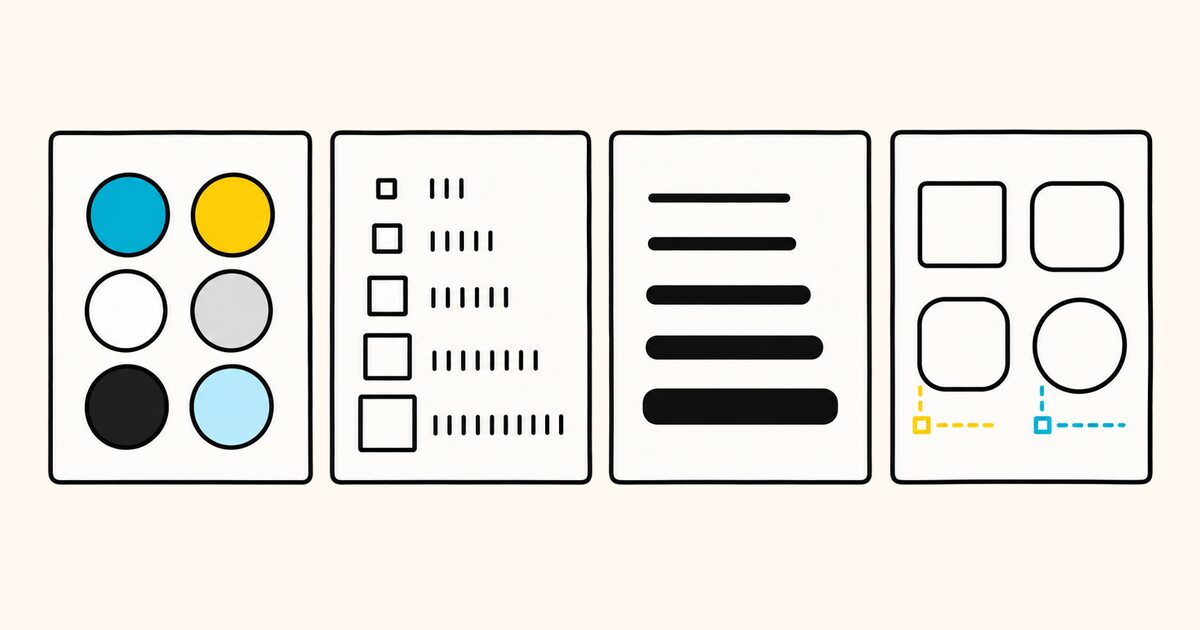
Section order
Sections are optional, but the ones you include use ## headings and must appear in this order:
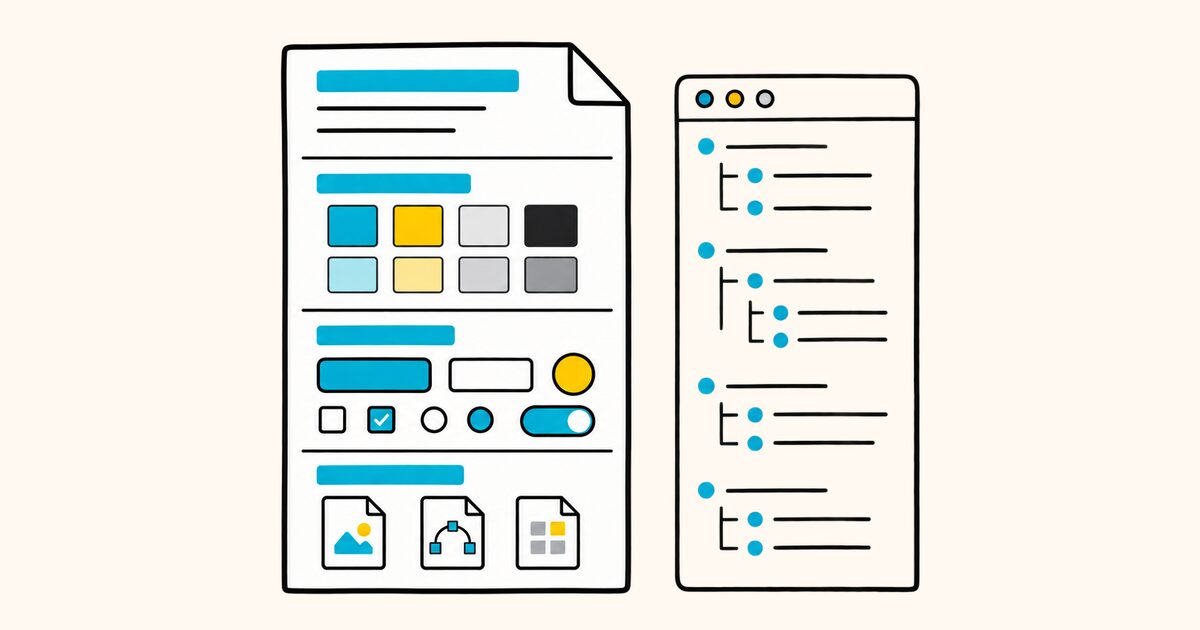
- Overview (alias: Brand and Style)
- Colors
- Typography
- Layout (alias: Layout and Spacing)
- Elevation and Depth
- Shapes
- Components
- Do's and Don'ts
Components
A component maps a name to a group of sub-token properties, and can reference other tokens:
components:
  button-primary:
    backgroundColor: "{colors.accent}"
    textColor: "{colors.neutral}"
    rounded: "{rounded.sm}"
    padding: 12px
Valid component properties are backgroundColor, textColor, typography, rounded, padding, size, height, and width. Variants such as hover or pressed are written as separate component entries with a related name, for example button-primary-hover.
Keep interaction behavior, responsive rules, and accessibility requirements in the prose when they do not map cleanly to component tokens. Do not force unsupported concepts into invented top-level YAML keys and assume the official linter will validate them.
The CLI
Google ships a command-line tool, @google/design.md, that treats the file as something to validate and compile, not just read. Run it with npx:
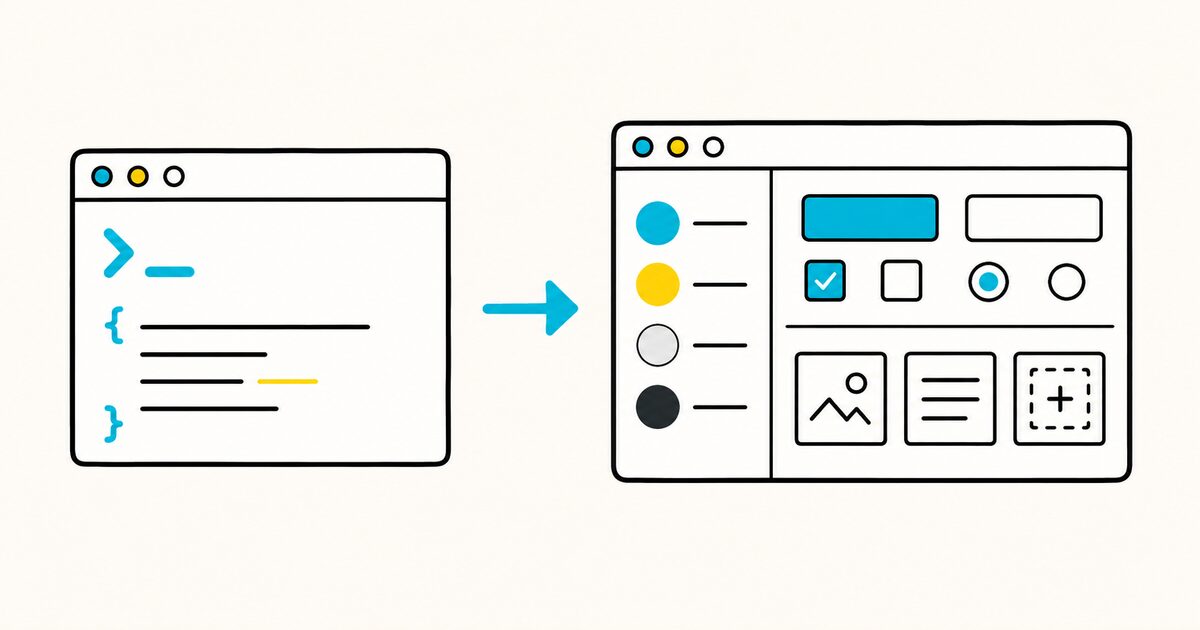
npx @google/design.md lint DESIGN.md
The main commands:
| Command | What it does |
|---|---|
lint |
Validates the file, checks token references, and flags WCAG contrast issues, as JSON |
diff |
Compares two versions and reports token changes and regressions |
export |
Converts tokens to Tailwind (v3 or v4) or the W3C DTCG format |
spec |
Prints the format specification, useful for injecting into an agent prompt |
The linter checks issues such as unresolved token references, circular references, contrast, missing primary tokens, unused tokens, and section order. The active rule set can change between releases; run npx @google/design.md spec --rules to inspect the rules in the installed version.
On Windows, the .md in the command name can collide with the file association. Use the dot-free alias with npx -p @google/design.md designmd lint DESIGN.md instead.
Exporting tokens
The export command can convert the tokens into other formats:
- Tailwind v3 configuration with
json-tailwind; - a Tailwind v4
@themeCSS block withcss-tailwind; - W3C Design Tokens JSON with
dtcg.
This lets the file used by an agent also feed a project's theme tooling.
Run lint separately before treating an export as production-ready. A successful export is not a visual review and does not prove that the token names match your application code.
Common mistakes
| Mistake | Why it causes problems | Better approach |
|---|---|---|
| Copying every CSS value into the file | The important decisions disappear inside noise | Include reusable design decisions and documented exceptions |
| Writing only adjectives | “Modern” and “clean” do not tell an agent what to build | Pair visual intent with exact tokens, examples, and constraints |
| Treating a screenshot as the specification | A screenshot does not expose states, responsive behavior, or token relationships | Document the rules behind the screenshot |
| Inventing unsupported token groups | The CLI may ignore or warn about fields you expected it to validate | Keep unsupported guidance in prose and check the current spec |
| Maintaining two sources of truth | Tokens eventually disagree | Generate one representation from the other or name one authoritative source |
| Skipping rendered review | Valid tokens can still produce poor hierarchy or contrast in context | Test a representative page on desktop and mobile |
Troubleshooting
The agent ignores DESIGN.md. Confirm that the tool reads the file automatically. If it does not, reference the file explicitly in AGENTS.md or the task prompt. Also check that the instructions apply to the directory being edited.
The linter reports a broken reference. Check the full token path inside braces. {colors.primary} must match an existing token name exactly.
The output still looks generic. Add concrete prose about composition, density, hierarchy, imagery, and what the design must avoid. Color tokens alone do not describe a visual system.
The exported Tailwind tokens do not match the app. Confirm the export format, map the generated token names to the project's conventions, and compare the rendered component rather than assuming a successful command means successful integration.
How it fits with other agent files
DESIGN.md describes the visual system. AGENTS.md explains how to work in the repository, while SKILL.md can package reusable instructions and resources.
For the broader comparison, see Markdown files for AI agents and the AGENTS.md guide.
Current maturity and version checks
The official specification identifies the format as alpha, and the CLI has continued to change. Check the official specification and release history before relying on a field or command in an automated workflow. Pin the package version in CI when reproducible output matters.
Official references
- DESIGN.md repository and CLI documentation
- DESIGN.md format specification
- DESIGN.md philosophy
- CLI releases
FAQ
What is DESIGN.md?
DESIGN.md is Google's open format for describing a design system to coding agents. It combines optional design tokens in YAML front matter with Markdown guidance about how to apply the system.
What is the format of a DESIGN.md file?
The Markdown body contains ## sections that explain the visual system. You can optionally add YAML front matter between triple-hyphen fences for tokens such as colors, typography, spacing, radii, and components. When tokens are present, they are the normative values.
Who created DESIGN.md?
Google publishes the format specification and CLI in the google-labs-code/design.md repository under the Apache 2.0 license.
How do I validate a DESIGN.md file?
Use the official CLI: npx @google/design.md lint DESIGN.md. It checks structure, resolves token references, and flags WCAG contrast problems, returning JSON. On Windows, use the designmd alias.
How is DESIGN.md different from AGENTS.md?
DESIGN.md describes what the interface should look like (the design system), while AGENTS.md describes how to work in the codebase (build, test, and conventions). They are complementary files an agent can read together.
Can I use DESIGN.md tokens with Tailwind?
Yes. The CLI's export command emits a Tailwind v3 config or a Tailwind v4 @theme CSS block, and can also export to the W3C Design Tokens (DTCG) format.
Where does DESIGN.md go in my project?
The repository root is the clearest default, named exactly DESIGN.md. Discovery is tool-dependent, so explicitly tell the agent to read the file if your tool does not load it automatically.
Is DESIGN.md a finished standard?
Not yet. It is at version alpha and under active development, so the schema and CLI may change. Follow the official spec and re-check fields before relying on them long term.
Related pages
- Markdown files for AI agents
- AGENTS.md explained
- Markdown front matter
- Markdown on GitHub
- What is a .md file?