
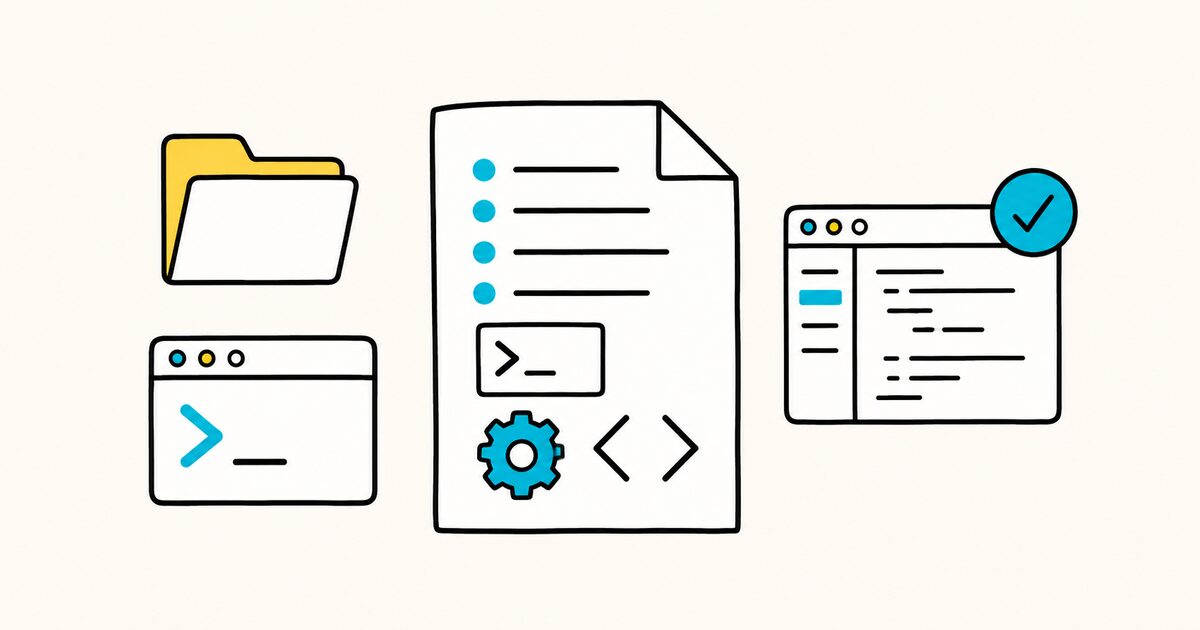
The file uses ordinary Markdown and has no required schema. Most projects begin with one file at the repository root. Larger repositories can add more specific instructions inside individual packages.
Its usefulness depends on the instructions themselves. Accurate commands and clear boundaries help. Generic advice does not.
AGENTS.md at a glance
| Property | Value |
|---|---|
| File name | AGENTS.md |
| Format | Plain Markdown with no required headings |
| Recommended location | Repository root, plus nested files where local rules differ |
| Typical content | Repository map, commands, conventions, boundaries, and validation |
| Precedence | The closest applicable file wins; explicit user instructions take priority |
| Governance | Agentic AI Foundation, a Linux Foundation project |
AGENTS.md Key facts
AGENTS.mdis a plain Markdown file at the repository root that gives coding agents project context and instructions.- There are no required fields or fixed schema. Use whatever Markdown headings make sense for your project.
- A large monorepo can place nested
AGENTS.mdfiles in subprojects, and the agent reads the nearest one to the file it is editing. - Supported agents can use listed build and test commands during a task; exact behavior still depends on the tool, permissions, and user request.
- It is read across a broad ecosystem, including OpenAI Codex, Cursor, GitHub Copilot's coding agent, Gemini CLI, Jules, Aider, Zed, and Windsurf.
- It is an open format stewarded by the Agentic AI Foundation under the Linux Foundation.
What AGENTS.md is for
A README explains the project to people. It usually covers installation, features, and contribution basics.
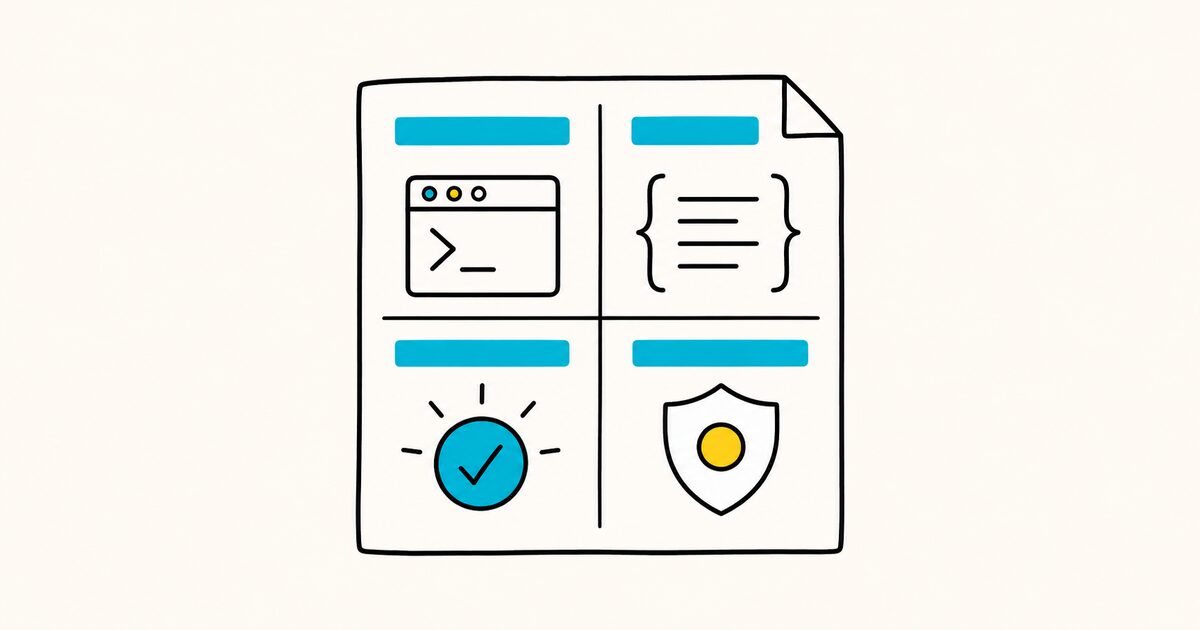
A coding agent needs more operational detail. Useful examples include exact build commands, focused test commands, code conventions, and security boundaries.
Putting all of those details in the README can obscure the human onboarding path. Leaving them undocumented makes an agent infer project rules from incomplete evidence. AGENTS.md gives operational instructions a predictable home while the README remains focused on people.
Use it for facts that are easy to miss and expensive to get wrong: the correct package manager, the fastest relevant test command, generated directories, architectural boundaries, secrets handling, and the definition of done.
A minimal AGENTS.md example
AGENTS.md is just Markdown. Here is a small, complete file:
# AGENTS.md

## Setup commands
- Install deps: `pnpm install`
- Start dev server: `pnpm dev`
- Run tests: `pnpm test`

## Code style
- TypeScript strict mode
- Single quotes, no semicolons
- Use functional patterns where possible
Nothing here is mandatory. The headings above are common choices, but an agent simply parses whatever text you provide, so you can add or drop sections freely. For the heading and list syntax itself, see Markdown on GitHub.
Copyable AGENTS.md template
Replace every bracketed placeholder. Delete sections that do not apply rather than leaving vague filler in the file.
# AGENTS.md

## Project overview
- Purpose: [one sentence]
- Main application: `[path]`
- Important packages: `[paths and roles]`

## Setup
- Required runtime: `[version]`
- Install dependencies: `[exact command]`
- Start development: `[exact command]`

## Validation
- Run the relevant test: `[command with file or package filter]`
- Run the full test suite: `[exact command]`
- Lint: `[exact command]`
- Type-check: `[exact command]`
- Build: `[exact command]`

## Code conventions
- [specific rule that is not reliably inferred from the code]
- [preferred pattern, with an existing file as an example]
- [formatting or naming rule]

## Scope and safety
- Do not edit: `[generated, vendored, or sensitive paths]`
- Never commit: `[secrets, local data, build output]`
- Ask before: `[deployment, migration, destructive operation]`

## Pull requests
- Keep changes scoped to the request.
- Summarize changed behavior and verification performed.
- Use title format: `[format]`
This template is a starting structure, not a standard. The best file is the shortest one that reliably prevents mistakes in your repository.
What to put in it
Popular sections, and the kind of thing that belongs in each:
| Section | What goes here |
|---|---|
| Project overview | One or two lines on what the project is |
| Setup commands | Install, build, and dev-server commands |
| Testing instructions | How to run the full suite and a single test |
| Code style | Language mode, formatting, patterns to prefer |
| PR instructions | Title format, checks to run before committing |
| Security considerations | Secrets handling, sensitive paths, and actions that require approval |
| Architecture boundaries | Dependency direction, public APIs, and generated code |
| Definition of done | Required checks and evidence to report |
Include information the agent cannot safely infer from the repository. Add the exact commands needed to verify its work.
Link to longer documentation instead of copying it when the detail is not needed for every task.
Write instructions an agent can verify
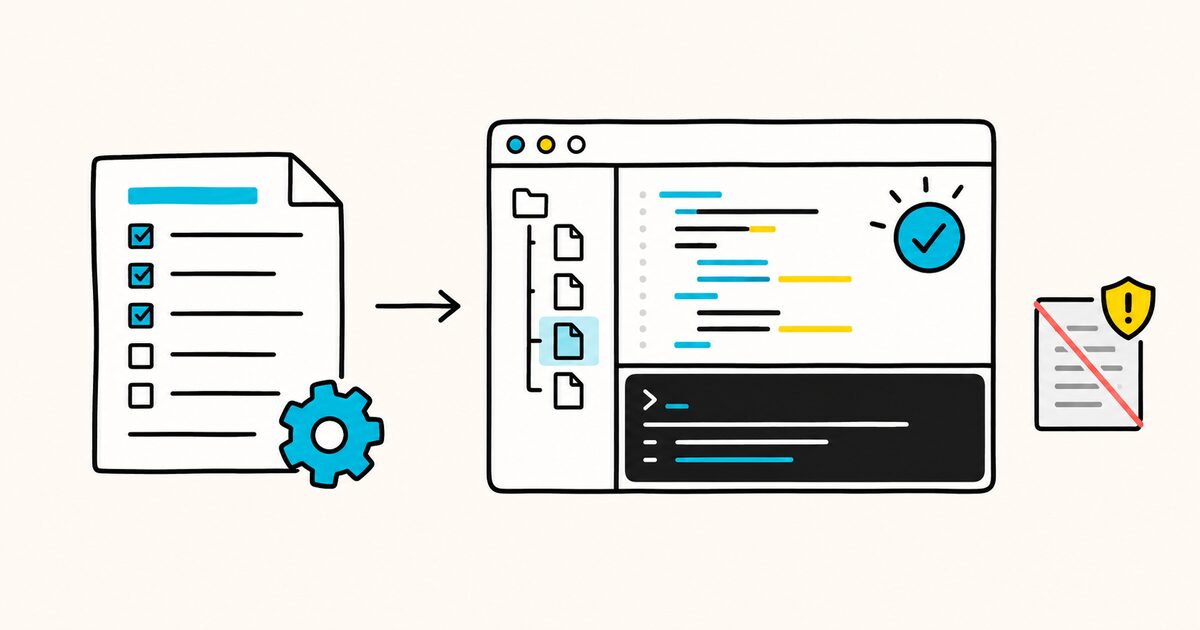
Concrete instructions are easier to follow and audit than broad preferences.
| Weak instruction | Stronger instruction |
|---|---|
| Write clean code | Match the service pattern in src/services/user.ts; do not add a second data-access layer |
| Test your changes | Run pnpm test --filter api for API changes and report the result |
| Be careful with migrations | Do not generate or apply database migrations unless the user explicitly requests one |
| Follow our style | Run pnpm lint; use single quotes and no default exports in packages/ui |
| Do not break anything | Preserve the public functions exported from src/index.ts; add a regression test for behavior changes |
Do not invent commands while drafting the file. Read the package scripts and CI configuration, then run the commands when practical. An incorrect command repeated with confidence is worse than leaving the section out.
Where it lives, and nested files
Put the main AGENTS.md at the repository root.
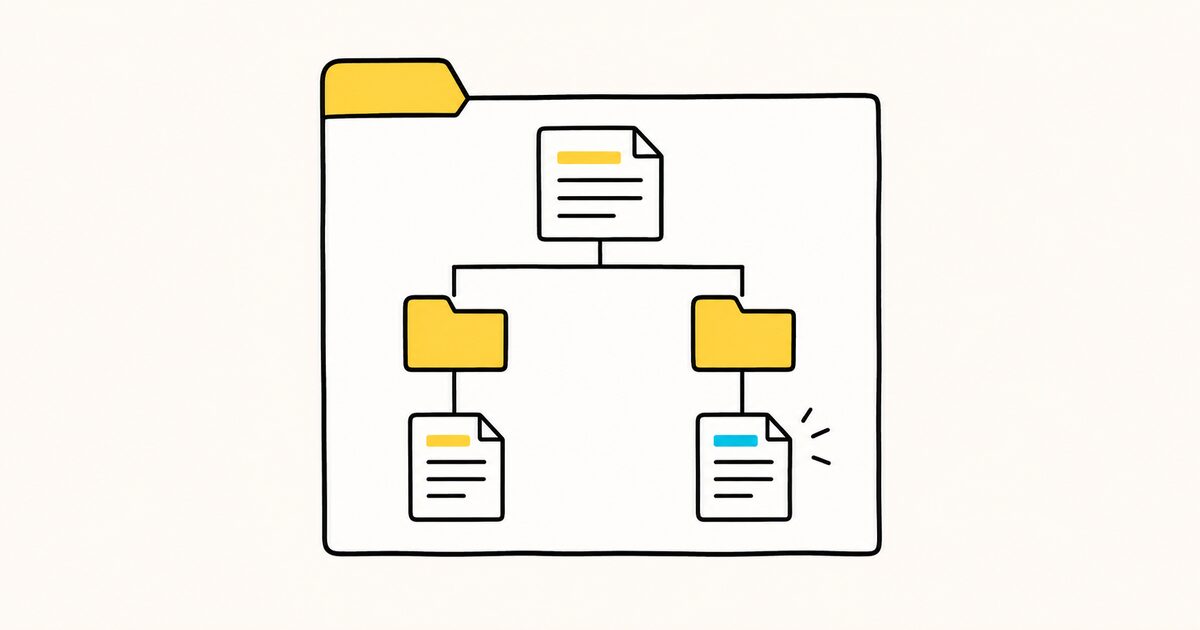
In a monorepo, add another AGENTS.md inside a package when its rules differ. The closest applicable file takes precedence, so each package can define its own commands without changing the rules for the rest of the repository.
When instructions conflict, the file closest to the code being edited wins, and an explicit instruction you type in chat overrides everything.
For example:
repository/
├── AGENTS.md
├── apps/
│   └── web/
│       └── AGENTS.md
└── packages/
    └── payments/
        └── AGENTS.md
The root file should hold rules shared by the whole repository. apps/web/AGENTS.md should add or override only web-specific guidance. packages/payments/AGENTS.md can define stricter validation or security rules for that package. Avoid copying the entire root file into every directory, because duplicated rules drift.
How to test whether the file helps
Support for AGENTS.md does not make every instruction reliable. Test the file with a small, representative task and review four things:
- Did the agent find the correct package without scanning unrelated directories?
- Did it use the exact install, test, lint, and build commands?
- Did it respect the edit boundaries and local conventions?
- Did it report what it actually verified rather than claiming a check it did not run?
When a failure reveals missing repository context, update the file with the smallest instruction that would prevent the same class of mistake. Do not turn one unusual incident into a permanent rule unless it is likely to recur.
Which tools read AGENTS.md
The official AGENTS.md site maintains the current support list. It includes tools such as:
- OpenAI Codex, Cursor, GitHub Copilot's coding agent, Gemini CLI, and Jules;
- Aider, Zed, Warp, VS Code, Devin, RooCode, and Windsurf.
Support details can differ by tool and version. Confirm discovery and precedence rules in the documentation for the agent you use.
A couple of tools need a one-line pointer. Aider reads it when you set read: AGENTS.md in .aider.conf.yml. Gemini CLI reads it when you set the context file name in .gemini/settings.json:
{ "context": { "fileName": "AGENTS.md" } }
AGENTS.md vs README
| AGENTS.md | README.md | |
|---|---|---|
| Audience | AI coding agents | People |
| Content | Build, test, style, conventions | What the project is, how to contribute |
| Detail level | As detailed as the agent needs | Concise and welcoming |
| Common reader | Supported coding agents | People browsing the repository |
They are complements, not substitutes. Keep the README human-friendly and let AGENTS.md carry the operational detail. For the human side, see how to write a README.
AGENTS.md and tool-specific instruction files
Some tools also support their own instruction files. Keep shared repository facts in AGENTS.md when the tools you use support it.
Put genuinely tool-specific behavior in the vendor file, or add a short pointer if the tool requires one. Avoid maintaining several full copies of the same instructions because they will eventually conflict.
AGENTS.md vs AGENT.md
The canonical name is plural, AGENTS.md. Some earlier tools looked for the singular AGENT.md. If you have an old AGENT.md, rename it and leave a symlink for backward compatibility:
mv AGENT.md AGENTS.md && ln -s AGENTS.md AGENT.md
Where AGENTS.md came from
The format emerged from collaboration across the AI development ecosystem rather than from one vendor. Contributors included teams behind OpenAI Codex, Amp, Jules, Cursor, and Factory.
The shared name reduces the need to maintain equivalent instructions for every agent. The Agentic AI Foundation, under the Linux Foundation, now stewards the format.
How it fits with other agent files
AGENTS.md is the "behavior" layer of a small family of Markdown files agents read. Alongside it sit SKILL.md for packaged skills and DESIGN.md for visual design. For the whole picture, see Markdown files for AI agents.
Common AGENTS.md mistakes
- Restating the whole README: this consumes context without giving the agent new operational guidance.
- Using vague quality language: “best practices” and “production-ready” mean little without observable requirements.
- Listing stale commands: verify commands against the current repository and CI setup.
- Adding every preference: long files make critical safety and validation rules harder to find.
- Duplicating nested files: write local differences instead of copying the root instructions.
- Putting secrets in the file: document how secrets are supplied, never the secret values.
- Treating prose as enforcement: use permissions, protected branches, CI, and secret scanning for hard controls.
Maintenance checklist
Review AGENTS.md when the runtime, package manager, CI workflow, repository layout, or release process changes. During review, confirm that:
- every command still exists and works from the stated directory;
- paths and package names are current;
- nested files do not contradict the root unintentionally;
- safety rules distinguish “never” from “ask first”;
- the required validation is proportional to the type of change;
- old incident-specific rules can be removed or generalized.
Official reference
The canonical overview, examples, supported-tool list, precedence description, and FAQ are maintained at agents.md. Tool behavior can change, so check the documentation for the coding agent you actually use before promising automatic discovery or execution.
FAQ
What is AGENTS.md?
AGENTS.md is an open Markdown file that gives coding agents repository instructions. It commonly covers setup, tests, code conventions, and project boundaries. The format has no required fields.
How do I create an AGENTS.md file?
Create a file named AGENTS.md at the root of your repository and add Markdown sections for the things an agent needs: setup commands, how to run tests, code style, and PR rules. There is no required format, so use whatever headings fit your project.
What is the difference between AGENTS.md and README?
A README is written for humans and covers what the project is and how to contribute. AGENTS.md is written for coding agents and holds the detailed build, test, and convention instructions an agent needs. They work together.
Is AGENTS.md just Markdown?
Yes. It is standard Markdown with no required fields or schema. An agent parses whatever headings and text you include, so you can structure it however you like.
Where do I put AGENTS.md in a monorepo?
Put one at the repository root, and add nested AGENTS.md files inside individual packages. Agents read the nearest file to the code they are editing, so each subproject can have its own tailored instructions.
Which AI tools read AGENTS.md?
Many, including OpenAI Codex, Cursor, GitHub Copilot's coding agent, Gemini CLI, Jules, Aider, Zed, Warp, Devin, and Windsurf. One file works across the whole ecosystem.
Is it AGENTS.md or AGENT.md?
The standard name is the plural AGENTS.md. If you have an older singular AGENT.md, rename it to AGENTS.md and add a symlink so older tools still find it.
Will an agent run the commands in AGENTS.md?
Supported agents can use listed test or build commands, but execution depends on the tool, its permissions, and the task. Check the agent's documentation and review its reported verification. Instructions you type directly in chat take precedence over the file.
Related pages
- Markdown files for AI agents
- DESIGN.md explained
- How to write a README
- Markdown on GitHub
- Markdown front matter