
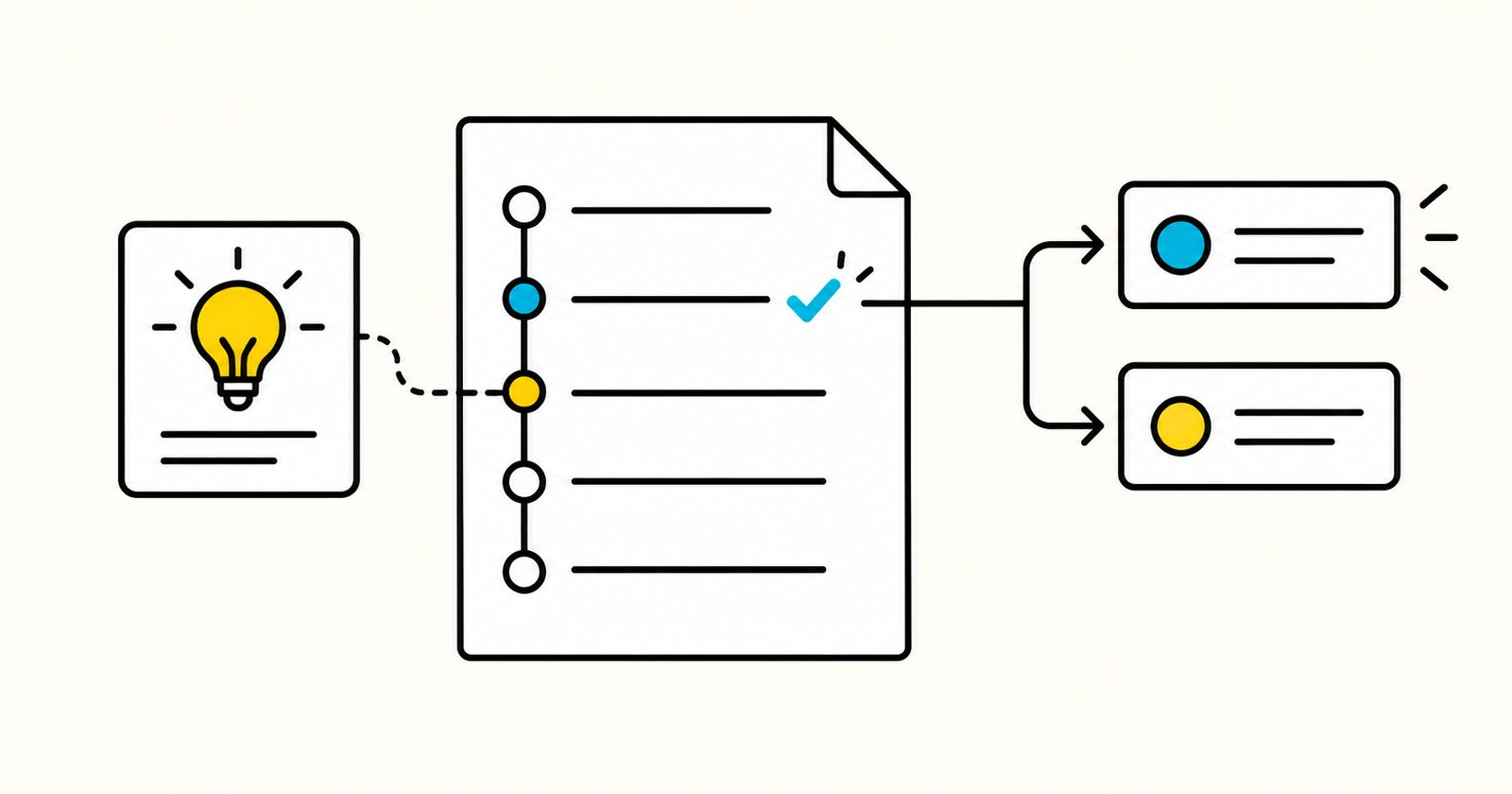
The log prevents teams from repeatedly reopening settled questions because the original meeting or message is difficult to find.
Decision log at a glance
| Field | Purpose |
|---|---|
| Decision ID | Gives every choice a durable reference |
| Decision statement | Records the operative choice in one sentence |
| Decider | Identifies the person or group with authority |
| Rationale | Preserves why the option was chosen |
| Consequences | Shows what changes and which trade-off was accepted |
| Review trigger | Prevents permanent decisions from outliving their assumptions |
| Status | Marks a decision proposed, active, superseded, or reversed |
Copyable Markdown decision log template
# Decision log: [Project or team]

## Decision index
| ID | Date | Decision | Decider | Status | Review trigger |
|---|---|---|---|---|---|
| DEC-001 | YYYY-MM-DD | [Decision] | [Name] | Active | [Date or condition] |

## DEC-001: [Short title]

**Status:** Proposed / Active / Superseded / Reversed
**Decision date:** YYYY-MM-DD
**Decider:** [Name or role]
**Review date or trigger:** [Date or condition]

### Decision question
[The question requiring a decision.]

### Context and constraints
- [Relevant fact, deadline, policy, budget, or dependency]

### Options considered
| Option | Benefits | Costs or risks | Evidence |
|---|---|---|---|
| [Option] | [Benefits] | [Trade-offs] | [Link or fact] |

### Decision
[One operative sentence.]

### Rationale
[Why this option was selected.]

### Consequences
- [What changes now]
- [Trade-off accepted]

### Actions
- [ ] [Action] · **Owner:** [Name] · **Due:** YYYY-MM-DD
What decisions belong in the log?
Record a decision when forgetting it would create rework, disagreement, risk, or an inconsistent customer or operational outcome.
Examples include:
- approving a project scope or change;
- selecting a supplier or campaign direction;
- accepting a documented risk;
- changing a policy or operating process;
- setting a launch date or market sequence;
- deciding which option not to pursue.
Do not log every routine task choice. The administrative cost should be lower than the cost of losing the decision.
How to write a clear decision entry
State the decision, not the discussion
Write “Launch the English version on 15 October and release French after translation approval” instead of “Discussed launch options.”
Name the authority
Contributors provide evidence and advice. The decider has the authority to choose. Record both when the distinction matters.
Preserve the rejected options
The reason for rejecting an option often becomes important later. Use the same criteria for each option: benefit, cost, time, risk, and evidence.
Add a review trigger
Some decisions should change when an assumption changes. A review trigger might be a date, cost threshold, customer result, policy change, or new evidence.
Supersede instead of rewriting history
Do not silently replace an old decision. Mark it superseded and link to the new entry. The history explains why the team behaved differently at different times.
Completed decision example
## DEC-014: Split the language launch

**Status:** Active
**Decision date:** 2026-10-02
**Decider:** Campaign sponsor
**Review trigger:** French approval arrives before 2026-10-08

### Decision
Launch English on 15 October. Release French after the translated copy passes compliance review.

### Rationale
Delaying both markets would lose the contracted English media window. A split launch adds operational work but does not change the approved English experience.

### Consequences
- Regional reporting must separate the two launch dates.
- The French campaign requires a second release checklist.
Decision log versus meeting notes
Meeting notes capture one event: attendees, discussion, decisions, and actions.
A decision log gathers important decisions across many meetings, messages, and approvals. The meeting note should link to the decision ID, while the decision entry links back to its evidence.
Decision log versus ADR
An architecture decision record explains one consequential technical or architectural choice in depth.
A general decision log covers business, project, policy, operational, and product choices. A technical project can use the log as an index and link individual architecture decisions to separate ADRs.
Common decision-log mistakes
- Recording discussion without an operative decision.
- Omitting the person or group with authority.
- Writing rationale as “best option” without evidence.
- Leaving out the do-nothing option where it was realistic.
- Treating every small choice as a formal decision.
- Editing old entries instead of superseding them.
- Failing to link actions and affected documents.
Decision log FAQ
Who should maintain the decision log?
Assign one owner for the register. Individual decision owners still confirm that their entries are accurate.
Should every decision have a review date?
Not always. Use a date or trigger when the decision depends on conditions that may change. Permanent policy or contractual decisions may follow a different review process.
Can a decision be reversed?
Yes. Mark the original entry reversed or superseded and create a new entry explaining the evidence and authority for the change.
Is a decision log legally binding?
Not automatically. Formal approvals, contracts, board minutes, and regulated records may require a prescribed process. Use the log as an operational record, not a substitute for required documentation.
Should rejected options be included?
Include material alternatives and why they were rejected. This is often the most valuable context when the decision is questioned later.