
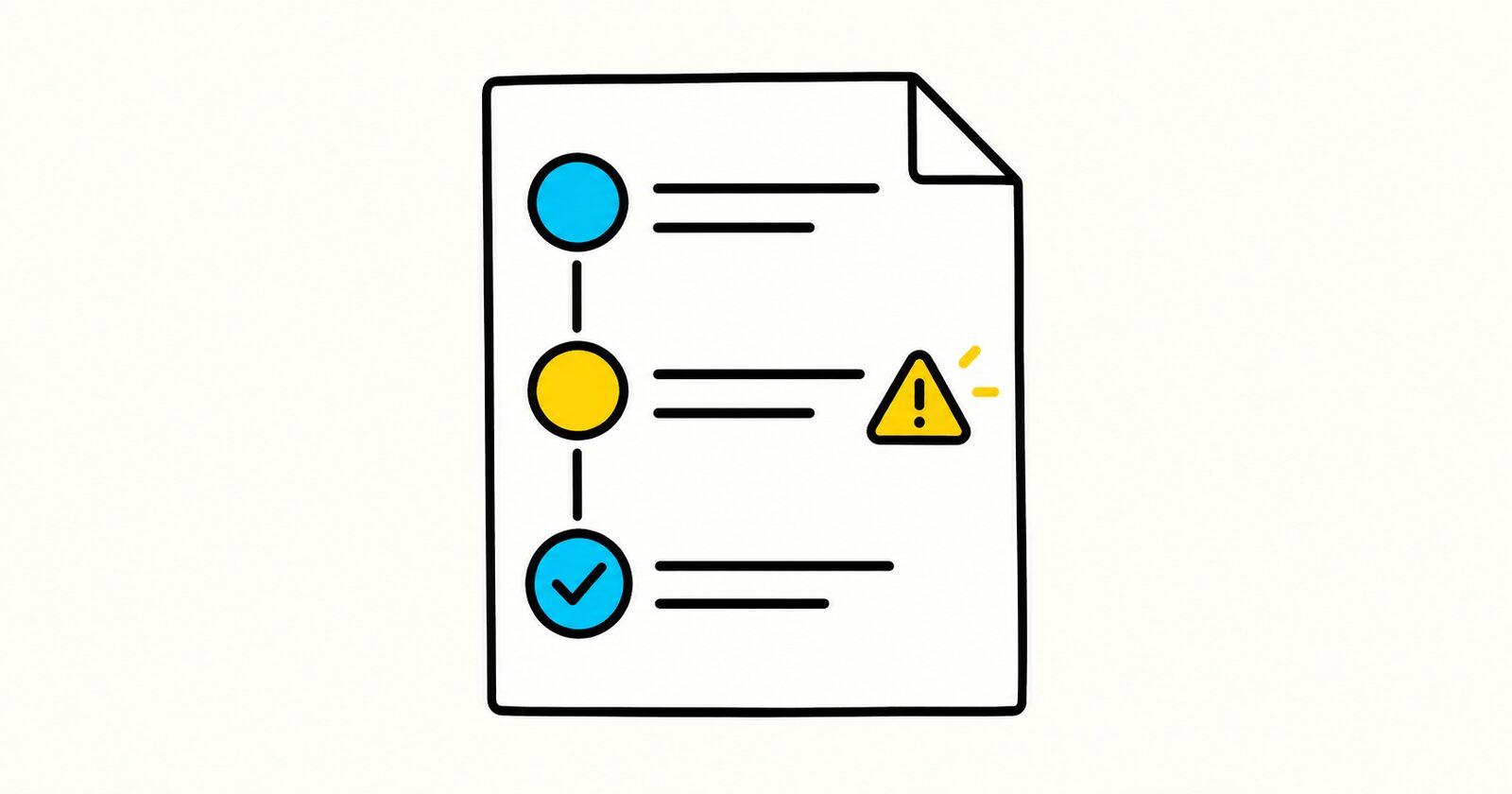
SOP key facts
- Give the procedure an owner, version, effective date, and review date.
- Use imperative steps that each describe one action.
- Add an expected result or verification point after critical steps.
- State when the operator must stop and escalate.
- Record controlled revisions instead of silently replacing instructions.
Copyable Markdown SOP template
# Standard operating procedure: [Procedure name]

**SOP ID:** [ID]
**Owner:** [Role or team]
**Version:** 1.0
**Effective date:** YYYY-MM-DD
**Review date:** YYYY-MM-DD
**Approved by:** [Name and role]

## Purpose
[State the outcome this procedure produces.]

## Scope
**Applies to:** [People, systems, locations, or cases]
**Does not apply to:** [Exceptions]

## Roles and responsibilities

| Role | Responsibility |
|---|---|
| [Role] | [What the role must do] |

## Prerequisites
- [Access, training, equipment, approval, or input]

## Procedure

### 1. [Action name]
1. [Specific instruction]
2. [Verification step]

**Expected result:** [Observable result]
**If it fails:** [Recovery or escalation]

## Completion checklist
- [ ] Required records are complete.
- [ ] Output has been verified.
- [ ] Exceptions have been documented and escalated.

## Exceptions and escalation

| Condition | Stop or continue? | Escalate to | Required record |
|---|---|---|---|
| [Condition] | Stop | [Role] | [Record] |

## Records and retention

| Record | Location | Owner | Retention |
|---|---|---|---|
| [Record] | [System or folder] | [Role] | [Period] |

## Revision history

| Version | Date | Change | Author | Approver |
|---|---|---|---|---|
| 1.0 | YYYY-MM-DD | Initial release | [Name] | [Name] |
Validate an SOP before release
Ask a qualified person who did not write the SOP to follow it in a safe test environment. Revise any step that requires undocumented knowledge. For safety, legal, medical, or regulated work, obtain the required specialist approval before use.
Write steps that operators can follow
Begin each step with a verb and keep one main action per numbered item. Name the system, control, file, or field exactly. Add screenshots only when they teach a visual choice that prose cannot express reliably, and update them when the interface changes.
Do not hide critical warnings inside long paragraphs. Put the control before the risky action and state what condition requires the operator to stop.
Control the document
Define one approved source, limit who can change it, and retain revision history. A review date is not an expiry date, but it should trigger confirmation that tools, roles, links, controls, and escalation contacts are still current. Archive obsolete versions so staff do not follow two competing procedures.
Completed SOP step example
Verify the backup before deployment
- Open the backup dashboard for the production database.
- Confirm that the latest backup completed successfully within the previous 24 hours.
- Record the backup ID in the deployment ticket.
Expected result: A successful backup ID and timestamp are recorded before deployment begins.
Stop and escalate if: No successful backup exists within 24 hours, the restore test is overdue, or the operator cannot access the backup record.
This is safer than “Check backups” because it defines the system, condition, evidence and stop rule.
SOP versus checklist
A checklist confirms that known actions were completed. An SOP also explains scope, roles, prerequisites, sequence, verification, exceptions and records. A mature process may use an SOP for training and a short checklist during execution.
SOP template FAQ
How detailed should an SOP be?
Detailed enough for a qualified reader to complete the work without undocumented knowledge. Do not explain basic professional skills the intended operator already has.
Who approves an SOP?
The process owner and any required safety, legal, security, quality or regulatory reviewer should approve it before use.
How often should an SOP be reviewed?
Set a risk-based review cycle and review it sooner after an incident, tool change, control change or repeated operator confusion.