
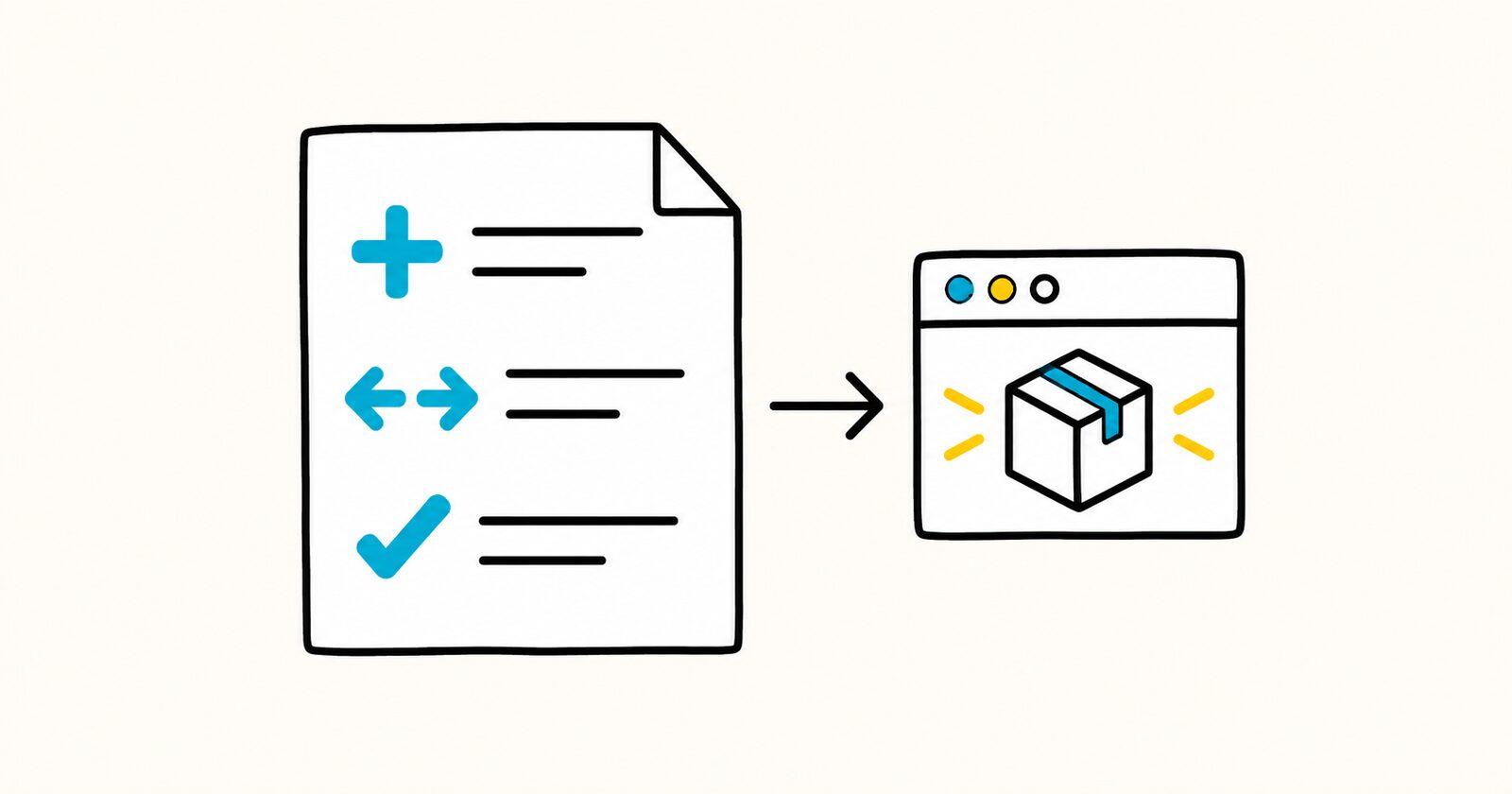
Release notes key facts
- Lead with user impact, not internal implementation.
- Identify breaking changes and required actions clearly.
- Separate Added, Changed, Fixed, Deprecated, Removed, and Security items.
- Link issues or pull requests when the audience can access them.
- Do not disclose exploitable security details before coordinated disclosure is safe.
Copyable Markdown release notes template
# [Product] [version] release notes

**Release date:** YYYY-MM-DD
**Version:** [Version]
**Audience:** [Users, administrators, developers]

## Summary
[Explain the main value in 1–3 sentences.]

## Highlights
- **[Feature name]:** [User-facing benefit and how to use it.]

## Added
- [New capability] ([Issue or PR])

## Changed
- [Changed behavior and affected users] ([Issue or PR])

## Fixed
- [Problem fixed and expected behavior] ([Issue or PR])

## Deprecated
- [Feature] will be removed in [version/date]. Use [replacement].

## Removed
- [Removed feature and migration path]

## Security
- [Improvement or advisory link]

## Breaking changes

### [Change]
**Affected:** [Users or integrations]
**Required action:** [Migration step]
**Deadline:** YYYY-MM-DD

## Upgrade instructions
1. [Prepare or back up]
2. [Upgrade]
3. [Verify]

## Known issues
- [Issue] · **Workaround:** [Workaround] · **Tracking:** [Link]
Release notes versus a commit log
Commits describe code changes for maintainers. Release notes describe outcomes, risks, and required actions for users. Group and rewrite commits instead of publishing them unchanged.
Choose the right level of detail
Put the most important user-visible changes first. Name the affected plan, role, platform, API, or workflow. For a fix, briefly state the earlier failure and the corrected behavior. For a breaking change, provide a migration path and deadline.
A public release note should not expose private issue titles, customer data, secrets, or unresolved vulnerability details. If an issue link is internal, the note must still make sense without it.
Maintain a changelog
Use one section per released version and keep an Unreleased section only when the team updates it consistently. Follow semantic versioning only if the product actually uses that policy. Confirm the release date and shipped changes from the release artifact or deployment record, not from an unverified draft list.
Completed release-note example
Improved: PDF export now keeps internal document links clickable. Existing files need no changes. Exports created before version 4.8 are unchanged; export the document again to receive the fix.
This wording names the user-visible improvement, required action and version boundary. “Refactored PDF link resolver” may be accurate internally, but it does not explain the benefit to users.
Release-note checklist
- Confirm the version and release date from the shipped artifact.
- Lead with changes that affect the reader.
- State migrations, deadlines and breaking behavior explicitly.
- Include workarounds for known issues where possible.
- Test every public link and command.
- Remove internal-only identifiers and confidential details.
Release notes FAQ
Are release notes and a changelog the same?
They overlap, but release notes explain one release to its audience. A changelog is the chronological record across releases.
Should every commit appear?
No. Combine implementation work into meaningful user-facing changes. Keep low-level history in version control.
Where should security fixes appear?
State the affected versions, fixed version and safe action. Coordinate sensitive details with the responsible security process before publishing them.