Features
Pricing
Write and export
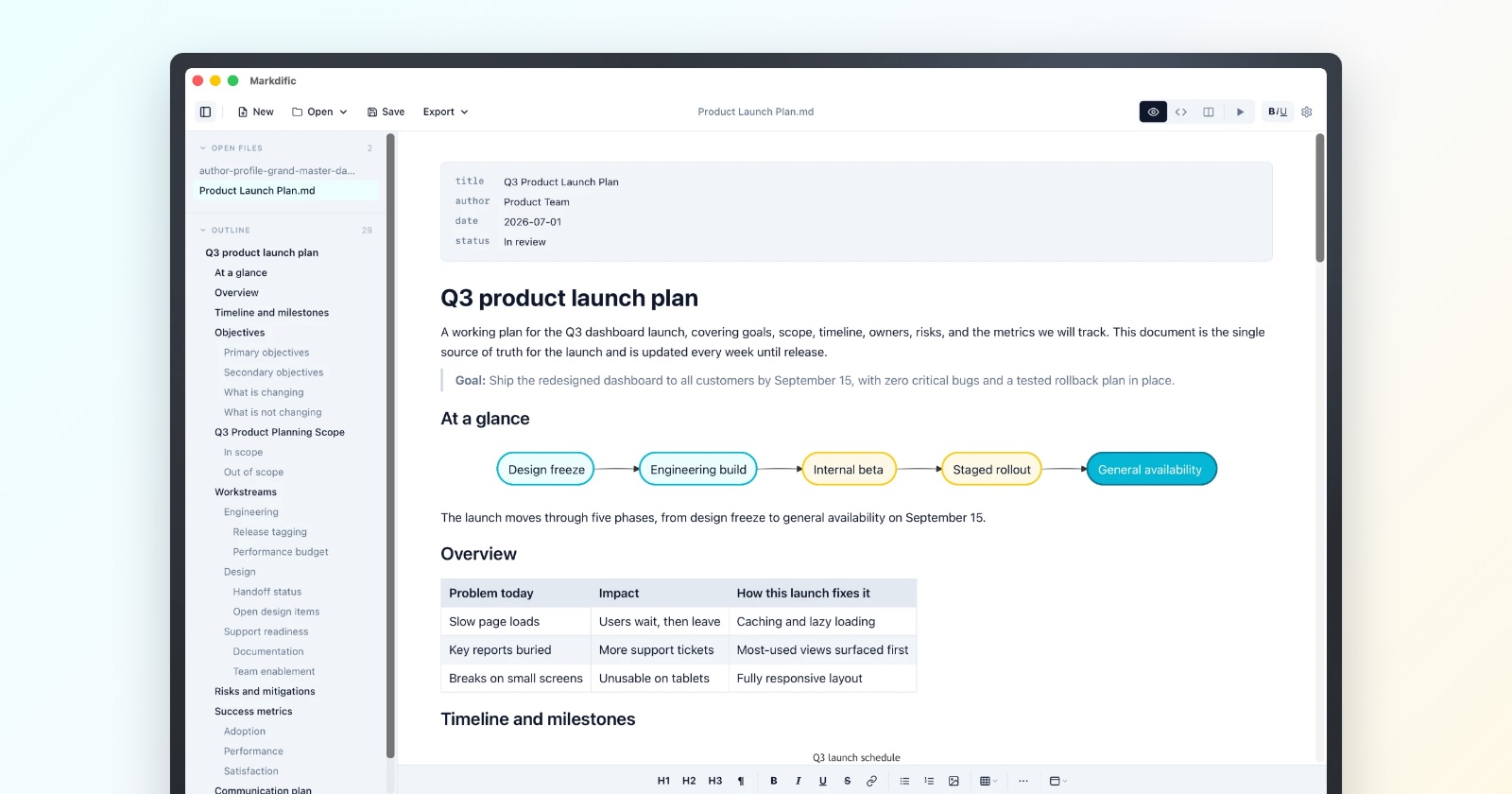
WYSIWYG editingEdit the formatted document; saves plain .md.
Source and split viewsRaw Markdown beside a live preview.
Export to 14 formatsPDF, Word, HTML, EPUB, LaTeX and more.
Code, math and diagramsHighlighting, KaTeX and Mermaid, rendered in place.
Themes and presentationFive themes, five fonts, full-screen reading.
Files and outlineOpen files in the sidebar, jump by heading.
Quick Look on MacPress Space in Finder to preview a .md file.
Free vs premiumWhat is free, and what the $14.99 unlocks.
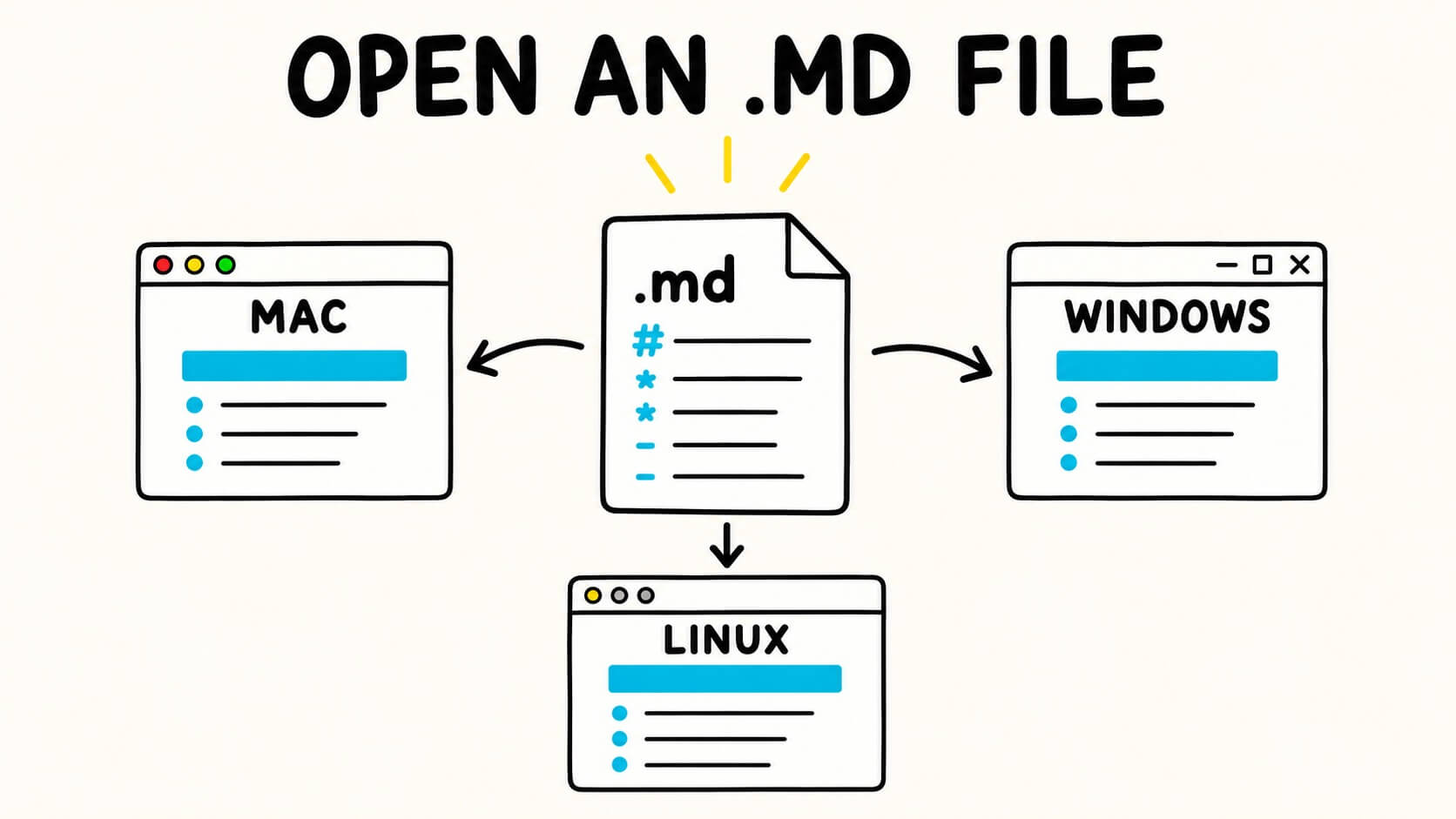
Download MarkdificInstallers for Mac, Windows and Linux.
Resources
Changelog
Contact
Learn Markdown
Markdown Docs
Every markdown element, with examples and HTML output.
Markdown Cheat Sheet
Every markdown syntax with copy-paste examples.
Guides
In-depth guides for Markdown in your tools.
Markdown Templates
27 free templates for meetings, plans and docs.
Blog
Guides and tips for working with markdown.
Markdown Viewer & EditorOpen, read and edit .md files online.
Markdown to WordConvert Markdown to an editable .docx.
Markdown to PDFSave Markdown as a paginated PDF.
Markdown to TextStrip Markdown to clean plain text.
Markdown to ImageTurn Markdown into a PNG or JPG.
Markdown to HTMLClean HTML, or copy for Word.
Download MarkdificInstallers for Mac, Windows and Linux.